2-9
・When the “Sensor” is selected, the printing phase is sequentially printed from
0 phase to 15(f) phase every time the sensor is input. (16 printings in total form
one cycle)
When you want to stop the printing in midstream, the printing can be interrupted by
selecting Abort.
・When selecting “For test”, the printing conditions are automatically set as described
below.
・ Basic software version before V.1.03
Number of lines : 2
CG : 5×8 dots
Character spacing : 1
Line spacing : 2
Character height
: 99
Character width
:5
Particle use ratio
: f/4
The following shows print data:
■123ABC
■ ■ ■■■■■■■
・ Basic software version after V.1.04
Number of row : one row
CG : 12×16 dots
Character separation : 1
Character height : 99
Character width : 5
Particle usage rate : f/3
The content of printing is as described below.
■123ABC
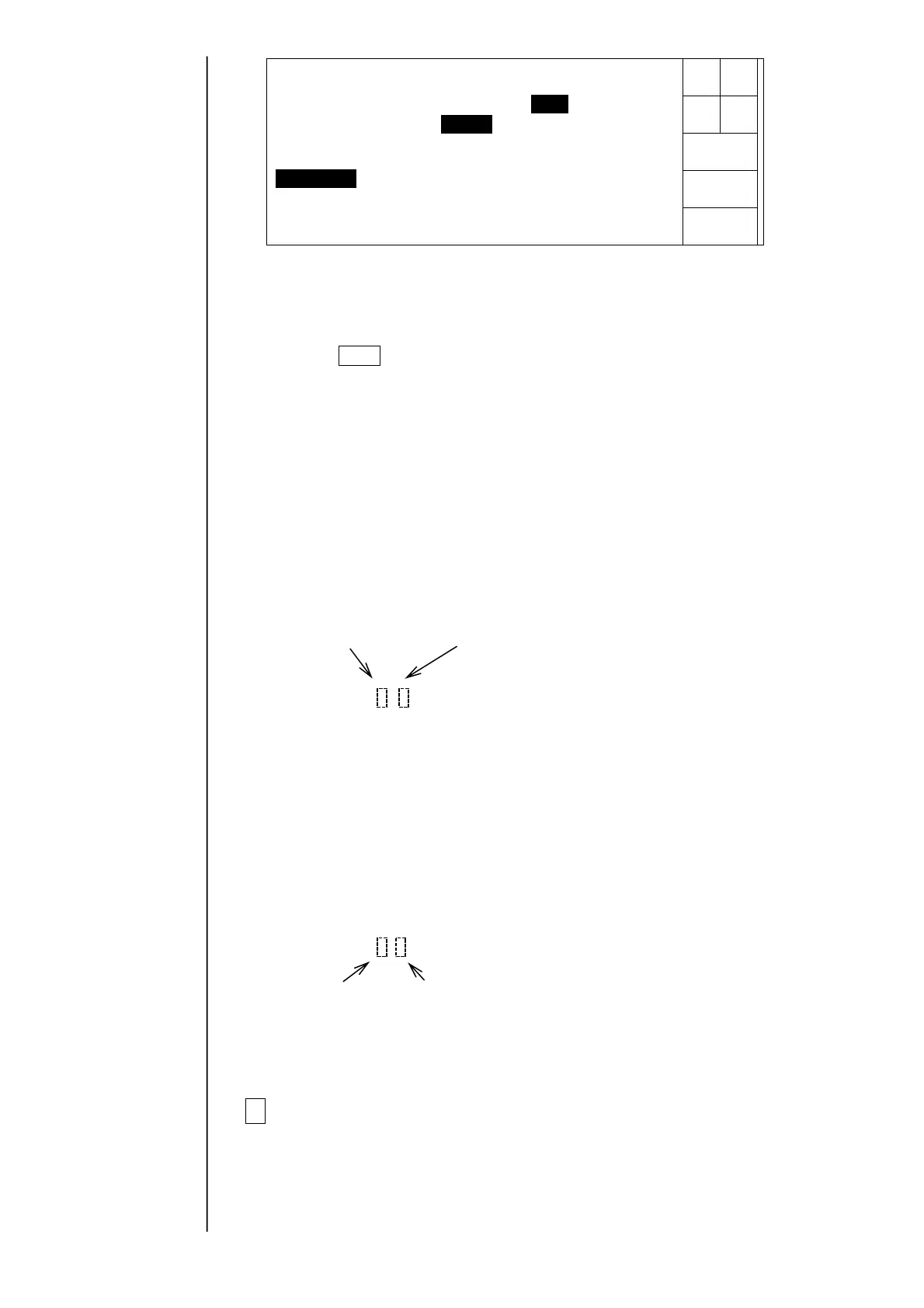
Printed phase Printed phase which is set at present
(16 phases in total (a phase determined to be most suitable)
from 0 to f) (any one from 0 to f)
・When selecting “Data to be displayed”, a printing is performed under the printing
conditions/printing contents set at present.
4Determination method of test.
Observing the print phases of from phase 0 to phase 15 (f), when a printing is not
normally performed in the range of one or more phases in the vicinity of the “print
phase which is set at present”, clogging of nozzles (including a filter) or
deterioration of ink is considered and therefore, perform the washing of nozzles,
the change of filters and the change of ink.
Printingstartsatthepressof[Startprinting].
Phasemargintest
Start
printing
Abort
Printphase1(0-f phase)
Printtiming[1](1:Buttoninput2:Sensor)
Printdata[1](1:Fortest2:Datatobedisplayed)
Status:XXXXX
Printed phases
(0-f: 16 in total)
Current set print phase (the phase judged optimal)
(one of 0-f)



 To Next Page