2-11
The gain of the auto phase detection voltage is automatically adjusted within the
IJ printer. During the automatic adjustment, a processing state is displayed to be
“Acquisition”.
※A target of the auto-phase gain value is about from “20” to “40”.
3After the completion of the automatic adjustment, when the Back button
is pressed, the auto phase detection voltage is output and therefore,
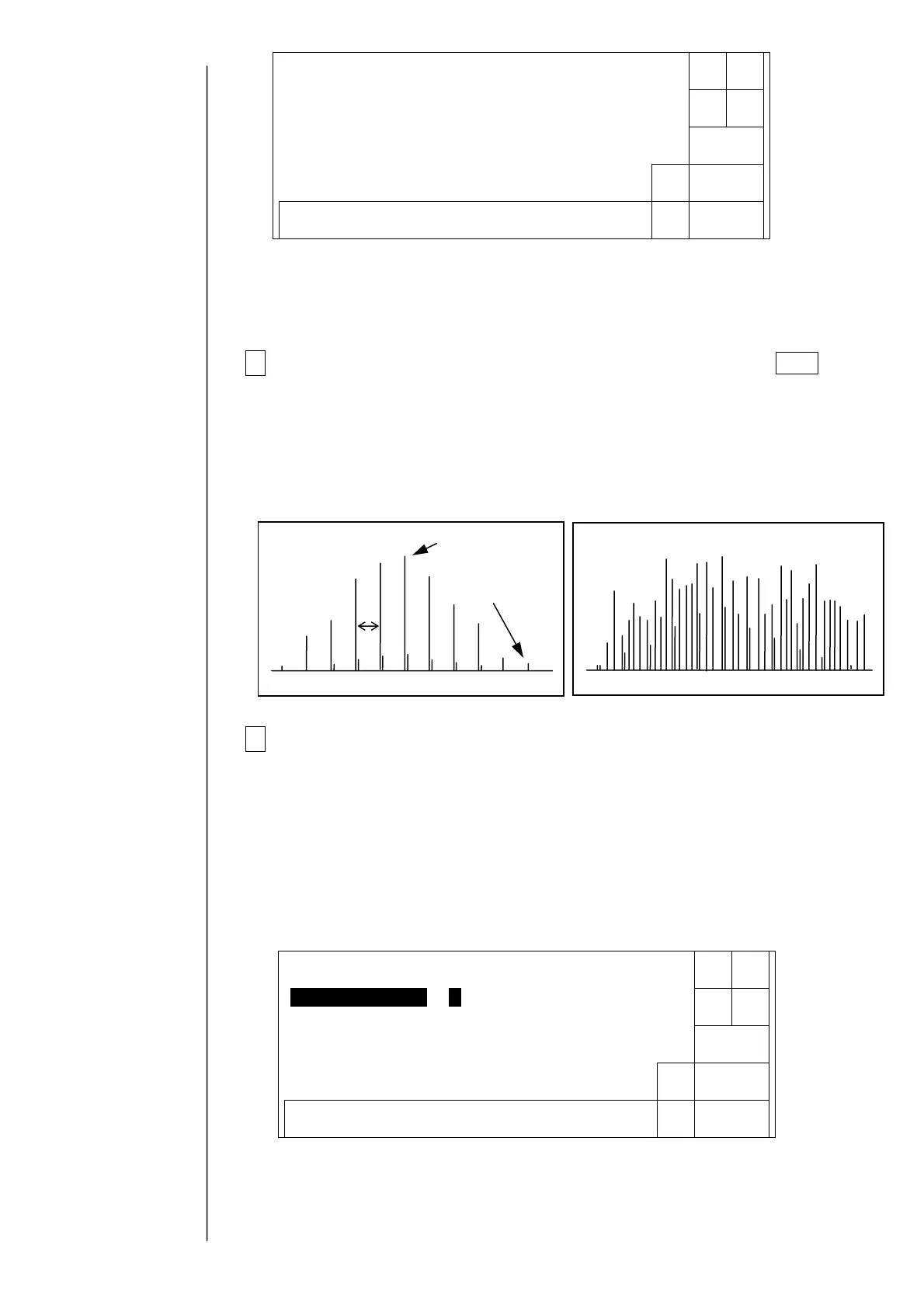
confirm the waveform by an oscilloscope.
Using the oscilloscope, confirm that the voltage of TP1 (APH signal) on the EZJ 94
board / EZJ106 board is from 8 to 10 V as the maximum voltage, 2 V or less as the
minimum voltage, and is “normal” as shown in the following figure.
4When the automatic adjustment is not normally completed or the
waveform is “abnormality”, confirm that the periphery of the gutter part is
made dirty with ink or makeup ink. When dirtiness or the like is present,
wash the periphery of the gutter part, surely dry it and then, perform the
automatic-adjustment again.
Numerical values of the auto phase gain value can also be input by a ten-key. To
the value set at present, if the auto phase gain value is set large, the gain becomes
high, whereas if it is set small, the gain becomes low. When the “return” key is
input, the auto phase detection voltage is output and the auto phase gain value is
reflected.
With respect to positions of
the board and the test pin,
refer to "3.3.2 EZJ94 board /
EZJ106 board".
Normal
Maximum voltage
from 8 to 10 V,
minimum voltage 2
or less
Noise small
Noise large
bnormalit
10ms
Decre-
ment
0987654321
Auto-phasegainadjustment
Incre-
ment
Auto-phasegainvalue [40](2〜62)
← →
Proc.status:Acquisition.
Status:XXXXX
Decre-
ment
Back
0987654321
Auto-phasegainadjustment
Incre-
ment
Auto-phasegainvalue[30](2〜62)
Automatic
acquisition
← →
Failed
Status:XXXXX



 To Next Page