2-28
4 Use Password protection to set the printer to the service personnel
maintenance mode.
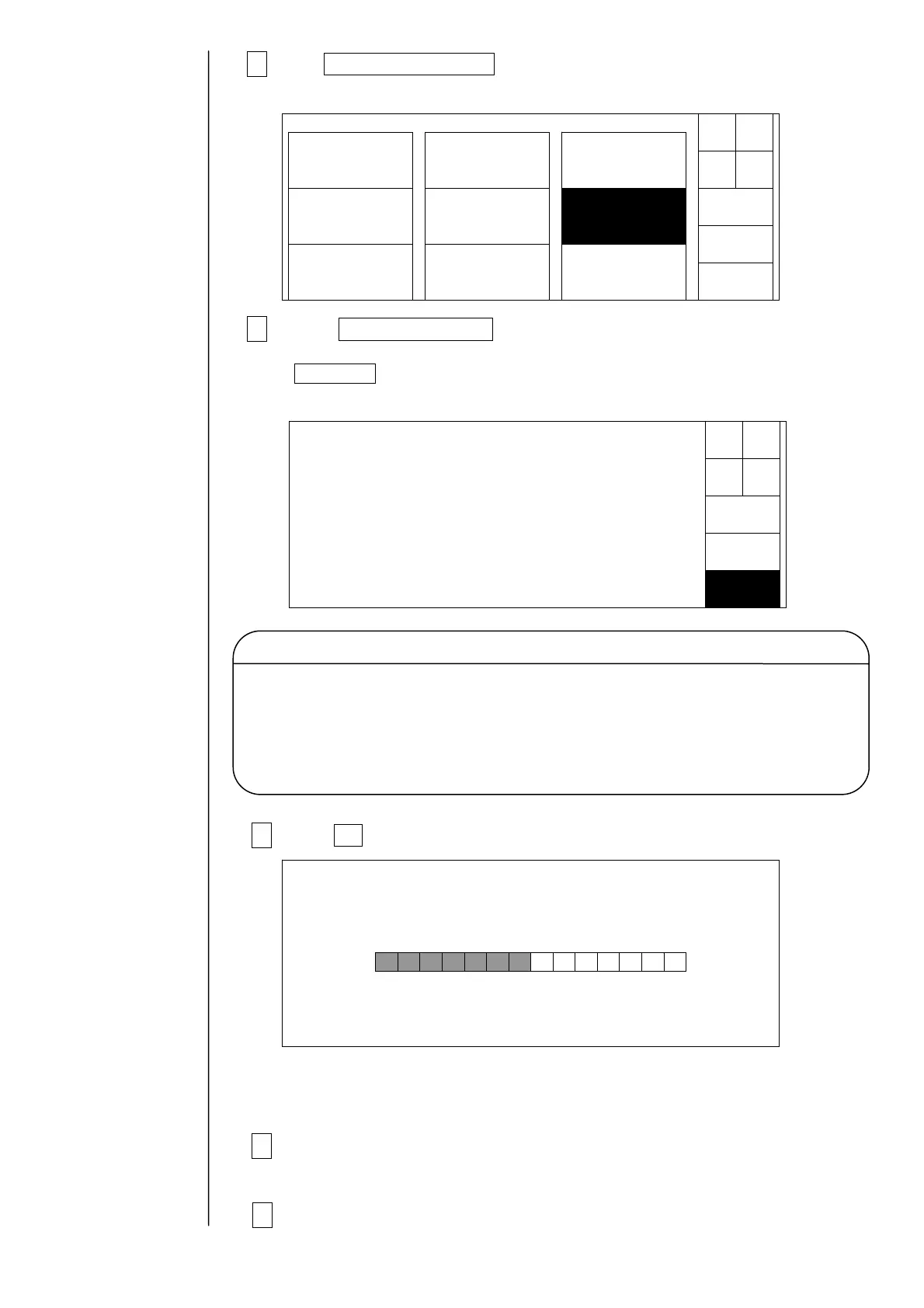
5 Press Language Change on the second page of service maintenance
screen.
If Next menu does not appear in the maintenance menu, use Password protection
to set the printer to the service personnel maintenance mode.
6 Press OK .
The second page of service maintenance screen will be restored: The changed language
will appear on this page.
7 Turn power off and press the ejector (button) to remove the memory
card
from the slot.
8 Reattach the operation panel to printer.
Solenoidvalve/
pumptest
Adjustment/
operationalcheckout
LanguagechangeUnitinformation
Systemreset
System
environmentsetup
Download
Next
menu
Back
Maintenancemenu
Manual
Shut
down
Status:XXXXX
Japanese01.00
English01.00
OK
Languagechange
Cancel
ext
lan-
ua
e
Languageafterchange(Memorycard)
Displaydataischangedbypushing[OK].
Presentlanguage
Status:XXXXX
Languagechange
Waitforaminute.
Language data and software are contained in the memory card for language change.
When the alarm of " language cannot be changed " is displayed, execute the download.
At this point, if the software of memory card is older than IJP, the program version
of IJP becomes old. Therefore memory card should use the thing of the newest version.
Caution



 To Next Page