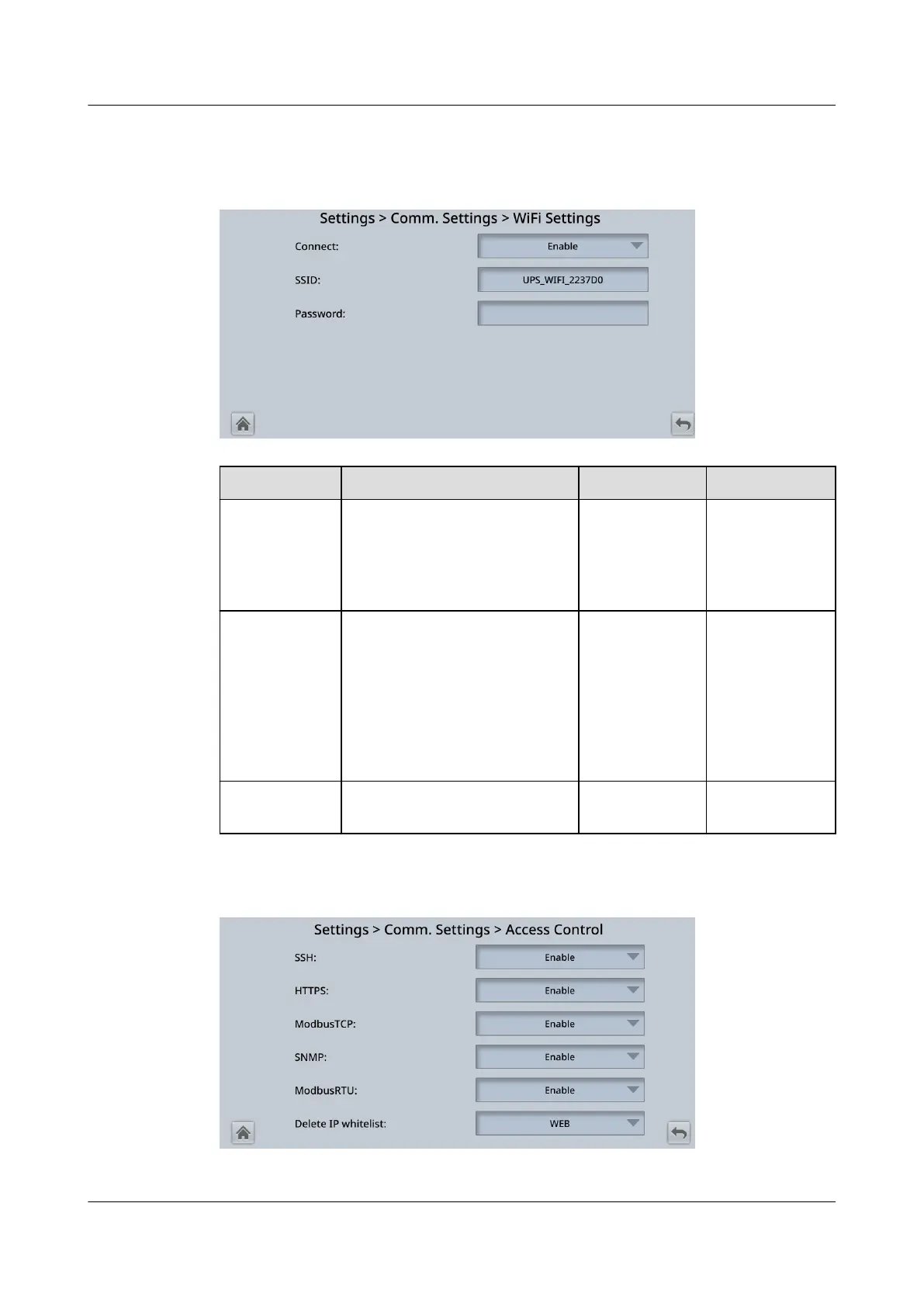
Figure 4-22 WiFi Settings
Item Description Default Value Value Range
Connect If this parameter is set to
Enable, you can implement
the WiFi function by
connecting to the USB WiFi
module.
Disable Disable,
Enable
SSID When using the mobile app
for site deployment or
inspection, set WiFi SSID
after connecting a WiFi
module over a USB port to
identify the WiFi device to
which the mobile phone is
connected.
UPS_WIFI +
Last six
characters of
the MAC
address
-
Password Species the password for
accessing WiFi.
Changeme -
Figure 4-23 Access Control
UPS5000-E-(30 kVA–180 kVA)
User Manual (Integrated UPS) 4 LCD Interface
Issue 02 (2022-12-30) Copyright © Huawei Digital Power Technologies Co., Ltd. 95












 To Next Page