Set PDU Address
After you tap this icon, the UPS reallocates a CAN address to the power
distribution board based on the actual address of the board.
Cryptographic Update
Keys can be updated to reduce the risk of key disclosure.
Lifecycle
On Lifecycle, you can view monitor information such as First Power-on, Arrival
Date, and Service Life.
4.2.6 About
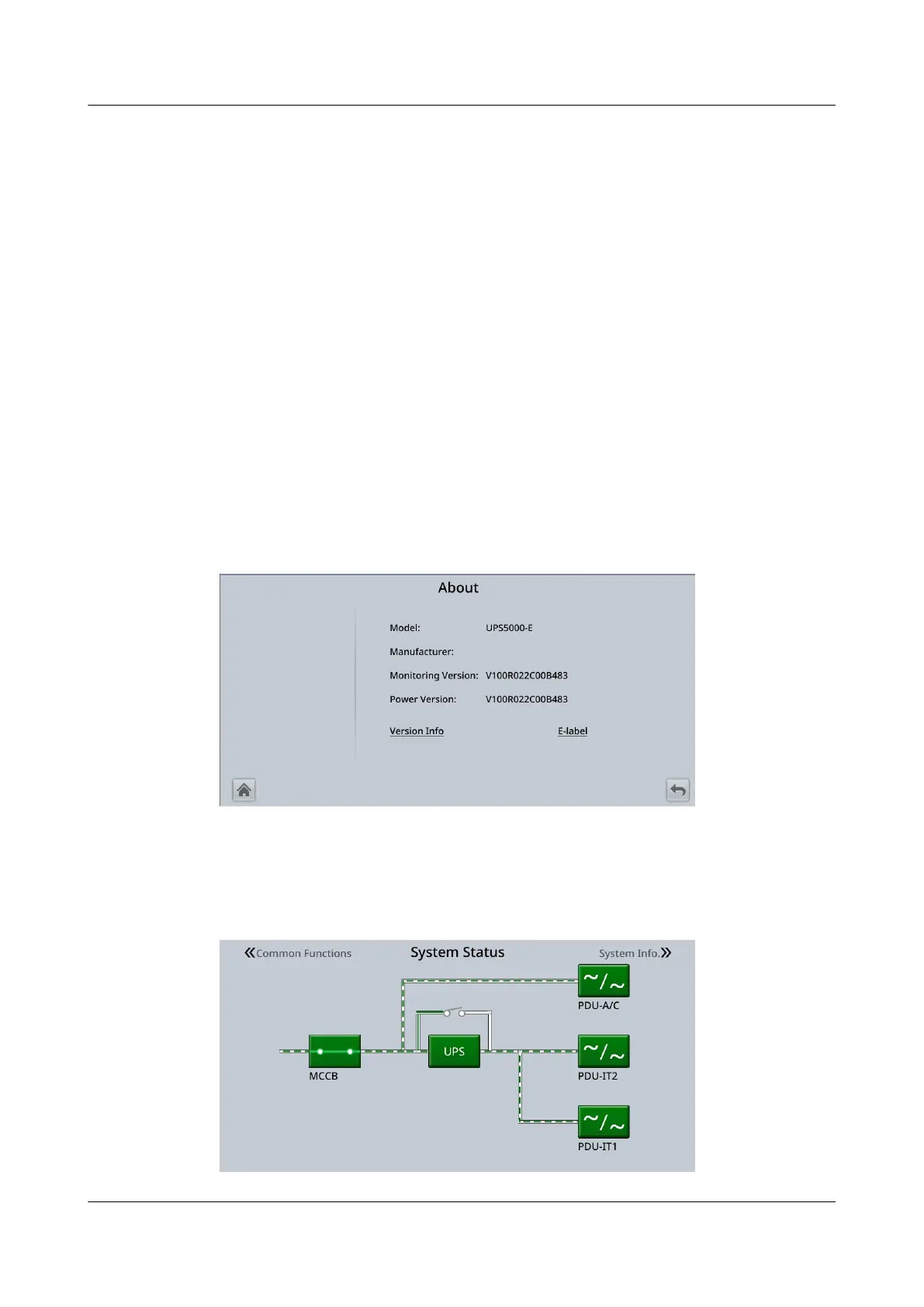
On the System Info. screen, tap About. On the About screen, you can view the
model, manufacturer name, monitoring version, and power version. To view the
detailed version information, tap Version Info.
Figure 4-47 About
4.3 System Status
Figure 4-48 System Status screen
UPS5000-E-(30 kVA–180 kVA)
User Manual (Integrated UPS) 4 LCD Interface
Issue 02 (2022-12-30) Copyright © Huawei Digital Power Technologies Co., Ltd. 123












 To Next Page