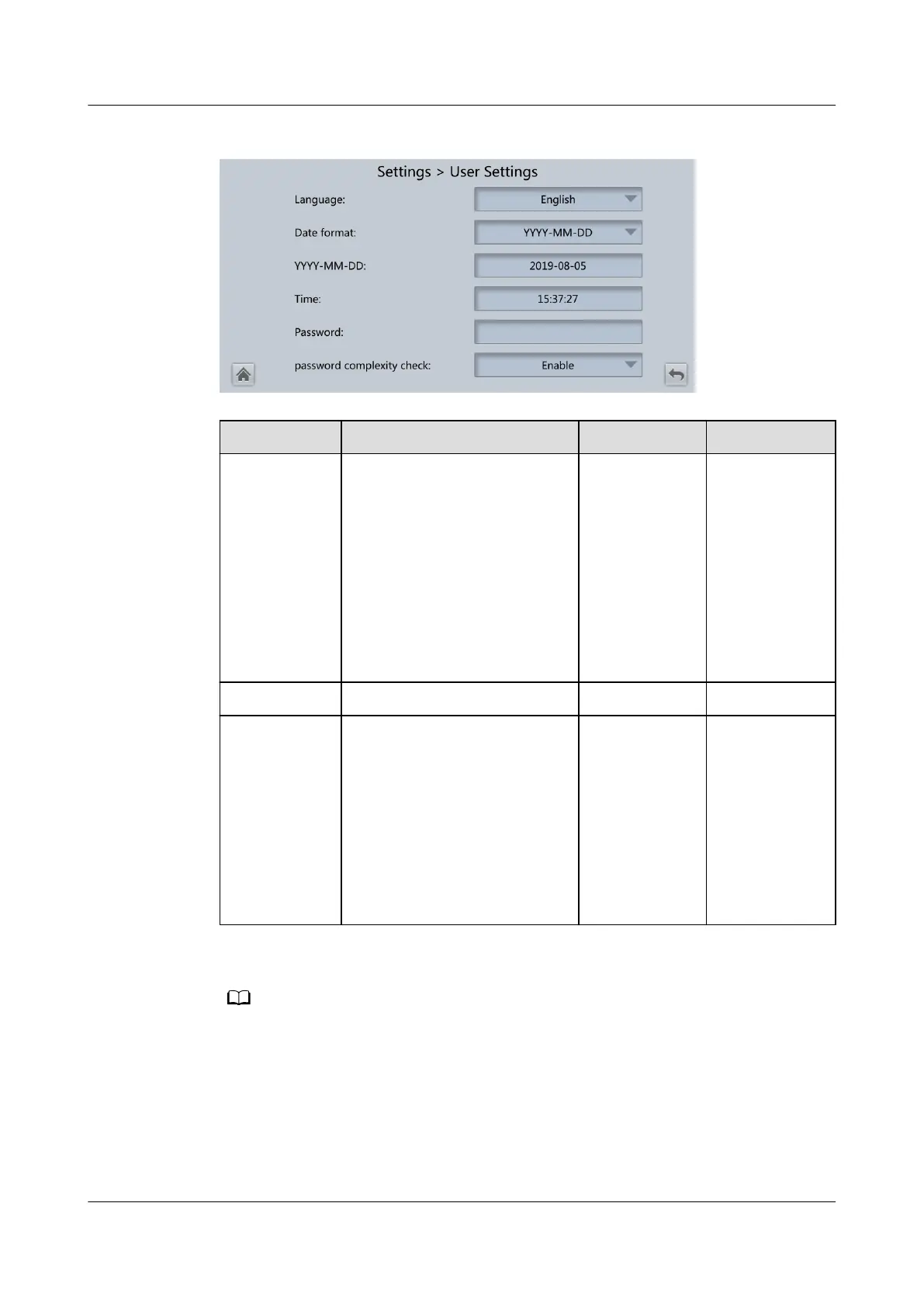
Figure 4-34 User Settings
Item Description Default Value Value Range
Language Thirteen languages are
supported.
English English,
Chinese,
Spanish,
Dutch, French,
German,
Italian, Polish,
Portuguese,
Russian,
Swedish,
Turkish,
Japanese
Password - 000001 -
Password
complexity
check
If Password complexity
check is set to Disable, the
user password is required to
be a string of six to eight
digits. If Password
complexity check is set to
Enable, the password is
required to be a string of 6–
20 characters and contain at
least two types of characters.
Enable Disable,
Enable
Set the date and time parameters to the actual date and time.
4.2.4.9 Time Zone
UPS5000-E-(30 kVA–180 kVA)
User Manual (Integrated UPS) 4 LCD Interface
Issue 02 (2022-12-30) Copyright © Huawei Digital Power Technologies Co., Ltd. 112












 To Next Page