Use corrugated pipes to protect cables when connecting cables. After cable
connection is complete, reinstall the removed insulation panels at the rear of the
cabinet.
----End
3.2.6 Connecting Communications Cables
Prerequisites
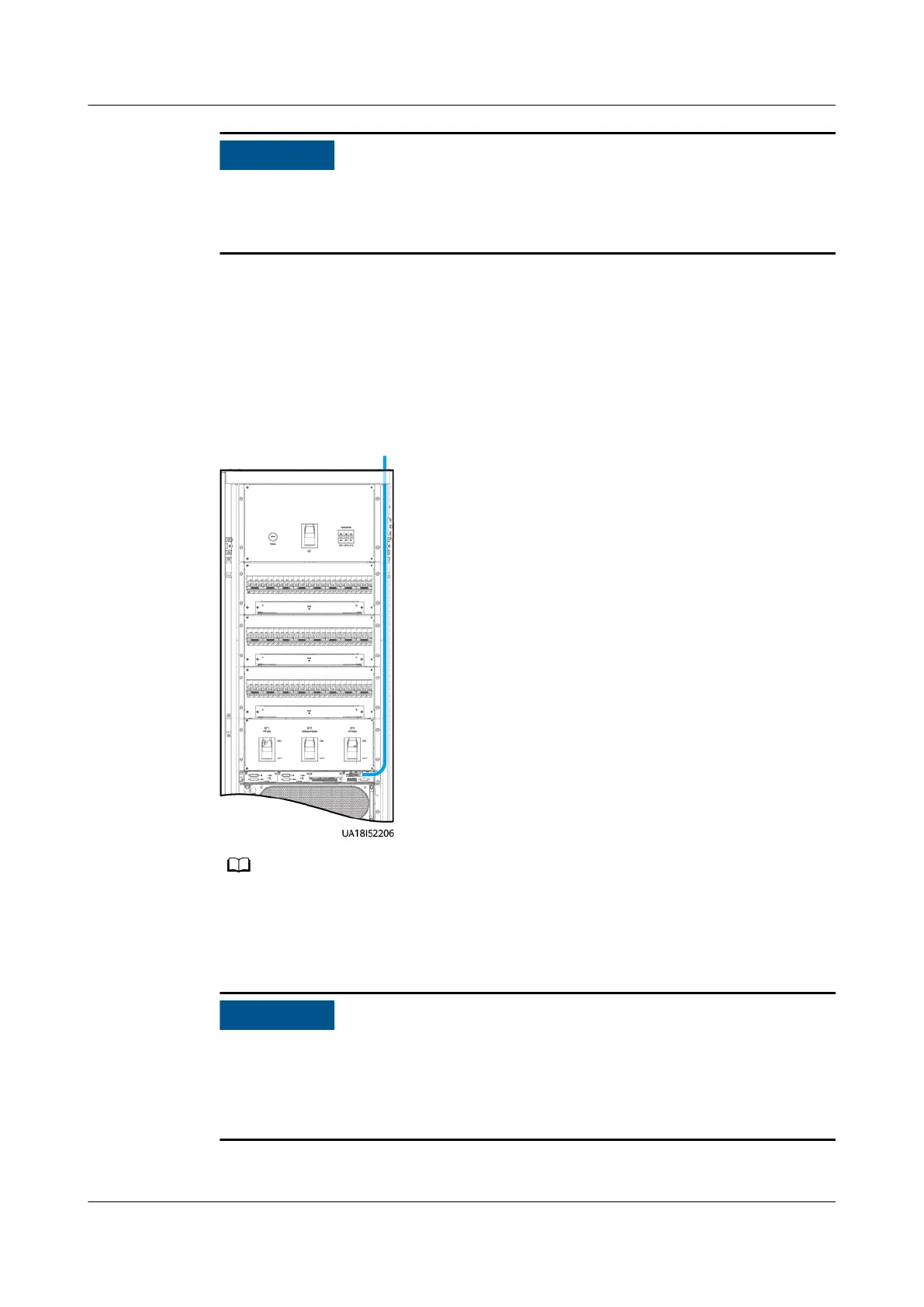
Figure 3-29 Communications cable route
The number and colors of communications cables are for reference only.
3.2.6.1 Connecting a Remote EPO Switch
● Huawei does not provide the EPO button or cable. Prepare them by yourself.
The recommended cable is 22 AWG.
● Equip the EPO switch with a protective cover to prevent misoperations, and
protect the cable with a protective tube.
Connect the EPO button to the dry contact card on the cabinet.
UPS5000-E-(30 kVA–180 kVA)
User Manual (Integrated UPS) 3 Installation
Issue 02 (2022-12-30) Copyright © Huawei Digital Power Technologies Co., Ltd. 72












 To Next Page