No. Area Description
2 Alarm bar Displays active alarms in a scrolling list and the
number of active alarms based on severity. Users can
tap the alarm icon to enter the active alarm screen.
3 Informati
on area
Displays the current power ow and key information
about the UPS and loads. Tap the MCCB, UPS, PDU-IT,
and PDU-A/C icons to view details.
Table 4-2 Functions of common buttons
Button Description
Returns to the main menu screen.
Scrolls the page down.
Scrolls the page up.
Returns to the upper-level menu.
Logs out.
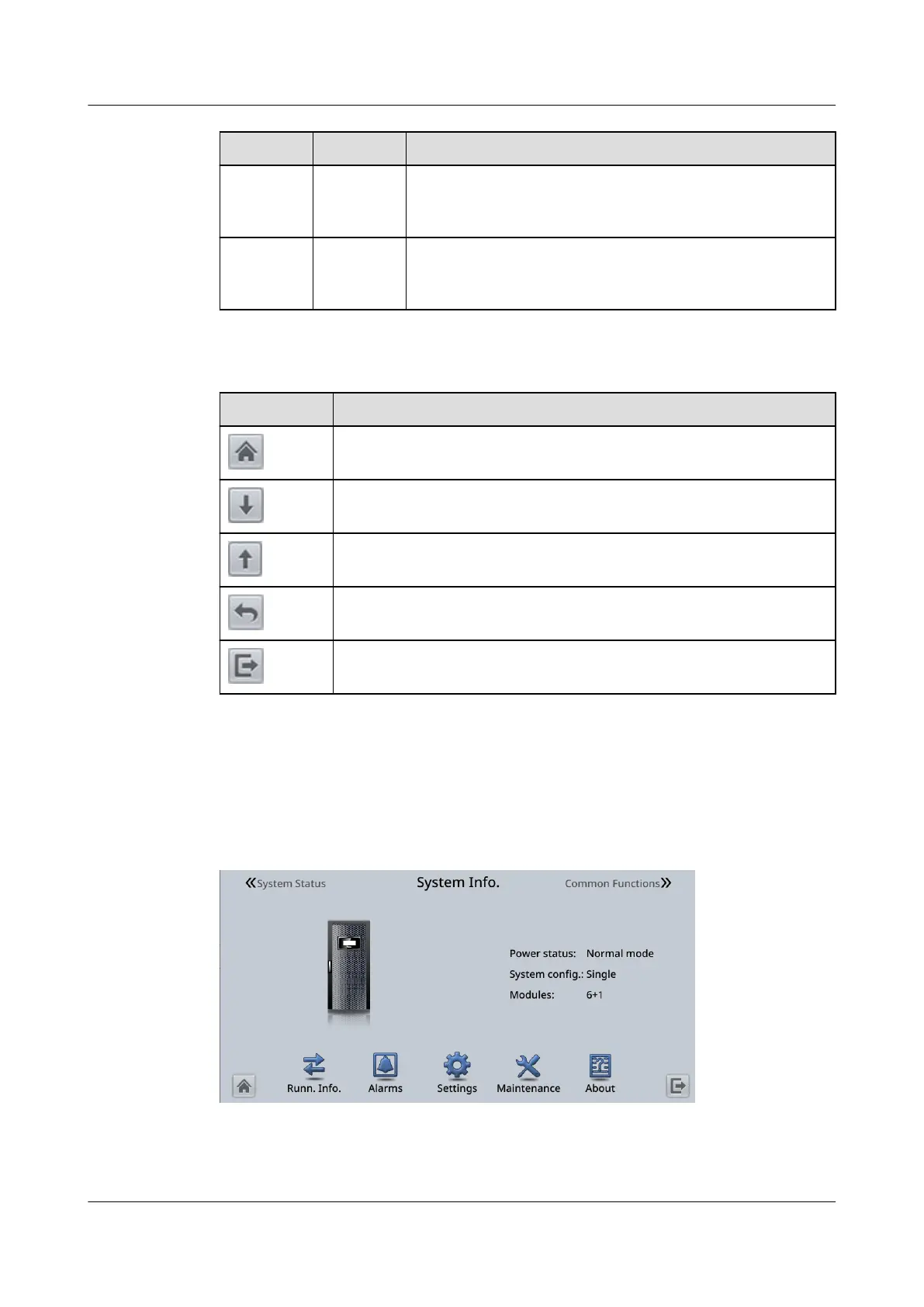
4.2 System Info.
On the main menu, tap System Info. to access the System Info. screen.
Figure 4-2 System Info.
4.2.1 Module Data
UPS5000-E-(30 kVA–180 kVA)
User Manual (Integrated UPS) 4 LCD Interface
Issue 02 (2022-12-30) Copyright © Huawei Digital Power Technologies Co., Ltd. 81












 To Next Page