Step 5 Reinstall the protective panel.
----End
8.3 Replacing an Indicator
Prerequisites
● An indicator is faulty.
● A spare indicator of the same model is available and functional.
Tools and Materials
● Phillips screwdriver
● Key
● Protective gloves
● Multimeter
● Step ladder
● Spare indicator
Procedure
Step 1 Remove the indicator fuse from the fuse terminal block at the rear of the cabinet
to disconnect the circuit. For the MCCB input, the fuse is installed at No. 1 fuse
base.
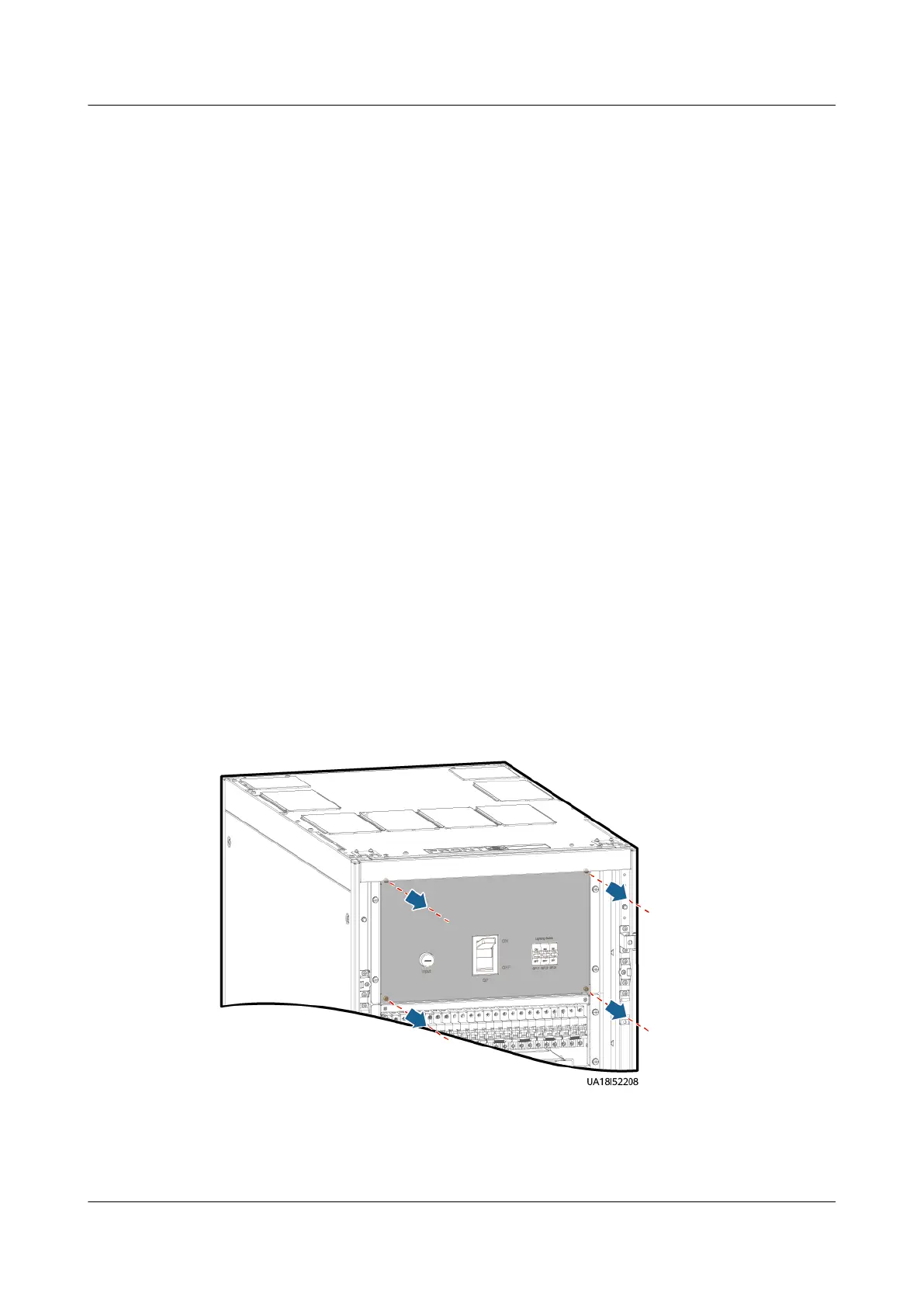
Step 2 Remove the protective panel.
Figure 8-14 Removing the protective panel
Step 3 Remove the indicator fastener using a Phillips screwdriver.
Step 4 Use a multimeter to measure the voltage of the faulty indicator. If no voltage is
detected, the indicator needs to be replaced.
UPS5000-E-(30 kVA–180 kVA)
User Manual (Integrated UPS) 8 Parts Replacement
Issue 02 (2022-12-30) Copyright © Huawei Digital Power Technologies Co., Ltd. 163












 To Next Page