Fuse No. Description
FU9 Reserved
FU10 Reserved
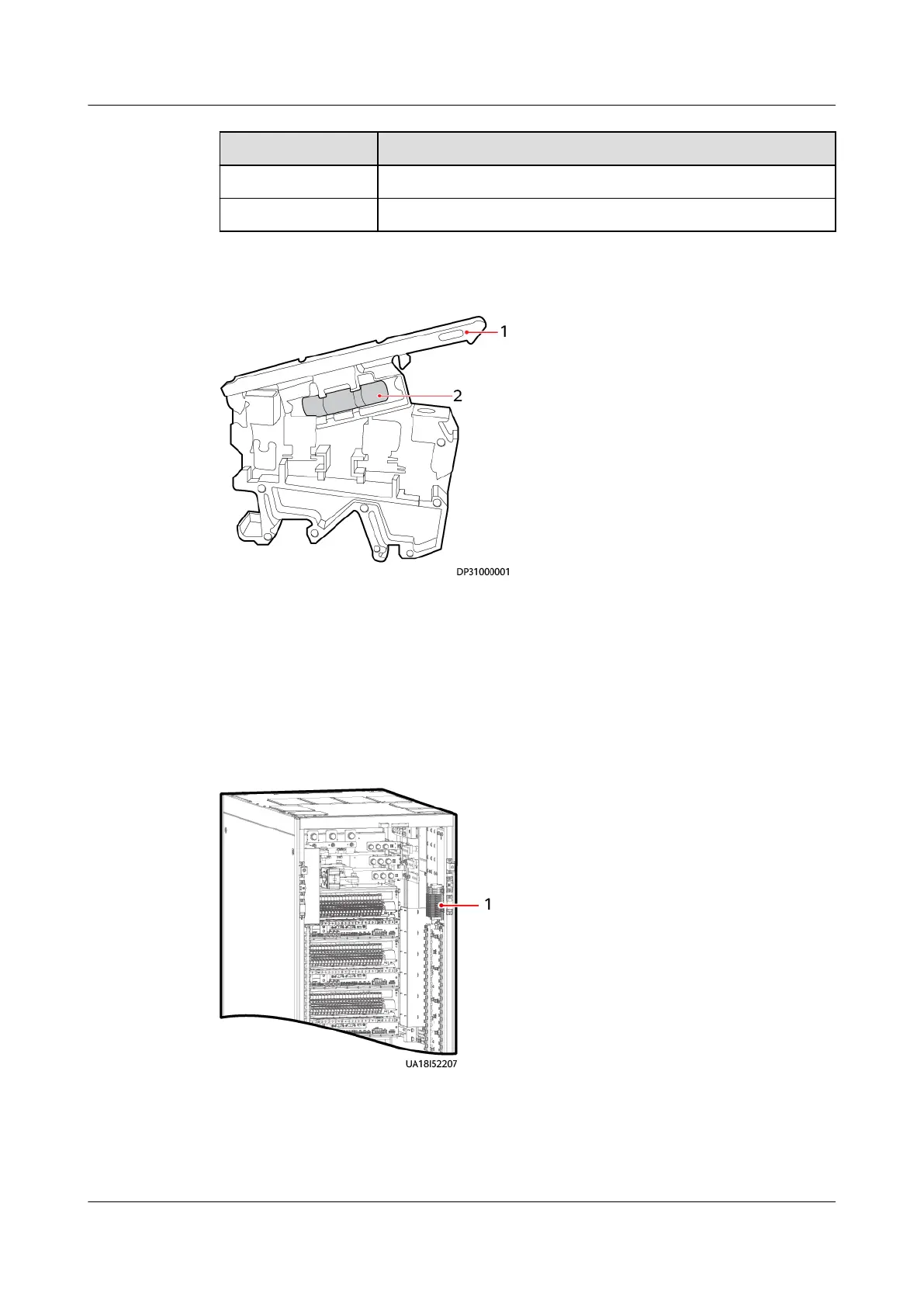
Figure 8-12 Fuse terminal
(1) Cover (2) Fuse
Procedure
Step 1 Remove the protective panel.
Step 2 Locate the fuse terminal in the UPS according to the onsite diagram.
Figure 8-13 Fuse position
(1) Fuse
Step 3 Open the cover and remove the fuse.
Step 4 Install a new fuse, close the cover, and connect the fuse terminal.
UPS5000-E-(30 kVA–180 kVA)
User Manual (Integrated UPS) 8 Parts Replacement
Issue 02 (2022-12-30) Copyright © Huawei Digital Power Technologies Co., Ltd. 162












 To Next Page