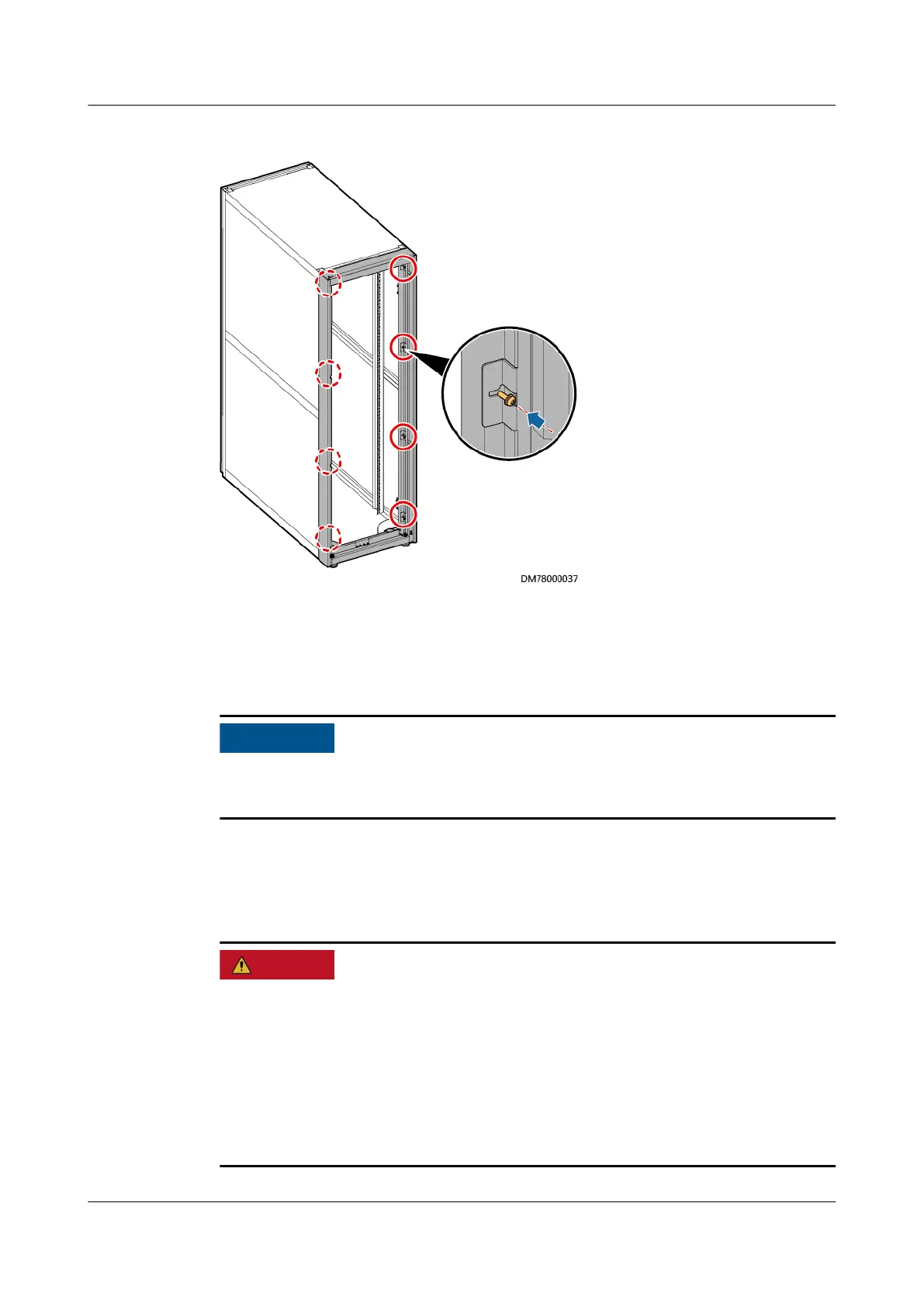
Figure 3-18 Securing the tail frame
Step 7 Install the hinges and connecting kits removed in Step 4 at the corresponding
positions on the tail frame.
Step 8 Install the cabinet rear door on the tail frame that has been installed.
After installing the cabinet rear door, ensure that ground cables are properly
connected to the cabinet and rear door.
----End
3.2.3 Installing Batteries
● Before installing batteries, read through the battery safety precautions, obtain
the delivered battery installation guide, and install batteries as instructed.
● Wear insulated gloves and use insulated tools to prevent electric shocks or
short circuits.
● Place the batteries in a correct way to prevent vibrations and shocks.
● Install the batteries from the lower layer to the upper layer to prevent falling
over due to imbalance.
UPS5000-E-(30 kVA–180 kVA)
User Manual (Integrated UPS) 3 Installation
Issue 02 (2022-12-30) Copyright © Huawei Digital Power Technologies Co., Ltd. 65












 To Next Page