Item Description
UPS output copper bar
phase U temp., V temp.
(°C)
-
Main input bar L3 temp.
(°C)
-
● Module Data: displays data of a module.
● PDU Data-PDU-IT1/PDU-IT2/PDU-A/C: displays data such as the current,
active power, and load rate of each branch.
● PDU Data-Query Electric Energy: displays the electric energy of each output
branch and the main route.
● If you want to query the electricity consumed in the current month, set both the
start date and end date to the current month. For example, if the current month is
2020-03 and you want to query the electricity consumed in March, set both the
start date and end date to 2020-03.
● If you want to query the electricity consumed in a past month, set the start date to
the month to be queried, and set the end date to the next month. For example, if
you want to query the electricity consumed in January 2020, set the start date to
2020-01 and end date to 2020-02. If you set both the start date and end date to
2020-01, a message will be displayed, indicating wrong query dates.
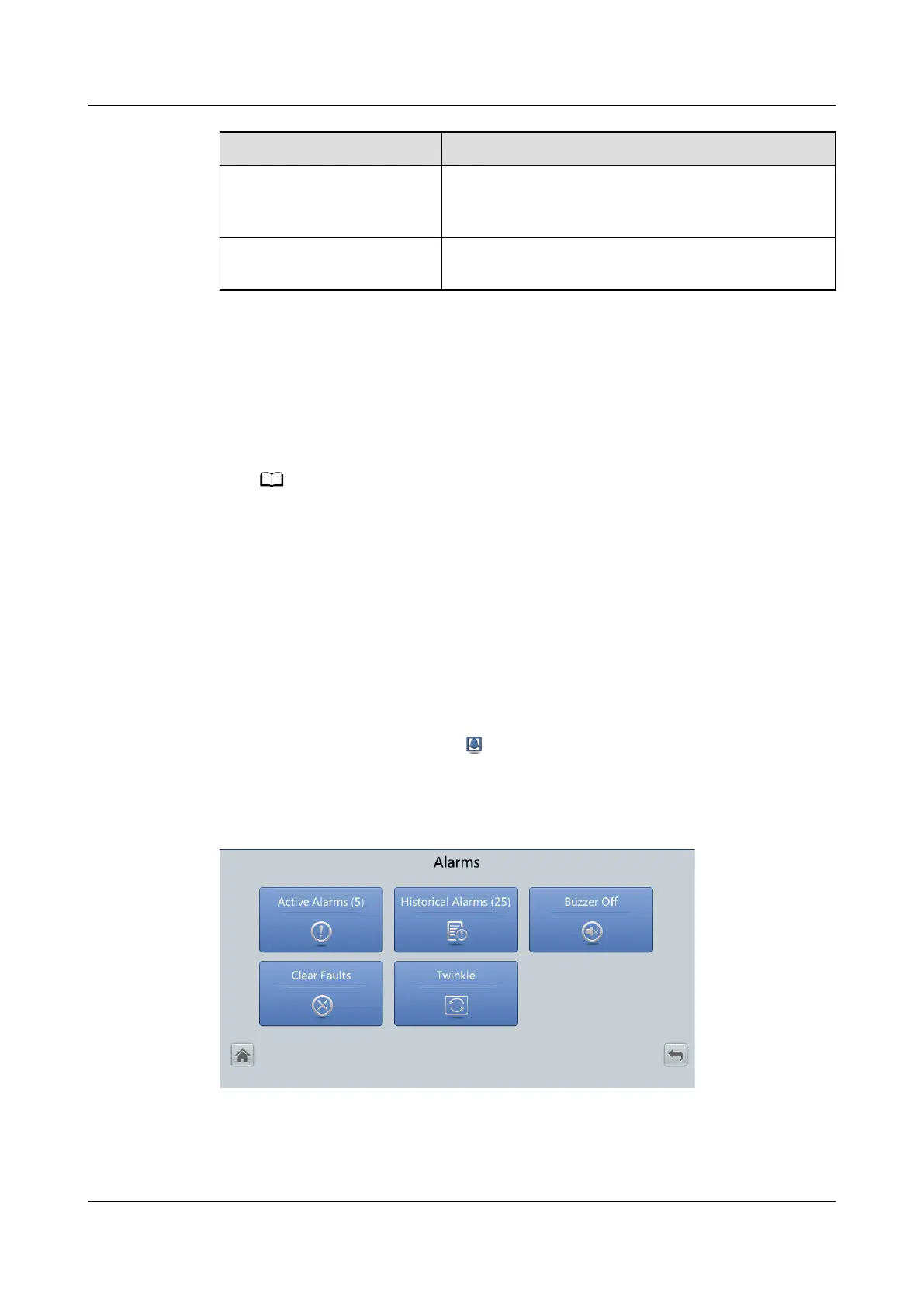
4.2.3 Alarms
On the System Info. screen, tap
to enter the Alarms screen. On this screen,
you can view active alarms and historical alarms, clear faults, and control the
buzzer.
Figure 4-8 Alarms
UPS5000-E-(30 kVA–180 kVA)
User Manual (Integrated UPS) 4 LCD Interface
Issue 02 (2022-12-30) Copyright © Huawei Digital Power Technologies Co., Ltd. 87












 To Next Page