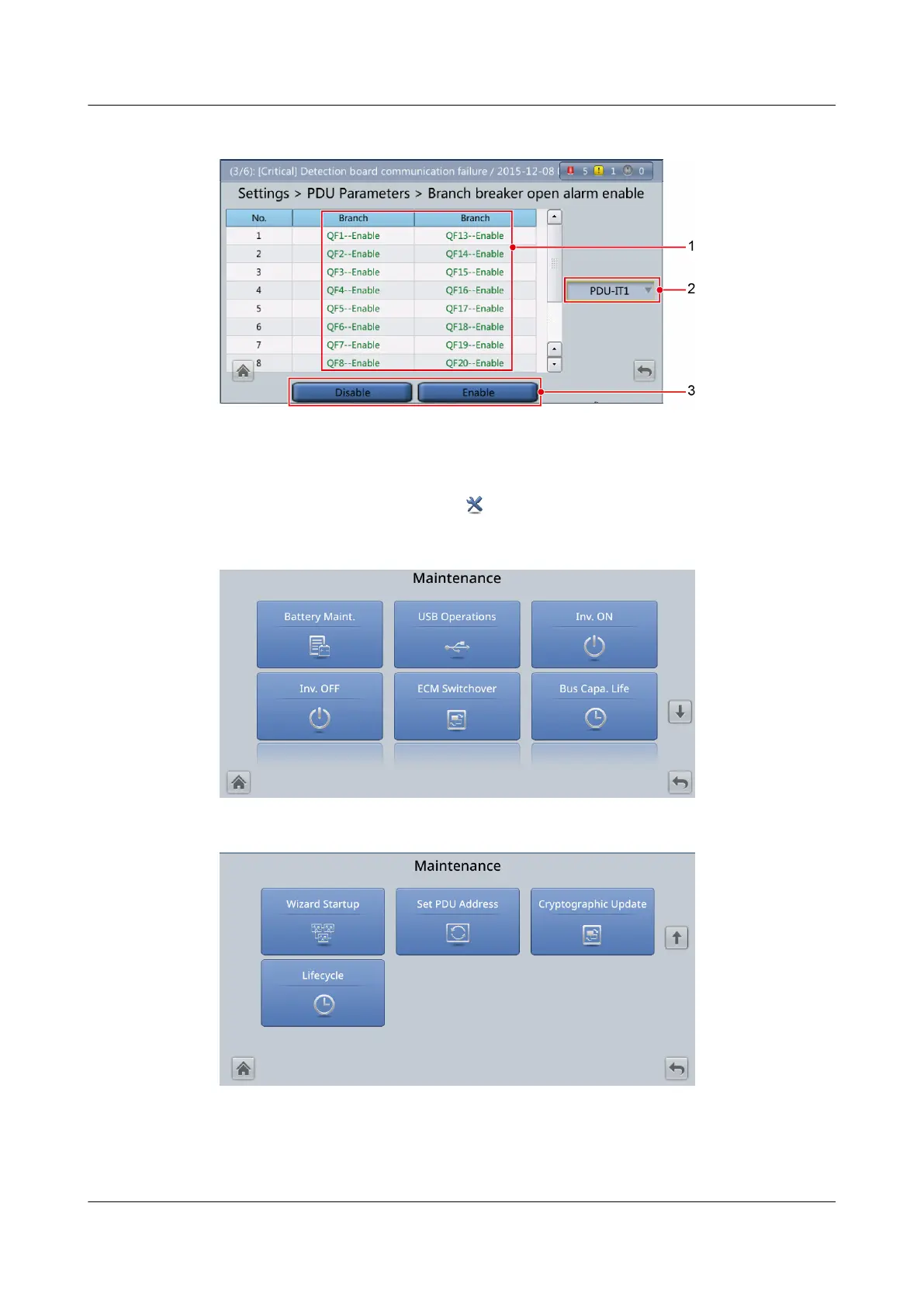
Figure 4-40 Custom settings
4.2.5 Maintenance
On the System Info. screen, tap to enter the Maintenance screen.
Figure 4-41 Maintenance 1
Figure 4-42 Maintenance 2
UPS5000-E-(30 kVA–180 kVA)
User Manual (Integrated UPS) 4 LCD Interface
Issue 02 (2022-12-30) Copyright © Huawei Digital Power Technologies Co., Ltd. 119












 To Next Page