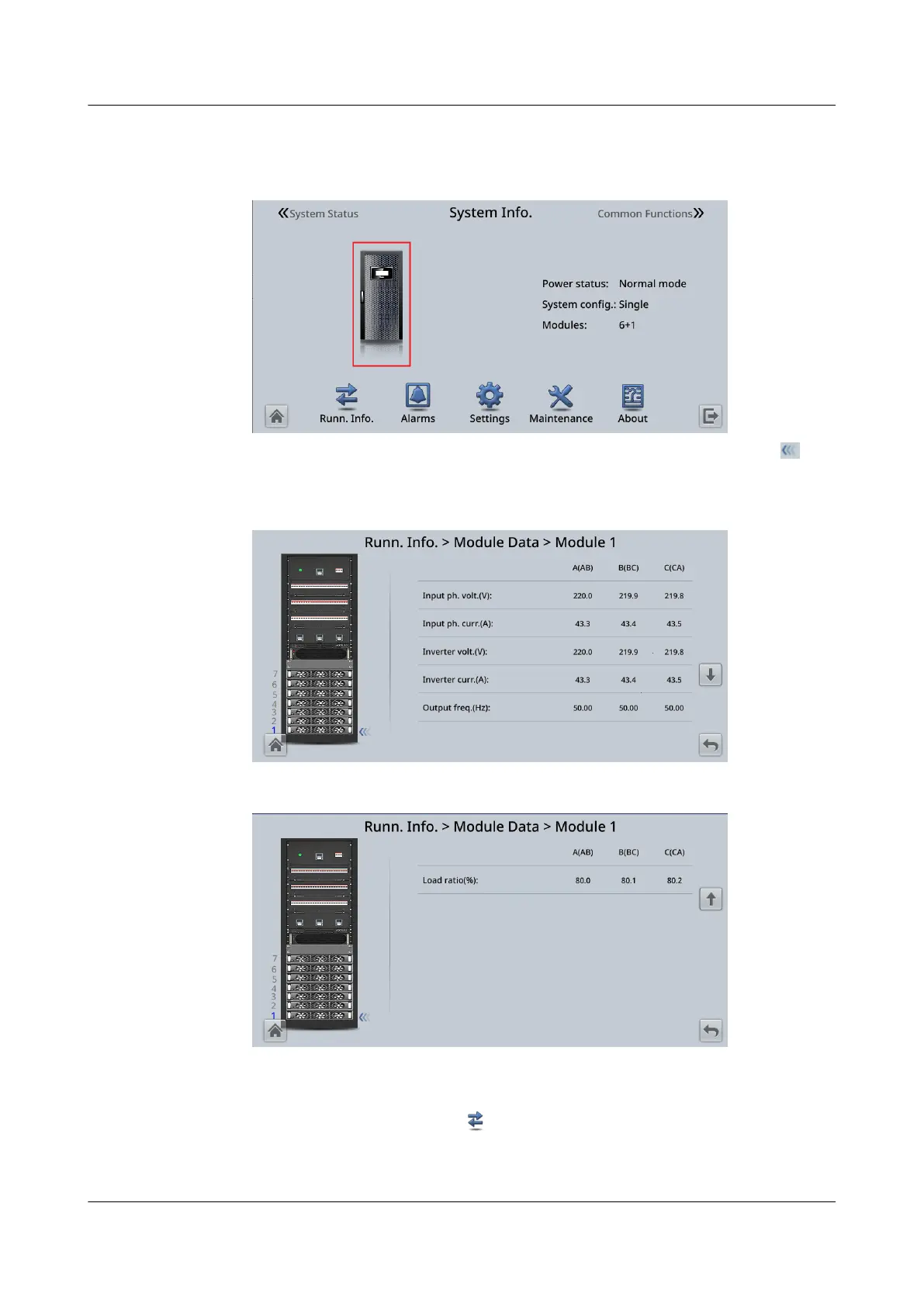
1. On the System Info. screen, tap the UPS picture.
Figure 4-3 UPS picture
2. On the Module Data screen, select a module to view its running data.
indicates the selected module.
Figure 4-4 Module Data 1
Figure 4-5 Module Data 2
4.2.2 Running
On the System Info. screen, tap to access the Runn. Info. screen. On this
screen, you can query operating status such as AC output, UPS load, mains input,
and bypass input.
UPS5000-E-(30 kVA–180 kVA)
User Manual (Integrated UPS) 4 LCD Interface
Issue 02 (2022-12-30) Copyright © Huawei Digital Power Technologies Co., Ltd. 82












 To Next Page