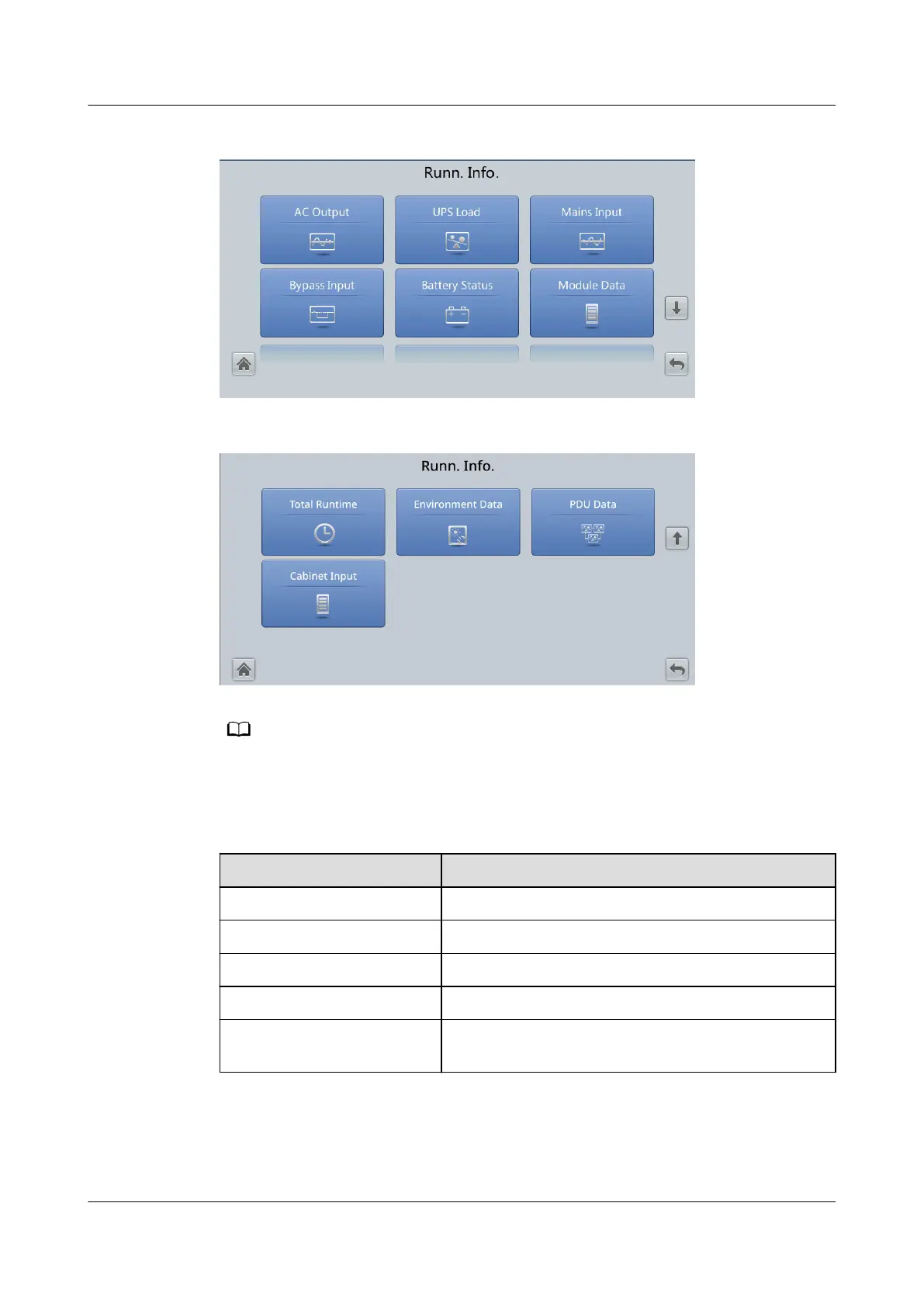
Figure 4-6 Runn. Info. screen 1
Figure 4-7 Runn. Info. screen 2
If Current equal. detection in System Info. > Settings > Output Setting is set to Enable,
and the number of inverter modules is greater than or equal to 2, Mod. Cur. Eql. Data is
displayed on the Runn. Info. screen.
Table 4-3 AC Output
Item
Description
Phase voltage (V) AC output phase voltage
Line voltage (V) AC output line voltage
Phase current (A) AC output phase current
Frequency (Hz) AC output frequency
Power factor Proportion of output active power to output
apparent power
UPS5000-E-(30 kVA–180 kVA)
User Manual (Integrated UPS) 4 LCD Interface
Issue 02 (2022-12-30) Copyright © Huawei Digital Power Technologies Co., Ltd. 83












 To Next Page