Context
If the bypass is normal, the UPS transfers to bypass mode after the inverter is shut
down; if the bypass is abnormal, the UPS supplies no power after the inverter is
shut down. Before shutting down the UPS, ensure that all loads have been shut
down.
Procedure
Step 1 Shut down the inverter on the LCD.
On the main menu, choose Common Functions and tap Inv. ON.
You can also tap System Info > Maintenance to shut down the inverter on the
Maintenance screen.
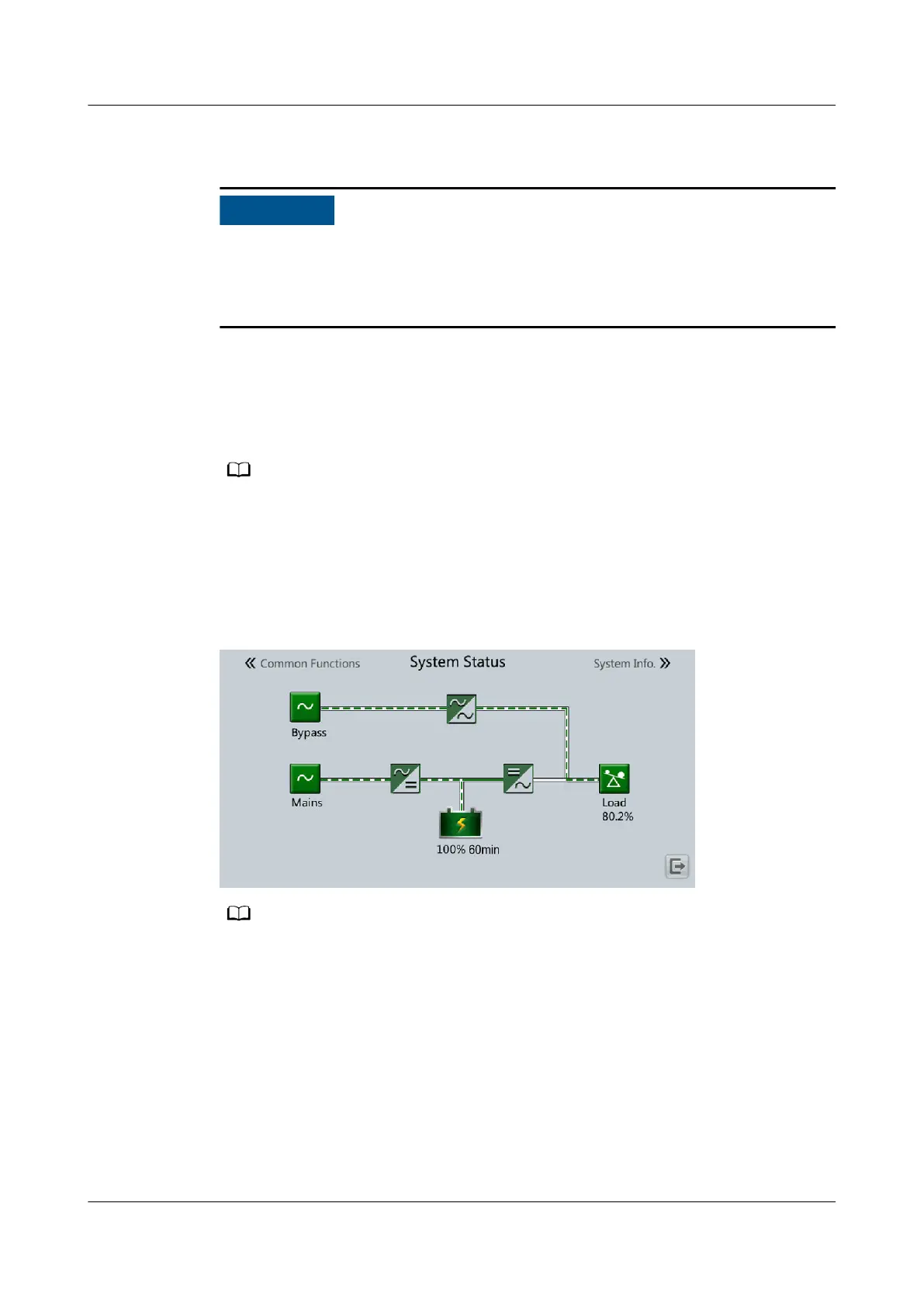
After the inverter shuts down, if the bypass is normal, the UPS works in bypass
mode; if the bypass is abnormal, the UPS supplies no power, and the loads power
o.
Figure 5-2 Normal bypass
After you shut down the inverter, the Bypass mode alarm is displayed on the LCD.
UPS5000-E-(30 kVA–180 kVA)
User Manual (Integrated UPS) 5 Operations
Issue 02 (2022-12-30) Copyright © Huawei Digital Power Technologies Co., Ltd. 130












 To Next Page