1. Visually inspect the cabinet appearance for damage caused during
transportation. If any damage is found, report the photos to the carrier
immediately.
2. Check whether the cabinet accessories are complete and correct according to
the packing list. If there is any discrepancy, keep a record and contact the
supplier immediately.
Step 4 After
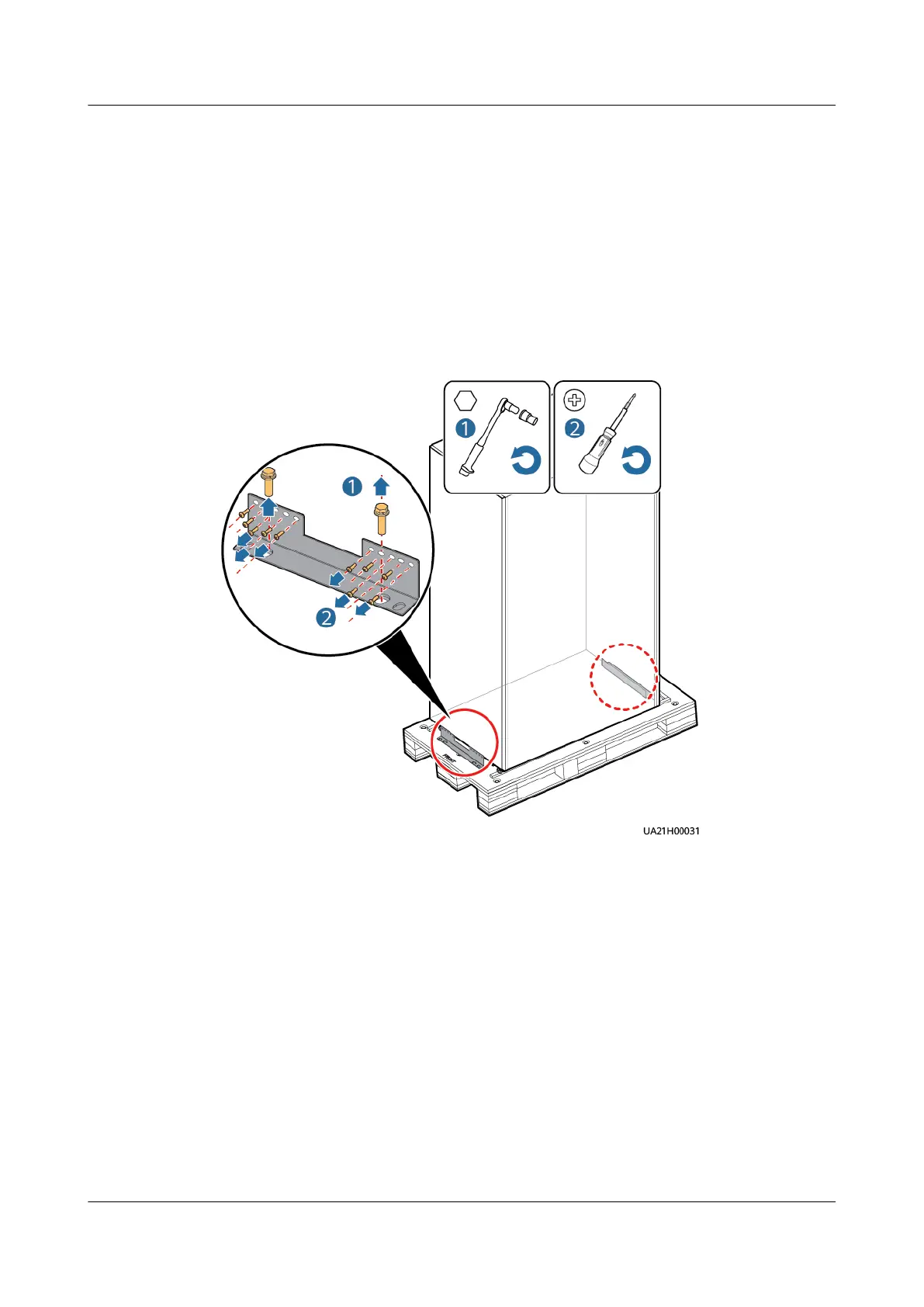
conrming that the cabinet is intact, remove the L-shaped bracket that
secures the cabinet and pallet, and secure the sliding plate to the pallet using the
two M12 screws that you have removed.
Figure 3-3 Removing L-shaped brackets
UPS5000-E-(30 kVA–180 kVA)
User Manual (Integrated UPS) 3 Installation
Issue 02 (2022-12-30) Copyright © Huawei Digital Power Technologies Co., Ltd. 54












 To Next Page