Table 4-11 Bitwise AND operation example
- Computer IP Address
(182.98.225.125)
UPS IP Address
(182.98.225.112)
Computer IP
address/UPS IP
address
10110110.01100010.1
1100001.01111101
10110110.01100010.1
1100001.01110000
Subnet mask
(255.255.255.192)
11111111.11111111.1
1111111.11000000
11111111.11111111.1
1111111.11000000
Bitwise AND
operation result
10110110.01100010.1
1100001.01000000
10110110.01100010.1
1100001.01000000
– Automatic: The MDU automatically searches for available IP addresses in
the connected network. Ensure that the MDU and computer IP addresses
are on the same network segment.
After you restart the device, IP address allocation changes back to Manual. The IP address
is set to the IP address set previously.
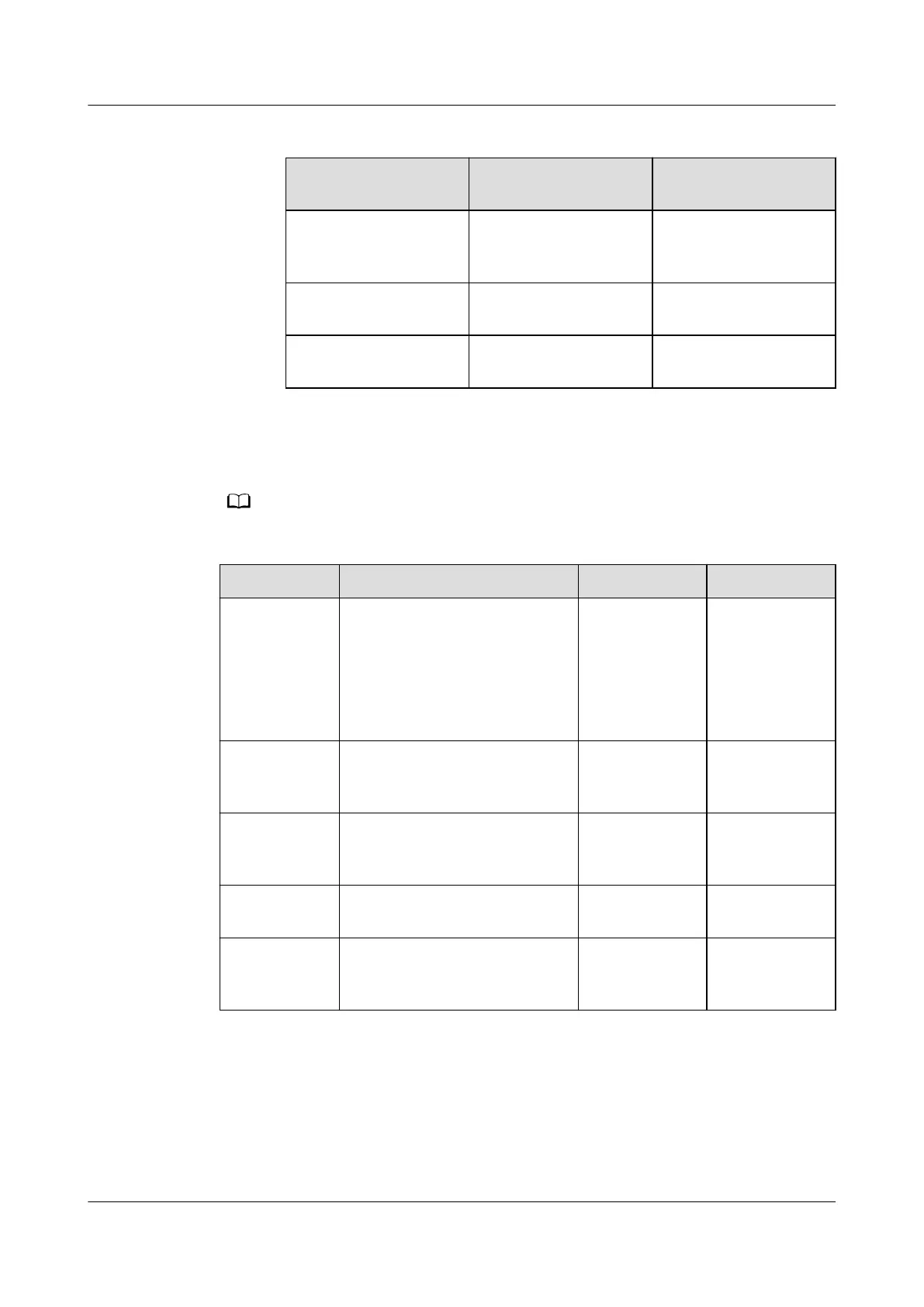
Item
Description Default Value Value Range
IP address Species the IP address of the
Ethernet.
NOTICE
Ensure that the UPS IP address
is unique on the network
segment. Otherwise, the LCD
may not work properly.
192.168.0.10 1.0.0.0–
223.255.255.25
5
Subnet mask Species the subnet mask of
the Ethernet.
255.255.255.0 0.0.0.0–
255.255.255.25
5
Gateway Species the Ethernet
gateway.
192.168.0.1 1.0.0.0–
223.255.255.25
5
IPv6 address Species the IPv6 address of
the Ethernet.
fc00::10 -
MAC address Denes the physical address
of network equipment and is
not congurable.
- -
UPS5000-E-(30 kVA–180 kVA)
User Manual (Integrated UPS) 4 LCD Interface
Issue 02 (2022-12-30) Copyright © Huawei Digital Power Technologies Co., Ltd. 91












 To Next Page