14/LIGHTING SYSTEM, INSTRUMENTS 88
Info
If no button is actuated for 20 seconds or there is no signal from the wheel
speed sensor, then the settings are automatically stored and the setup menu
closed.
16.5Setting the clock
Condition
The motorcycle is standing.
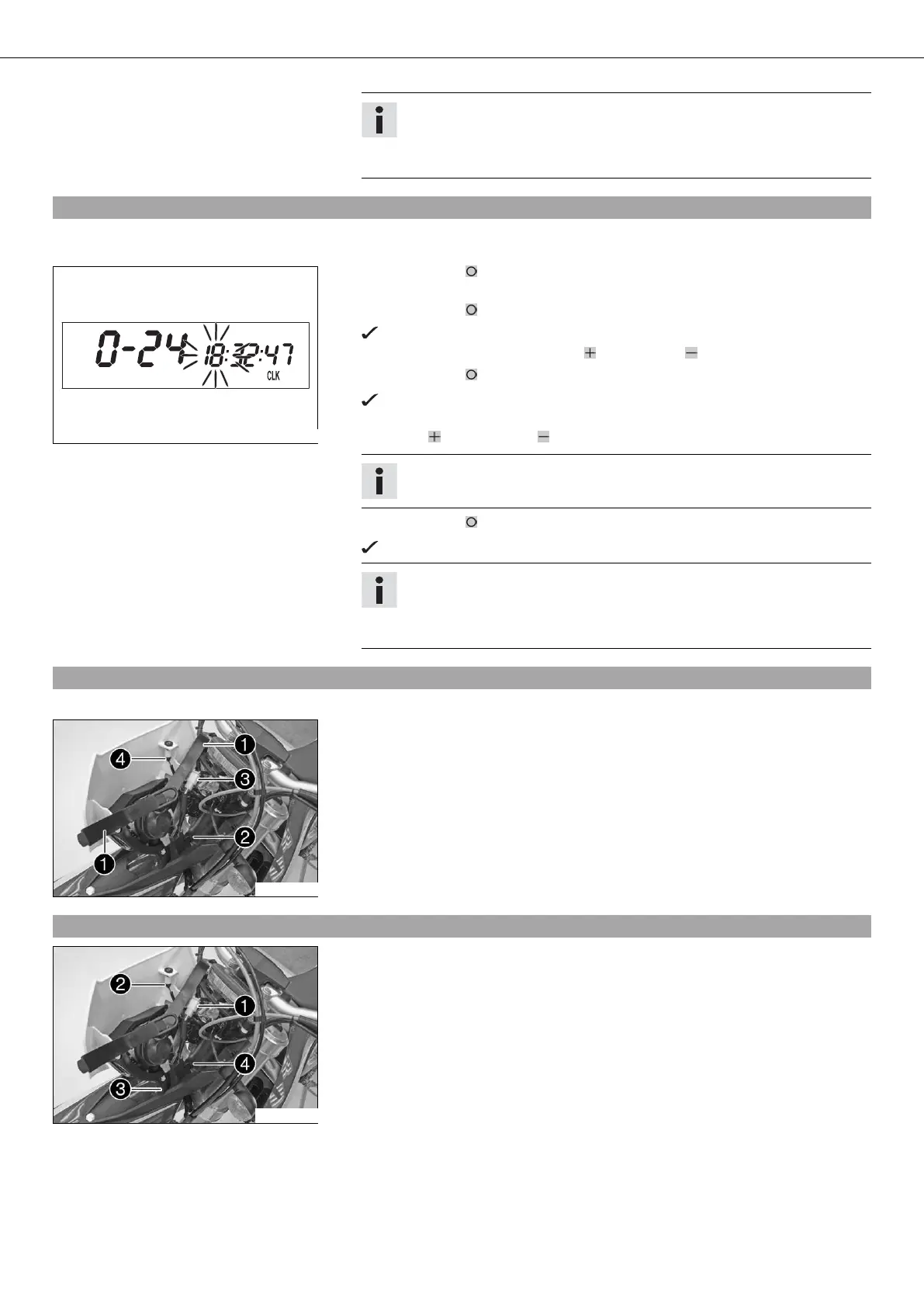
400330-01
– Press the button briefly and repeatedly until CLK appears at the bottom right of
the display.
– Press the button for 3 - 5 seconds.
The hour display flashes.
– Set the hour display with the button and/or button .
– Press the button briefly.
The next segment of the display flashes and can be set.
– You can set the following segments in the same way as the hours by pressing
the button and the button .
Info
The seconds can only be set to zero.
– Press the button for 3 - 5 seconds.
The settings are saved and the Setup menu closed.
Info
If no button is pressed for 20 seconds, or if no impulse comes from the
wheel speed sensor, the settings are automatically saved and the Setup
menu closed.
16.6Removing the headlight mask with the headlight (FE EU, FE AUS)
–
Switch off all power consumers and the engine.
100460-10
– Open rubber band on the fork legs.
– Tilt the headlight mask forward and detach it from nose .
– Disconnect connector .
– Pull bulb socket out of the high beam indicator lamp and remove the headlight
mask.
16.7Installing the headlight mask with the headlight (FE EU, FE AUS)
100460-11
– Connect plug .
– Insert bulb socket into the high beam indicator lamp.
– Check that the lighting is working properly.
– Attach headlight holder at the nose and position the headlight mask.



 To Next Page