Part 1 - Getting Started
16
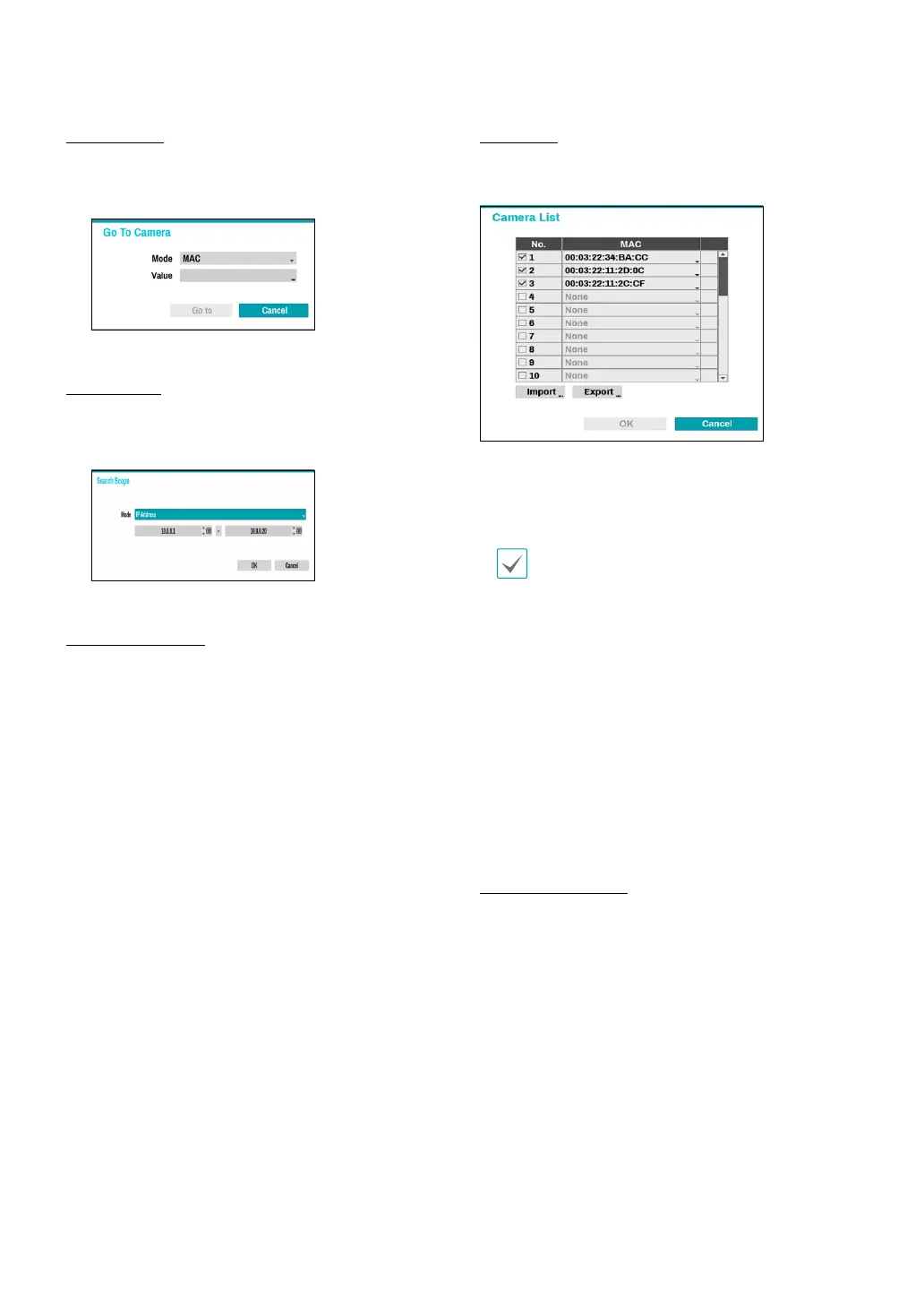
Go To Camera
Moves the focus automatically to the camera using the
MAC address and model of camera in the camera list.
Search Scope
Filters the cameras in the camera list depending on the
search scope such as specied IP address range.
Screen Auto. Assign
Assigns the detected cameras on the video display area.
Camera list
By using the camera information le, .csv, the user can
register the cameras easily.
● Export : Button : Exports the list of camera
information on USB as a .csv le
● Import : Button : Imports a camera information le,
.csv le. The user can edit a csv le directly.
•
A column indicates camera number, B
column the camera MAC address, C column
the Video In port of the video encoder in the
.csv le. C column indicates only for video
encoders. If camera information displays
as follows: 5,00:11:22:18:30:20,3, 5 = CAM 5,
5,00:11:22:18:30:20 = MAC address, 3 means video
encoder.
•
Before using this feature, the cameras must be
scanned rst. If the cameras to be registered
do not exist in the list, the camera cannot be
registered.
•
This feature is not supported for the third-party
cameras.
Scan Refresh Interval
Congures the refresh interval to scan the camera. If
the interval is short, camera scan results are refreshed
more frequently. However, if the interval is long, it is
advantageous to scan cameras on a wide network.



 To Next Page