Part 2 - Conguration
89
<Types of Video Analytics >
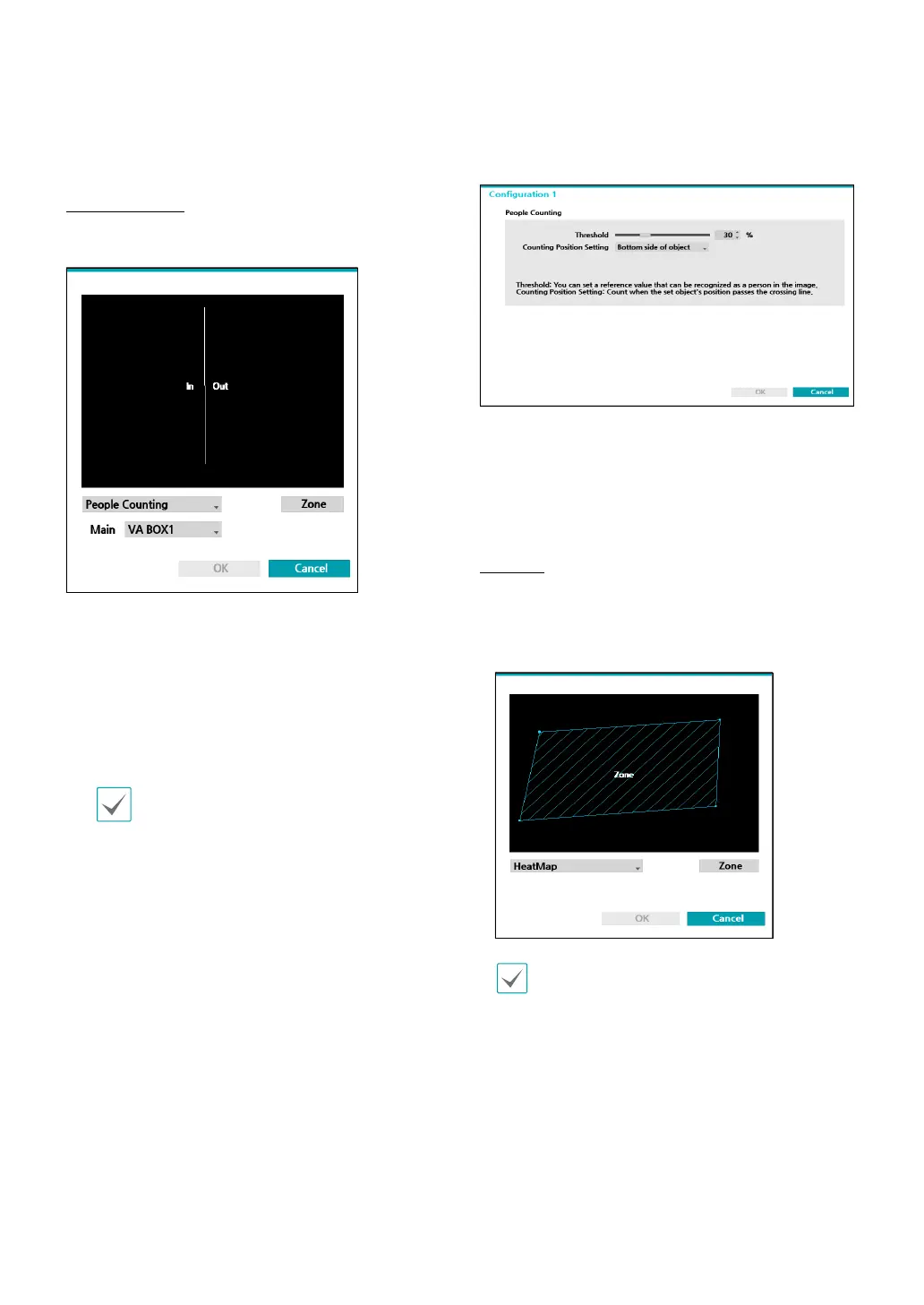
People Counting
Count the number of people passing through the line
on the live screen.
Right-click on the zone setup screen to bring up the
People Counting Menu.
– Main : Add the total number of people by
sending them to the desired channel. The channel
designated as the main can use the Exceed
Occupancy Limit event.
– Boundary: Set a virtual border to count the oating
population.
Depending on the location of the boundary,
the number of people may be incorrectly
calculated.
– Save: Save the changes and exit the menu.
– Cancel : Exit the setup screen without saving the
changes.
● Conguration : Set the environment of people
counting. Select People Counting as the video
analysis type, and then select Settings.
● Threshold : Set the reference value that can be
recognized as a person in the image.
● Counting position setting: Set the position of the
reference point of a person to count the number of
people passing through the boundary.
HeatMap
Analyze the movement frequency in the zone of the live
screen. Use the left mouse button to dene the zone.
Drag and drop the vertex to modify a previously set
zone or click on the left mouse button to reset the zone.
Lines cannot cross when setting the zone.
Right-click on the zone setup screen to bring up the
HeatMap Menu.
– Undo : Return to the previously set zone.
– Save: Save the changes and exit the menu.
– Cancel : Exit the setup screen without saving the
changes.
● Conguration : Set the environment of HeatMap.
Select HeatMap as the video analysis type, and then
select Settings.



 To Next Page