Part 2 - Conguration
90
● Cooldown : Indicate on the screen the HeatMap
information recorded before Cooldown.
● Record Duration : Set the recording interval to save
the HeatMap data.
● Threshold : Set the reference value that can be
recognized as a person in the image.
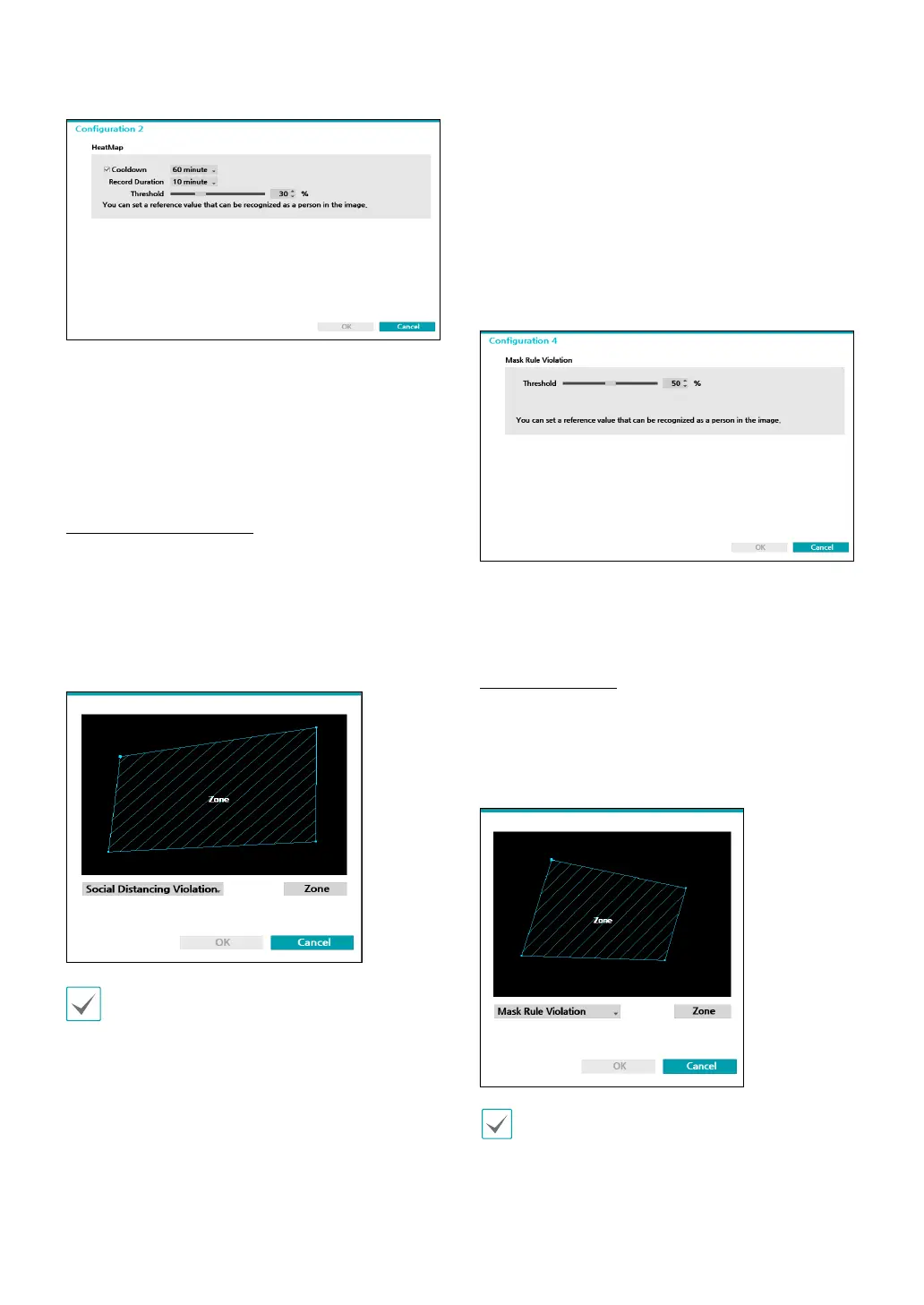
Social Distancing Violation
Violation event occurs when the distance between
detected people in the set area of the image is
estimated and analyzed and the distance is less than
the set interval. Use the left mouse button to dene the
zone. Drag and drop the vertex to modify a previously
set zone or click on the left mouse button to reset the
zone.
Lines cannot cross when setting the zone.
Right-click on the zone setup screen to bring up the
Social Distancing Violation
Menu.
– Undo : Return to the previously set zone.
– Save: Save the changes and exit the menu.
– Cancel : Exit the setup screen without saving the
changes.
● Conguration : Set the environment of Social
Distancing Violation. Select Social Distancing Violation
as the video analysis type, and then select Settings.
● Threshold : Set the reference value that can be
recognized as a person in the image.
Mask Rule Violation
The camera detects the face and events occur
according to the mask-wearing rule setting on the face.
Use the left mouse button to dene the zone.
Drag and drop the vertex to modify a previously set
zone or click on the left mouse button to reset the zone.
Lines cannot cross when setting the zone.
Right-click on the zone setup screen to bring up the
Mask Violation Menu.



 To Next Page