Part 2 - Conguration
91
– Undo : Return to the previously set zone.
– Save: Save the changes and exit the menu.
– Cancel : Exit the setup screen without saving the
changes.
● Conguration : Set the environment of
Mask Rule
Violation
. Select
Mask Rule Violation
as the video
analysis type, and then select Settings.
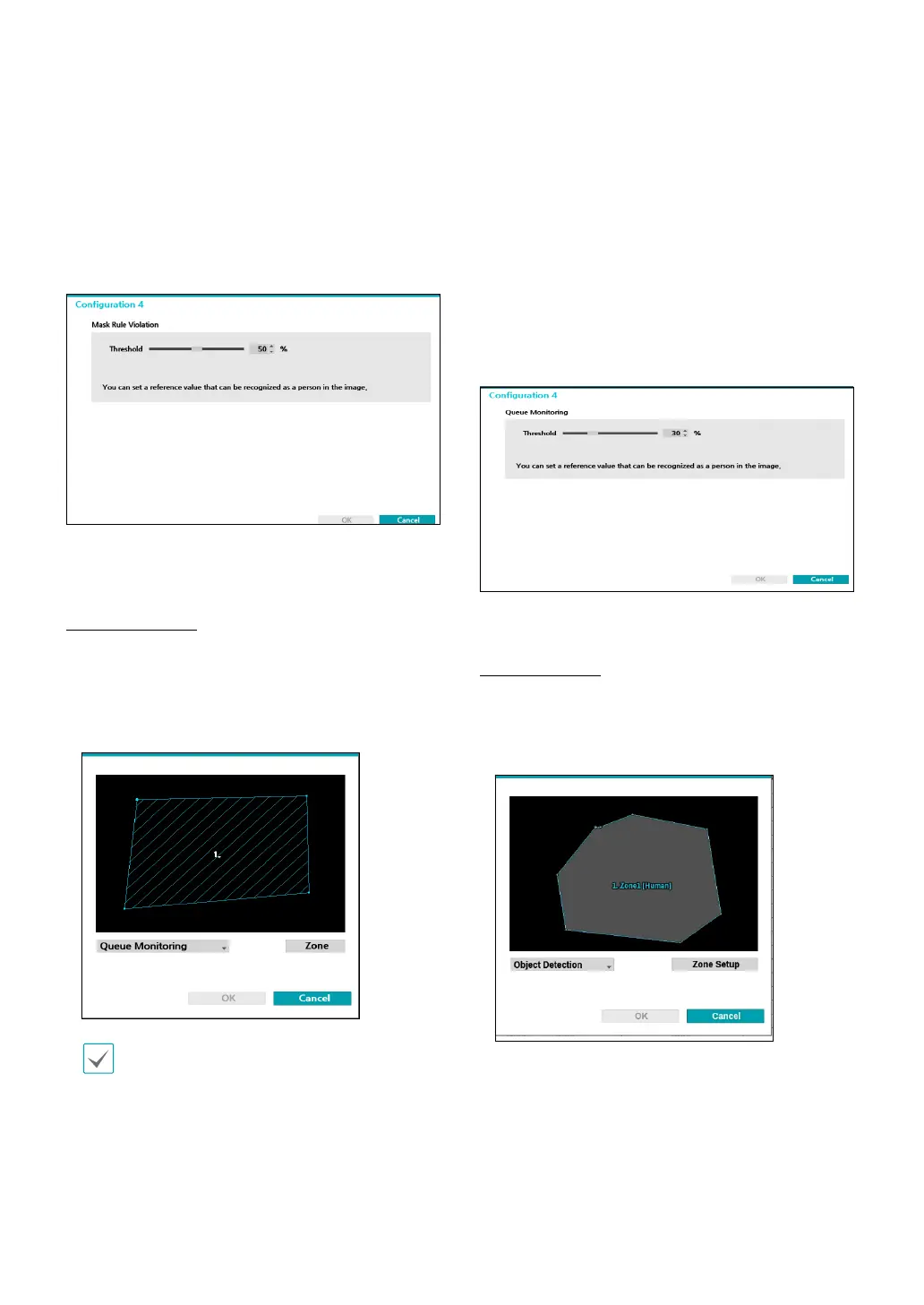
● Threshold : Set the reference value that can be
recognized as a person in the image.
Queue Monitoring
Congestion for each zone is determined by monitoring
people in the queue in the zone of the live screen.
Use the left mouse button to dene the zone.
Drag and drop the vertex to modify a previously set
zone or click on the left mouse button to reset the zone.
Lines cannot cross when setting the zone.
Right-click on the zone setup screen to bring up the
Queue Monitoring Menu.
– Delete : Delete the zone selected in the image.
– Undo : Return to the previously set zone.
– Edit name: Set the name of the zone.
– Save : Save the changes and exit the menu.
– Cancel : Exit the setup screen without saving the
changes.
● Conguration : Set the environment of
Queue
Monitoring
. Select
Queue Monitoring
as the video
analysis type, and then select Settings.
Object Detection
Object Detection technology detects an object (human,
cars, bikes) in the zone set by the user.
Drag and drop the vertex to modify a previously set
zone or click on the left mouse button to reset the zone.
Right-click on the zone setup screen to bring up the
Object Detection Menu.
● Conguration : Set the environment of
Object
Detection
. Select
Object Detection
as the video
analysis type, and then select Settings.



 To Next Page