86 - Inepro Back Office Suite
Steps
Birth Date
§
For the birth date that we'll place under the photo, other data can also be added using the fields 'Address Line 2' and
'Address Line 3' if they are not used (and will not be in the future) by the system otherwise. Just look at the CSV import
work example.
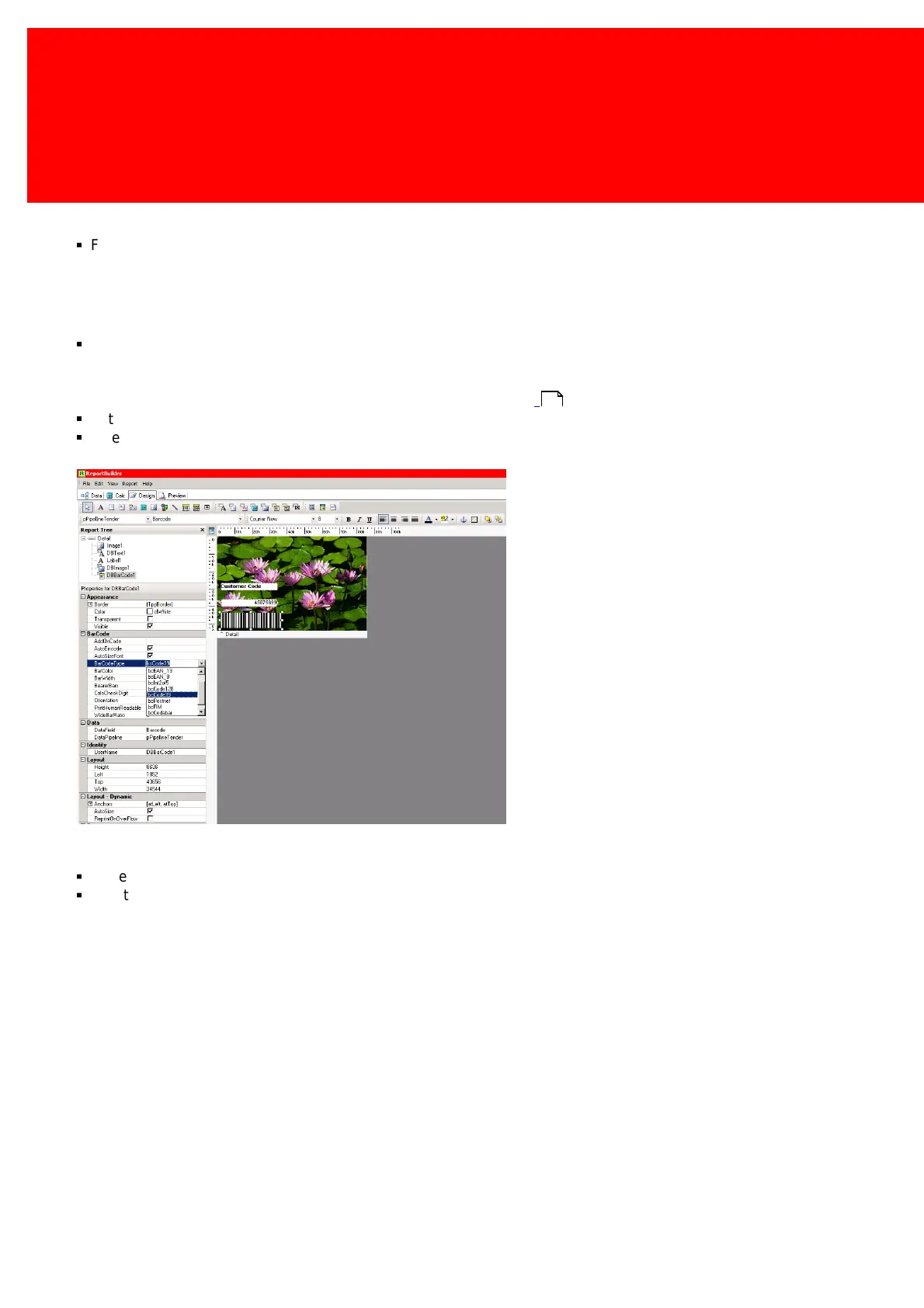
Bar code
§
A bar code can easily be created, and can be linked to either the bar code field (the best way) or directly to the user
code field. Some bar codes (like codabar) need a letter as first and/or last character, if this is not available in the user
code, the proper formatted bar codes must be created and imported in the bar code field in the database. See Import the
correct information with either CSV or Active Directory", see page:
§
Set the 'Datafield' to 'Bar Code' (remember each data component must be linked to the database like this (via data field)).
§
Select the bar code type.
Save the design
§
Close the designer, it will not be asked to save the progress but don't worry, this is done in the Layout window.
§
Give the layout a name and press 'OK'.
152



 To Next Page