41
Button Meaning
Click it to change the menu mode or decrease the menu value.
Click it to change the menu mode or increase the menu value.
Click it to go to the previous menu.
Click it to go to the next menu.
Preset Setting
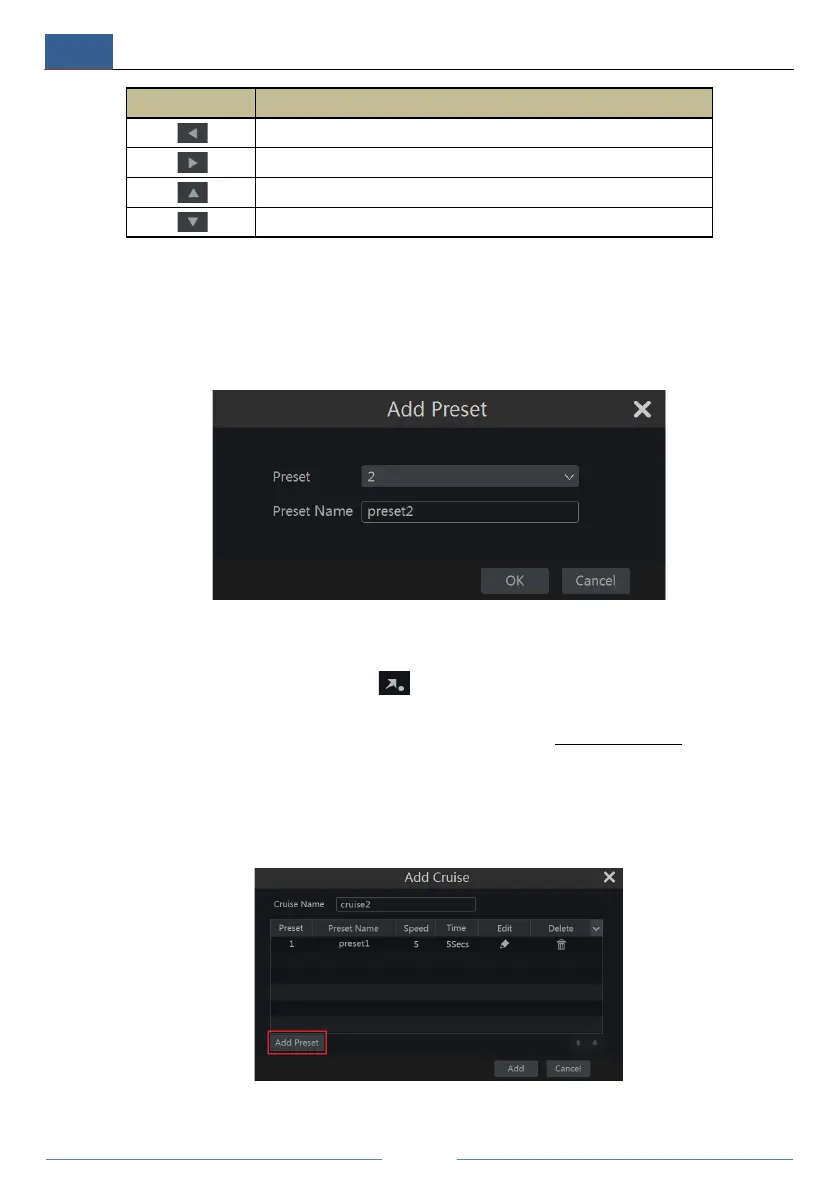
Click “Preset” to go to preset operation tab and then click “Add” button to pop up a window as
shown below. Select the preset and then enter the preset name in the window; finally click “OK”
button to save the settings. You can add 255 presets for each dome at most.
Adjust the dome’s direction and then click “Save Position” to save the current preset position
(you can also click another preset in the preset list and then save the preset position after
adjusting the dome’s direction); click in the preset list to call the preset; click “Delete”
button to delete the selected preset.
You can also go to preset setting interface for preset setting, see 6.2 Preset Setting
for details.
Cruise Setting
Click “Cruise” to go to cruise operation tab and then click “Add” button to pop up a window as
shown below left. You can add 8 cruises for each dome at most.



 To Next Page