LIP-9071 iPKTS User Guide
87
Note
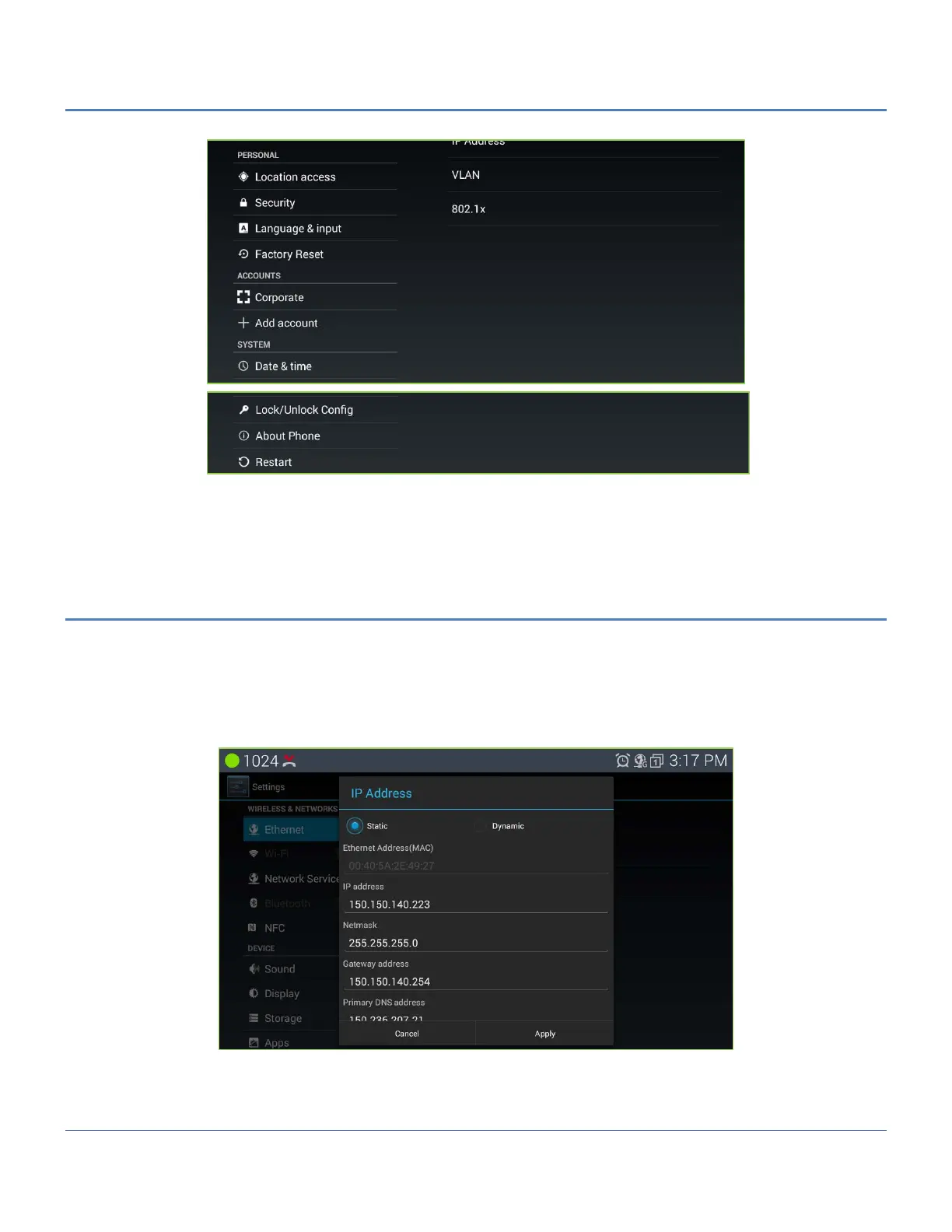
° You may need to scroll down the screen to see all selections.
12.1 Ethernet
Ethernet connection is set on as DHCP by default. If you would like to use Ethernet connection for network
access, please make sure the Ethernet cable is plugged in to the LAN port on the back of LIP-9071.
The Ethernet setting includes:
- IP address
- VLAN
- 802.1x
The Ethernet settings permit configuration of LIP-9071 phone network interface and the local PC connection.
Configurable characteristics include:



 To Next Page