LIP-9071 iPKTS User Guide
123
14.2.3 Play songs from a Playlist
To play songs in a Playlist,
1. In the Music Library, select Playlist.
2. Select the desired Playlist. Songs in the Playlist are played.
14.2.4 Managing Playlists
A Playlist is a set of songs that have been organized in a group. Songs in the Playlist are played in the order
entered in the Playlist or the list can be shuffled before playback.
14.2.4.1 Create a Playlist
To create a new Playlist,
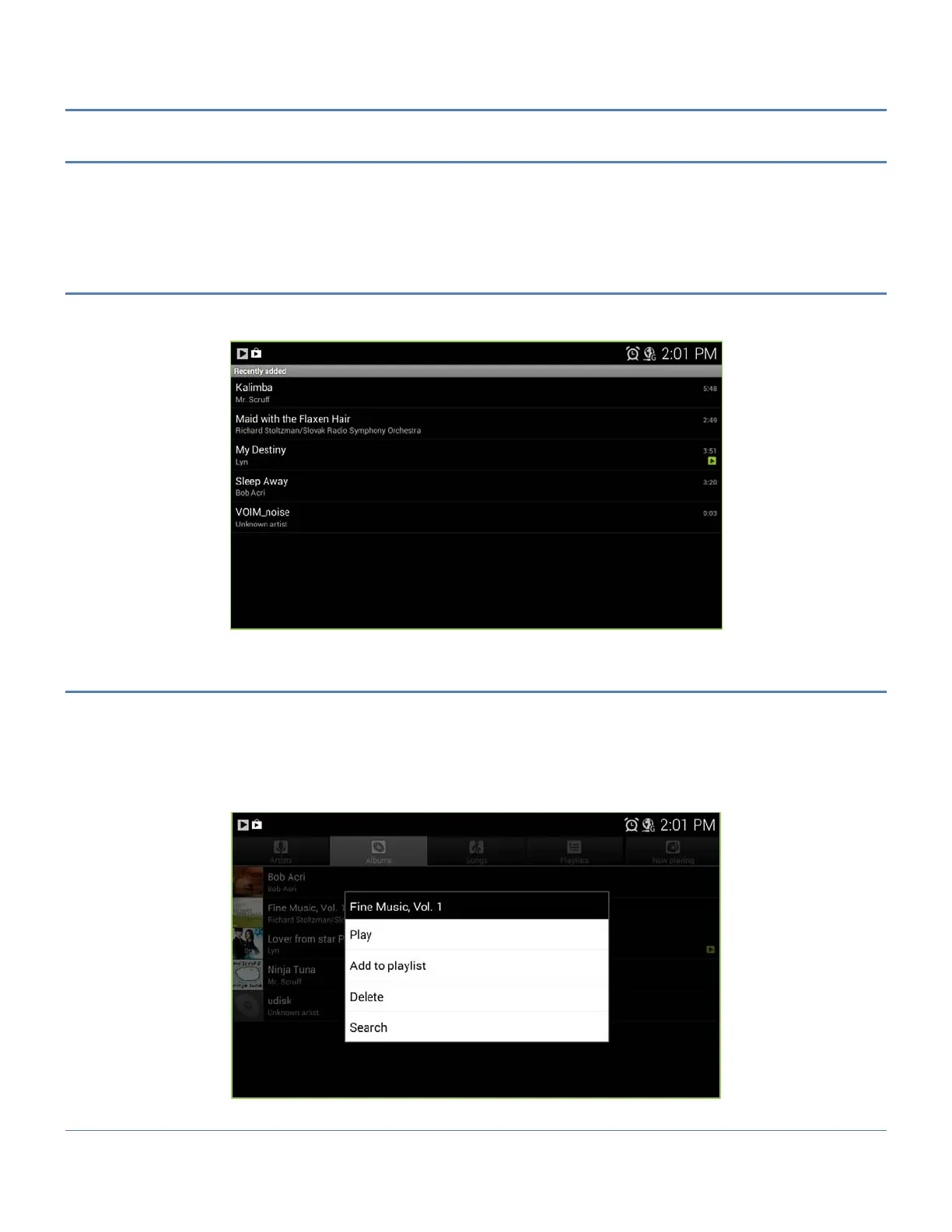
1. From a Library, touch and hold the first song title to add to the new Playlist.
2. In the menu touch ‘Add to Playlist’.
3. Touch ‘New’ in the popup menu and enter a name.
4. Touch Save.



 To Next Page