LIP-9071 iPKTS User Guide
68
8.8.2 Adding Apps and Widget
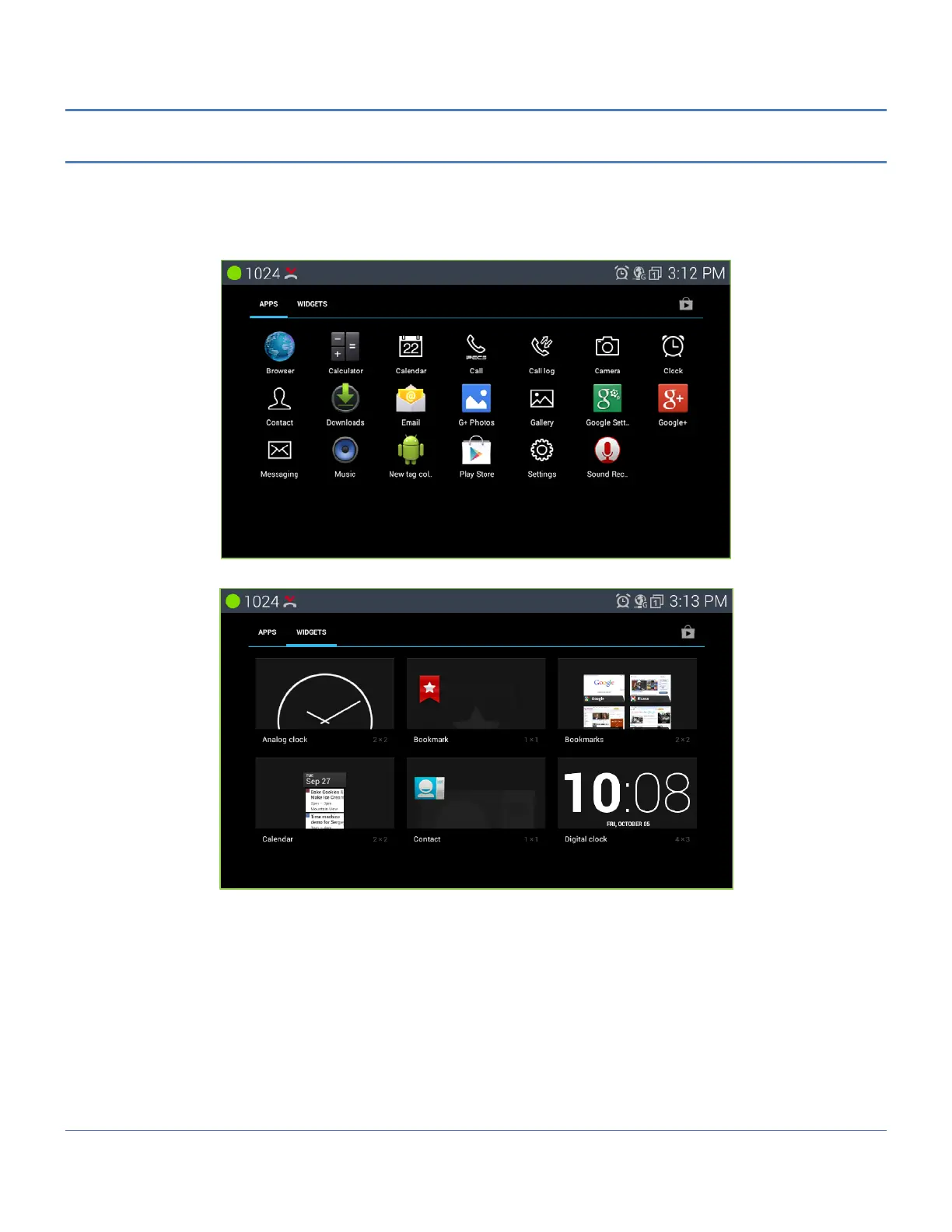
To add a shortcut icon or widget to a Launcher screen,
1. Touch an app list button from the dock on the screen.
2. Select the type of item and hold (application shortcut icon, widgets).
3. Launch holding icons on the home screen.
Note
° If there is no available space on a Launcher screen, the Add selection in the Options menu will be grey out.
To place another widget or icon on the screen an existing icon or widget must be deleted.
° A picture taken with the Camera app can be used as wallpaper.
° Deleting an app or widget from a screen does not delete the application from LIP-9071 phone.



 To Next Page