LIP-9071 iPKTS User Guide
48
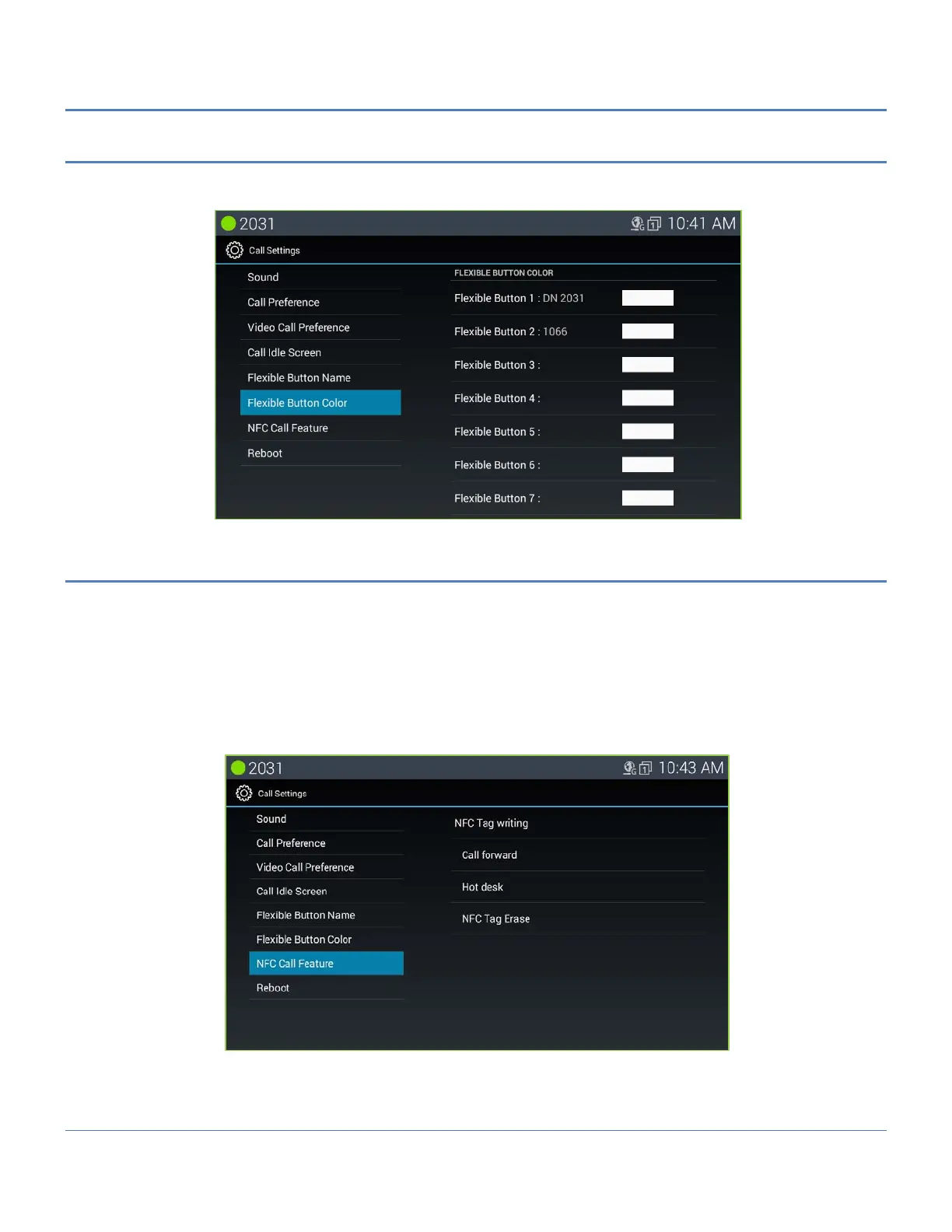
7.5.6 Flex Button Color
Each Flexible button can be assigned with a color by the user. If a color is not configured, the default white color
based on the shape button is used.
7.5.7 NFC Call Feature
All NFC call related features are managed at this menu. LIP-9071 can simply execute call settings by tagging an
NFC Forum-compliant tag. For example User can execute call setting by on touch tagging without complicated
menu control when using a call setting.
For these features, LIP-9071 provides NFC tag write and read features.
In case of tag write, User can write call setting information to an NFC tag in the “NFC Call Features” of “Call
Settings” menu. User can execute call setting by using the NFC tag recorded at the “NFC Call Feature” menu.
Warning! User must check if iPECS CM system supports this feature before operation.
The followings are two call setting features and one tag erase function supported an NFC tag in LIP-9071.
Call Forward
Hot Desk
NFC Tag Erase



 To Next Page