LIP-9071 iPKTS User Guide
67
8.8 Customize the Launcher Screens
Each of the Launcher screens display application icons, widgets and shortcuts to a favorites, playlists, etc. The
icons and widgets can be added to or deleted from the Launcher screens or repositioned on the screens. Also, the
background wallpaper can be changed.
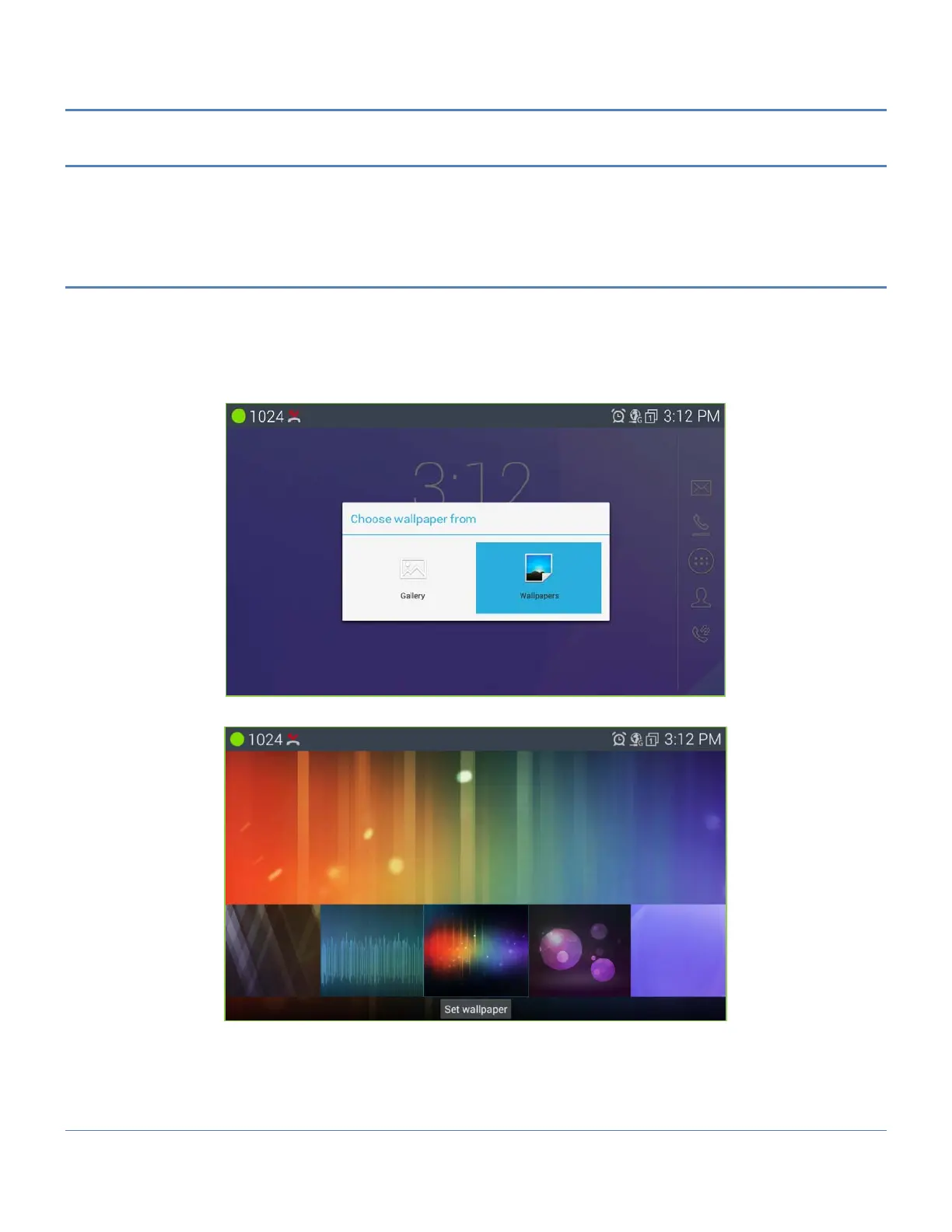
8.8.1 Change wallpaper
To add a shortcut icon or widget to a Launcher screen,
1. Touch and hold an empty spot on the screen or on the desired Launcher screen, press the Menu button
and touch the Option menu button at the right side bottom of window and touch ‘Wallpapers’.
2. Select the type of application from.
3. In the gallery, select the specific item to add and touch ‘Set wallpaper’.



 To Next Page