LIP-9071 iPKTS User Guide
21
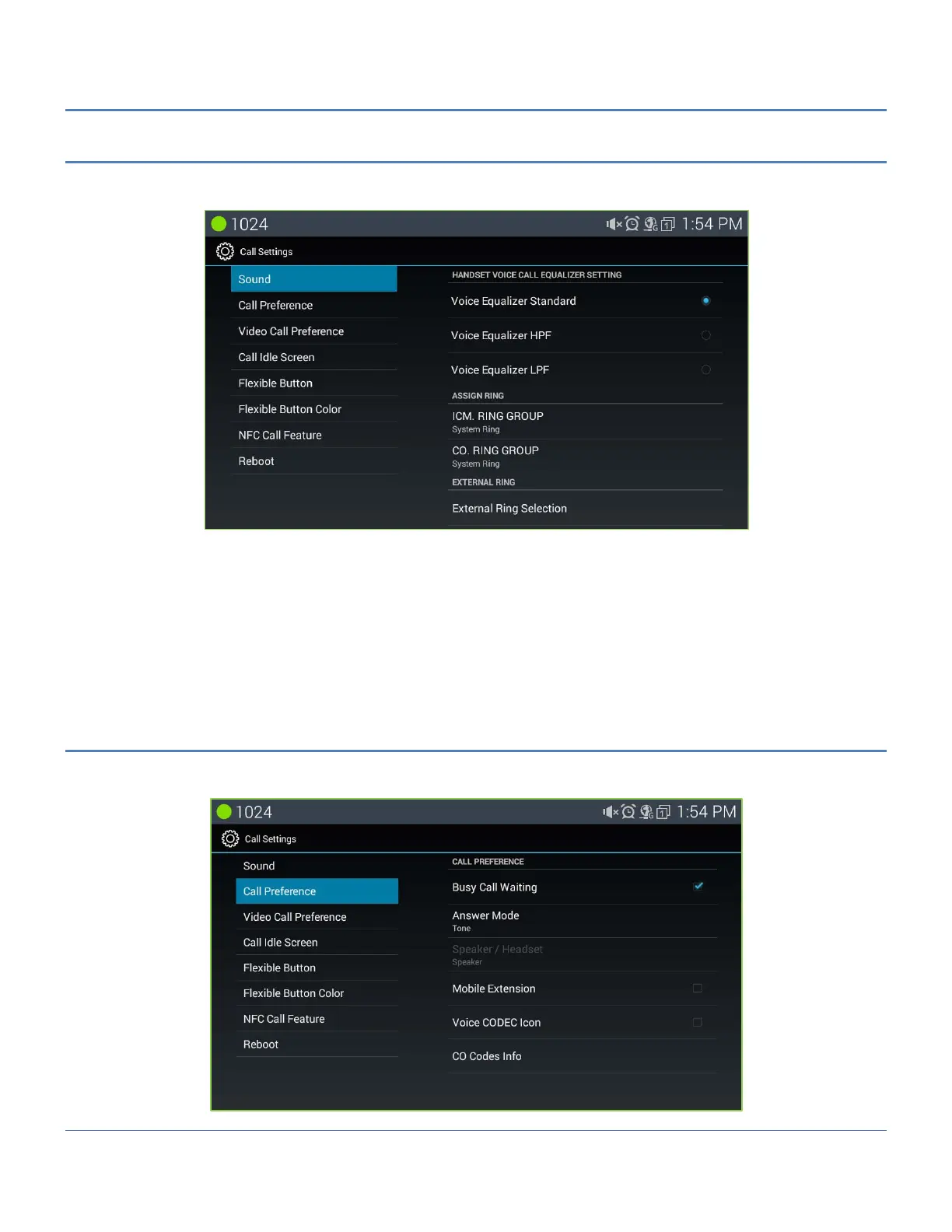
5.5.1 Sound
IPECS system includes 15 Tone-type ringtones and many music ringtones in memory that can be used for
external incoming call ringtones. To assign Ring group for ICM or CO.
1. In the Call Setting screen, select Sound.
2. Select the ICM (internal) or External Ring Group down arrow.
3. Select the desired ringtone.
4. Click ‘Apply’ to save the selection.
Note
° Voice Equalizer Setting works only on Handset (hand piece) of LIP-9071.
5.5.2 Call Preferences
Call Preferences determine how calls to a busy station are handled, how calls are answered and if calls are sent
to the user’s mobile phone.



 To Next Page