LIP-9071 iPKTS User Guide
37
6.5 Conference
An active call can be joined with another call to establish a conference. If iPECS host is equipped with a
Conference bridge, up to 128 parties can be included in a conference.
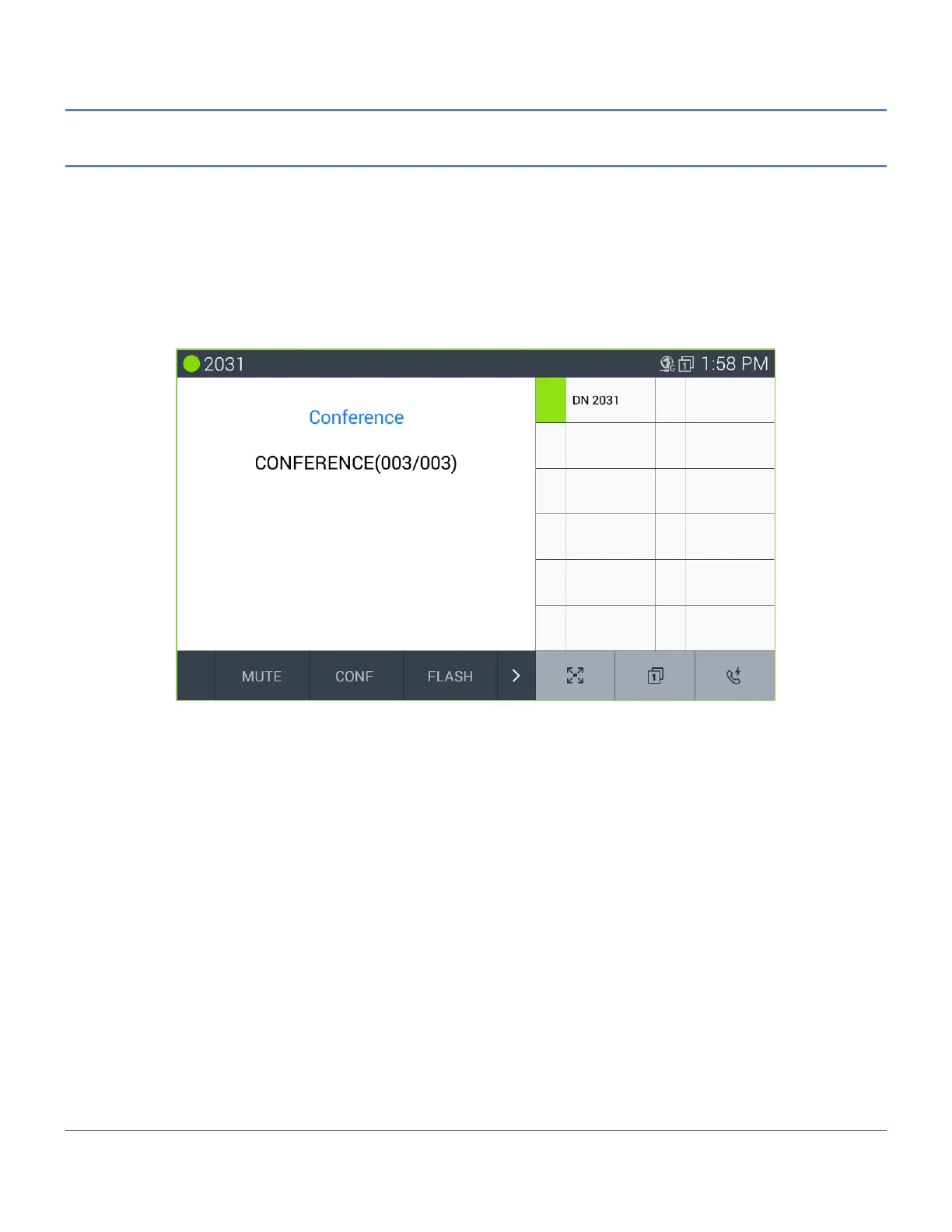
To conference calls,
1. Place/receive first call as usual.
2. Touch the CONF soft button.
3. Place next call and press the CONF soft button.
4. Repeat step 3 for additional parties
5. Press the CONF soft button again to connect all parties.
Note
° LIP-9071 supports a 3-party conference without the need of a Conference bridge. If conferences with more
than three parties are required, iPECS host must be equipped with a conferencing bridge such as the
VPCM.



 To Next Page