LIP-9071 iPKTS User Guide
71
9.2 Communicating with Contacts
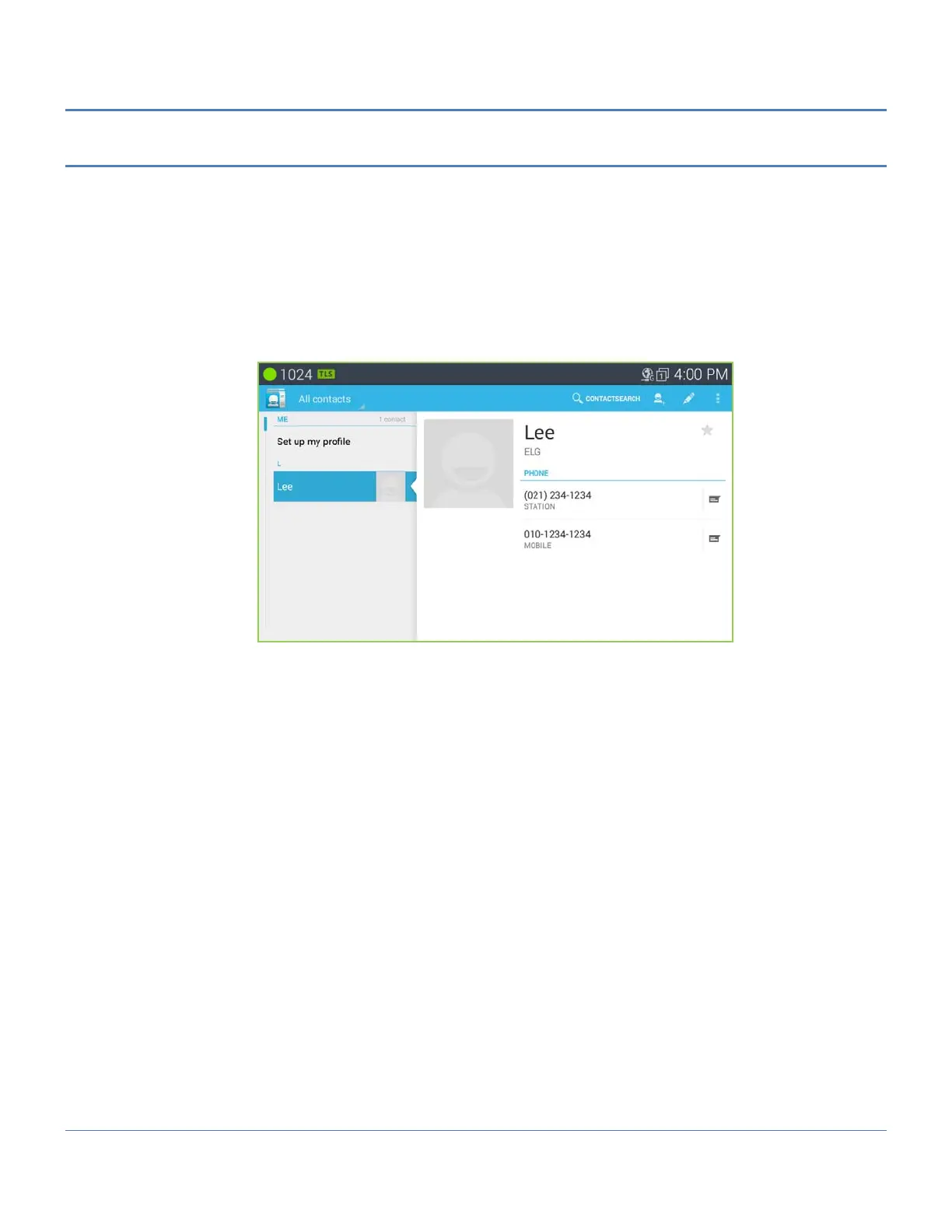
After locating a contact, the contact is selected (tapped) to display the options available for communicating with the
contact. When an option is selected, the appropriate screen opens for the communication, the Call window or the
SMS screen.
To use Contacts to set up a communication,
1. Open the Contacts list by touching the Contacts icon in the Apps Dock.
2. Locate and touch the desired contact on the left list.
3. Touch the icon on the right to send an SMS. Touch the Number on the right to call. The appropriate screen
for the communication option selected opens.
The Option menu for the Contact screen includes tools as listed below.
Share: share the contact information with a connected Bluetooth device.
Delete contact: delete the contact.
Import/export: import or export contact via Bluetooth interface.
Accounts: select options for the account of contact such as local or network server.
Settings: select some options for the contact such as display option or delete all contact.



 To Next Page