LIP-9071 iPKTS User Guide
35
6.1 Incoming Calls
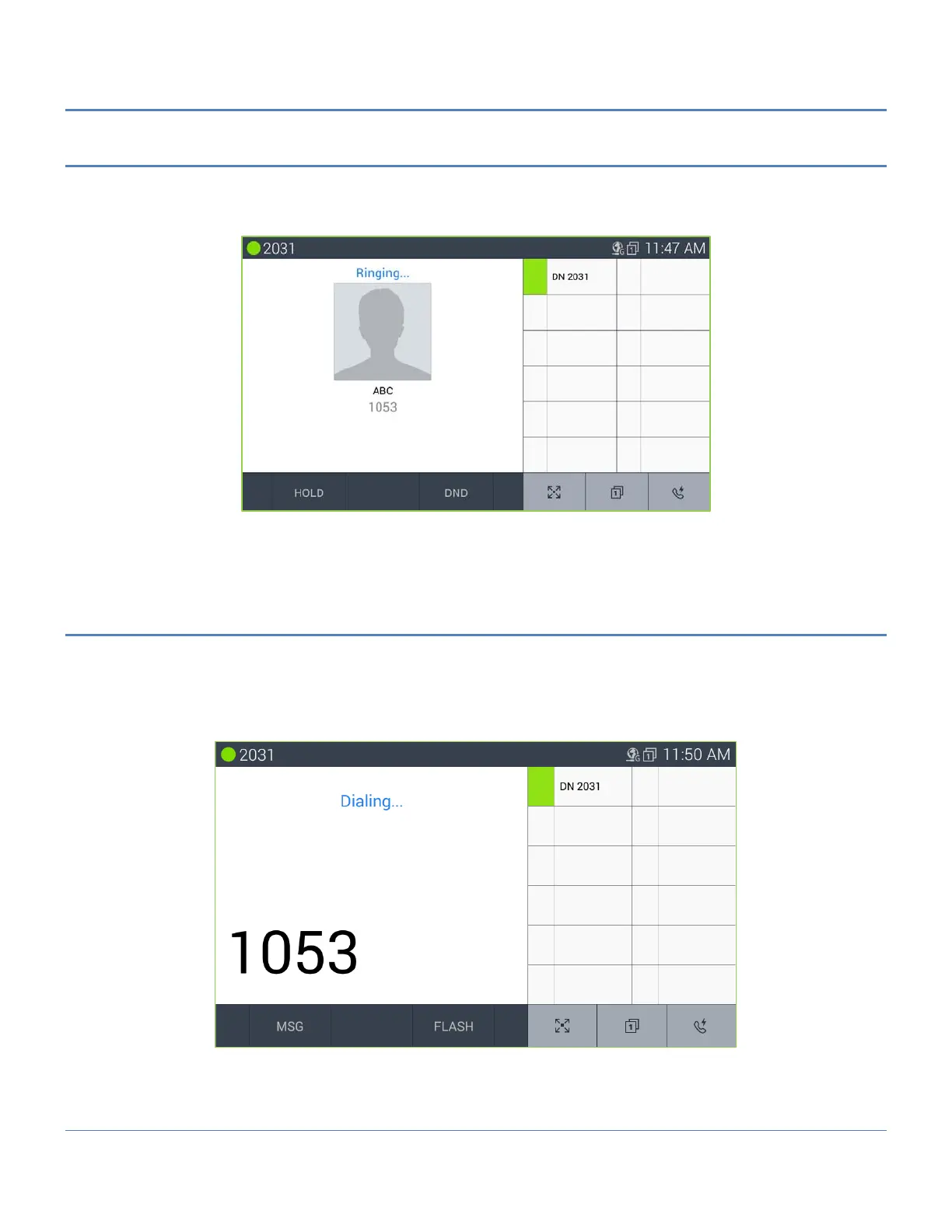
When a call is received, the Call screen displays the Caller ID for the call and the phone rings. If the Caller ID
matches the number for a contact, the contact icon and name of the Contact are shown.
To answer the call, lift the handset or press the speakerphone button.
Note
° The DND button is available to activate One-time DND.
6.2 Outgoing Calls
LIP-9071 employs a “’live dial pad’ meaning that you need not lift the handset or press the Speakerphone button to
start a call. To place a call, dial the desired number. This will activate the speakerphone, send the digits to iPECS
host and show the dialing screen. When sufficient digits have been dialed, iPECS host routes the call.
Outgoing calls can also be placed from the Contacts and Logs as well as Speed dial refer to Contact and Call log
section.
Note
° The user may go off-hook (press the Speakerphone button or lift the handset) before dialing. In this case,
the phone receives dial tone from iPECS host.



 To Next Page