LIP-9071 iPKTS User Guide
74
9.3.3 Display Options
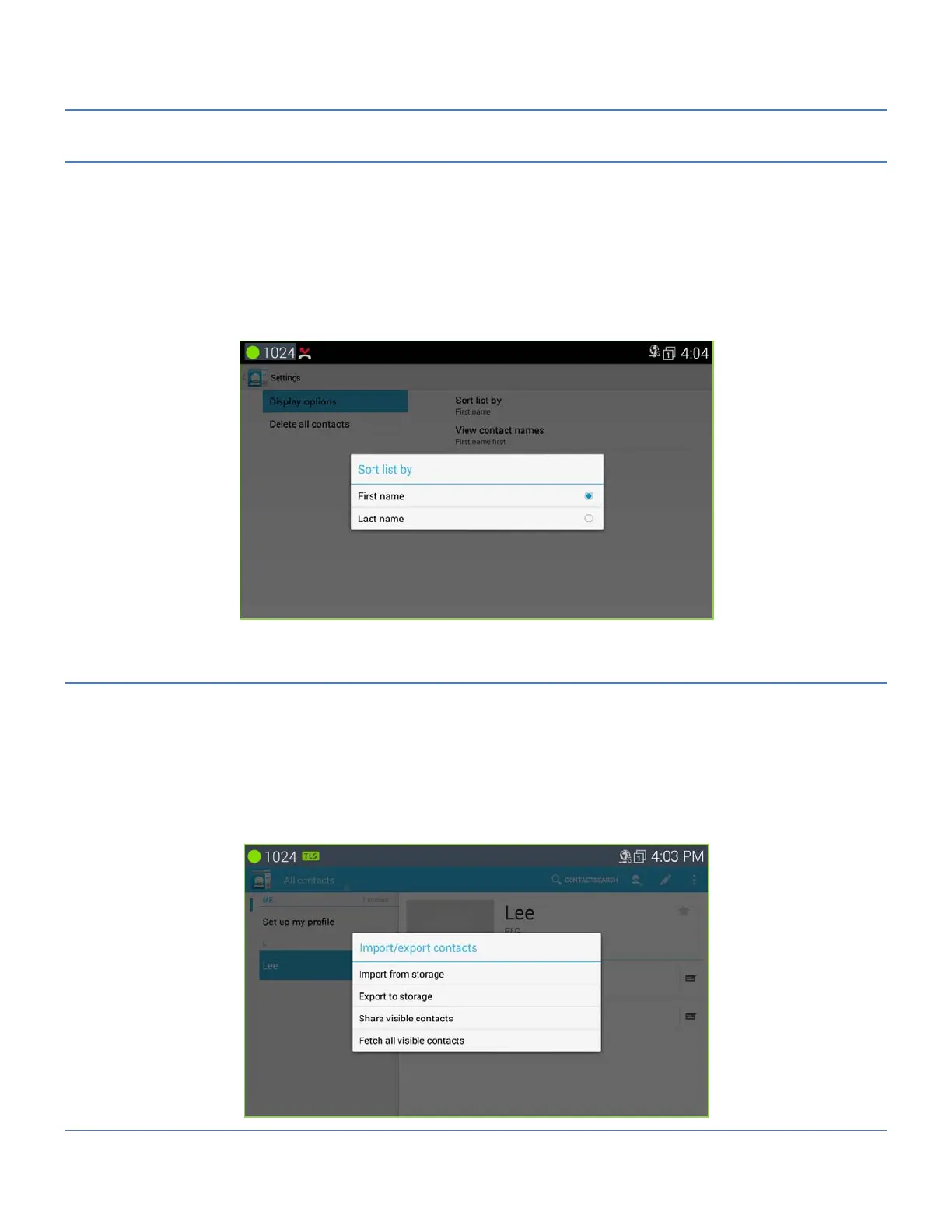
The Display options determine the displayed records, the sorting options for the Contact list and the way names
are displayed.
To change the Display options:
1. Open the Contacts database by touching the Contact icon in the Apps Dock.
2. Touch the Option menu in the upper right.
3. Select ‘Settings’ and ‘Display options’.
4. Select the desired option for Sort list by or View contact names. The changed setting will be displayed on
LCD as below.
9.3.4 Import and Export Contacts
Import from Storage
1. Open the Contact application.
2. Touch the Option menu in the upper right.
3. Select Import/Export.
4. Select ‘Import from Storage’.
5. If multiple VCard files exist on the USB stick, identify the files to import. The files are imported to the
Contacts database.



 To Next Page