LIP-9071 iPKTS User Guide
41
7.2 Call Back Message Wait
When calling another station in iPECS CM system and the call is not answered, you can leave a request for a call
back and activate an Intercom Message Wait to the called user.
To activate a Call Back message wait,
1. While receiving no answer on an internal call, press Message button. A Call Back Message wait is
activated and the called station user receives a message waiting indication for the Intercom (ICM) call.
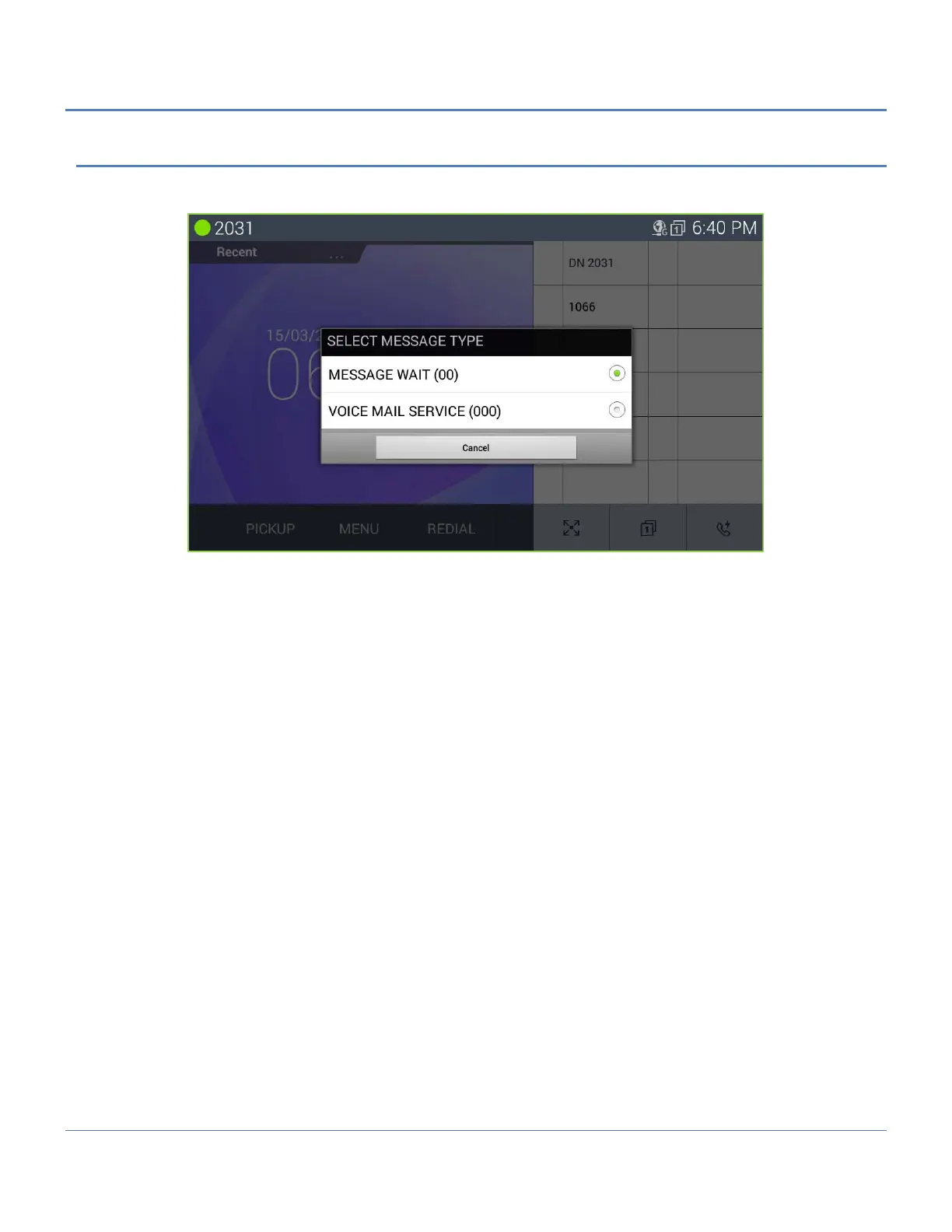
To respond to a Call Back message of Message wait
1. Press the flashing Message button.
2. Select the message type ‘Message Wait’ radial button.
3. Select the Station to call back from the Station message list.
To check the voice mail service
1. Press the flashing Message button.
2. Select the message type ‘Voice Mail Service’ radial button.
3. Enter the authorization code (password).
4. Check the Voice mail message by prompt.



 To Next Page