LIP-9071 iPKTS User Guide
143
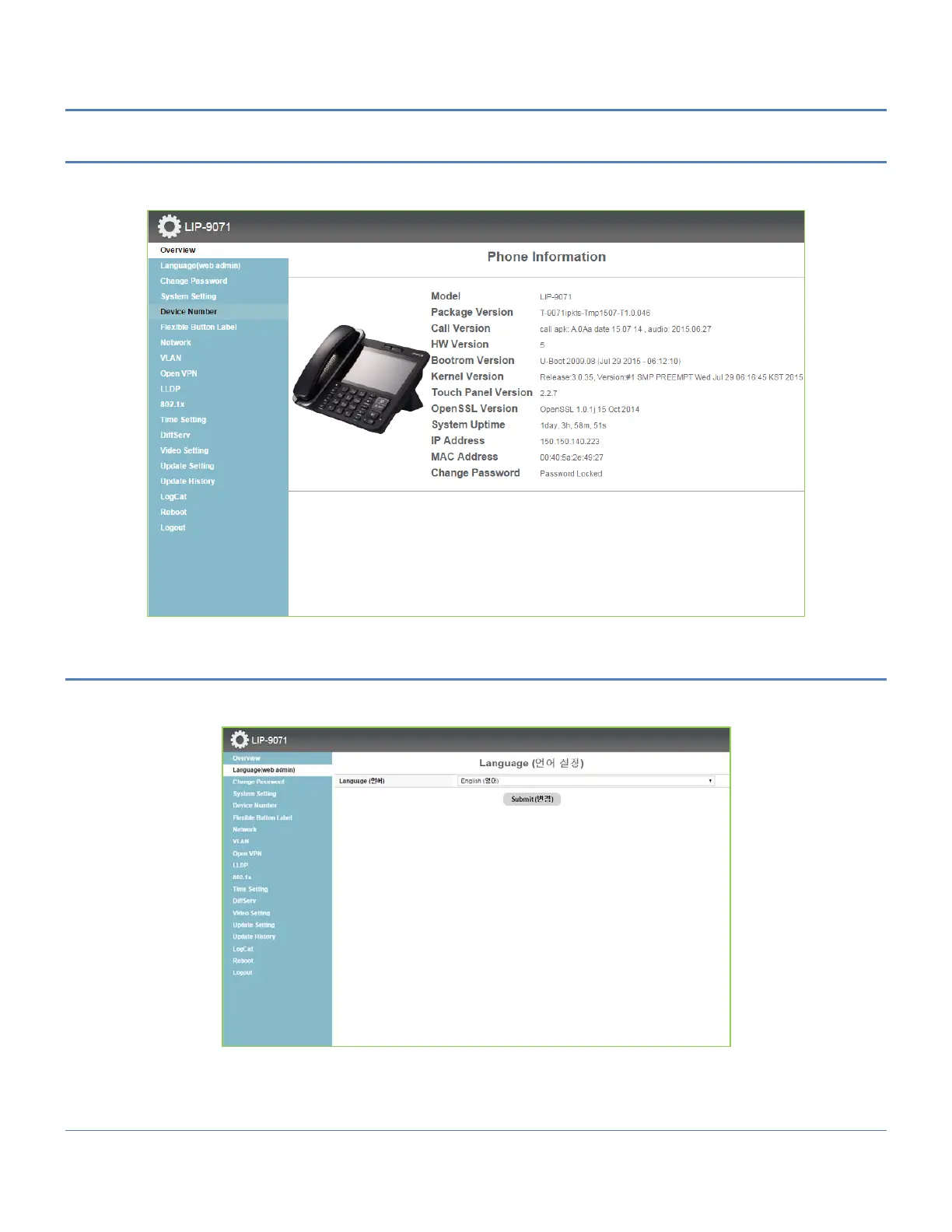
15.3.2 Overview Screen
At login, the Overview screen displays a list of menus on the left and general information for the phone. Touching
the menu item in the left navigation exposes the menu where data can be entered and saved.
15.3.3 Language (web admin) setting
The change language menu for language selection between English and Korean is only for LIP-9071 web admin
screen



 To Next Page