LIP-9071 iPKTS User Guide
103
12.6 Sound
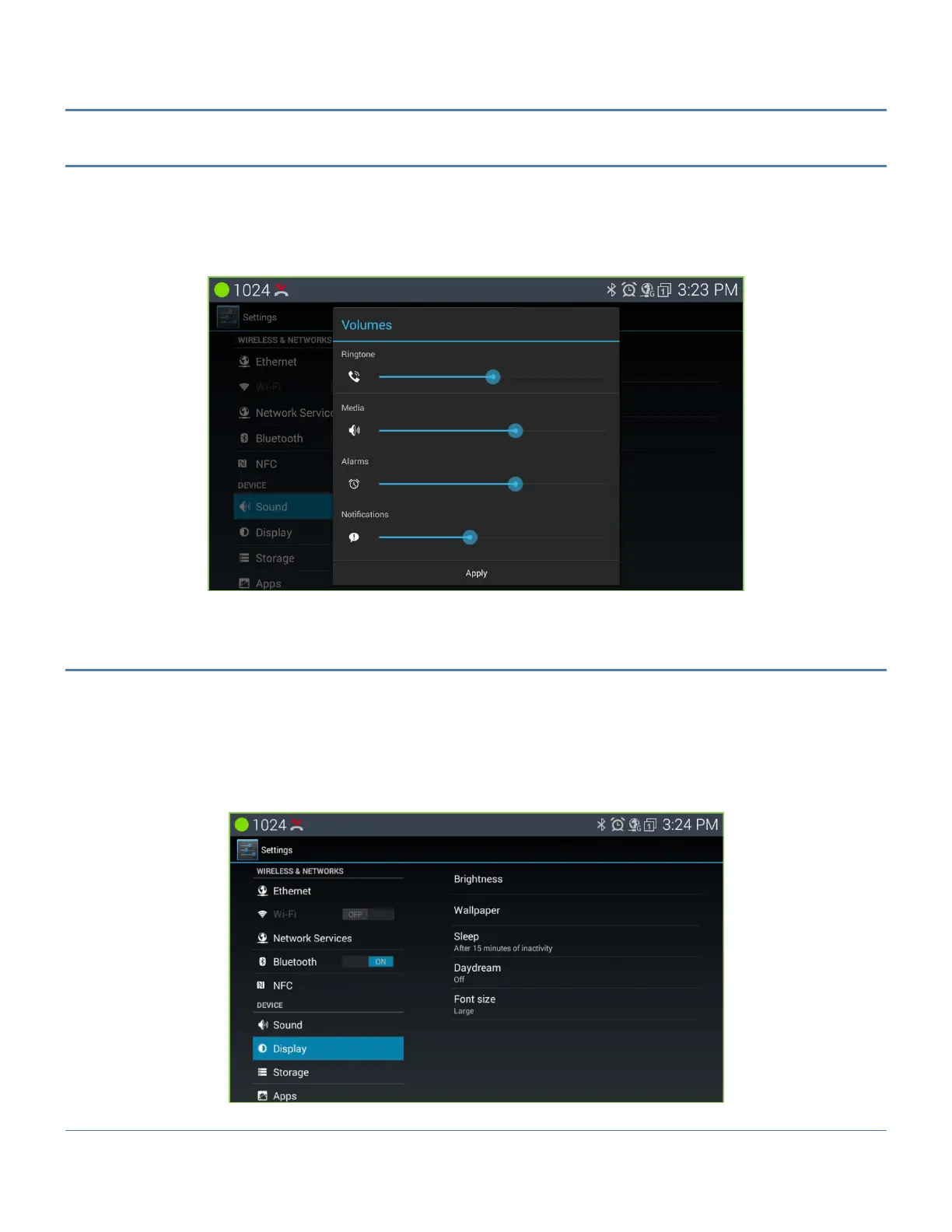
Sound settings control the ringtones and volume for incoming calls and Notifications.
The Sound settings include:
Volume: set the volume level for ringtones, voice and alarm signals.
Ringtone: select the tone for incoming intercom calls.
Default notification sound: select the ringtone for new message and missed call notifications.
12.7 Display
Display settings include:
Brightness: set the screen brightness.
Wallpaper: set screen home wall appearance picture.
Sleep: set the duration the screen will stay on when the user takes no action with the phone.
Daydream: set the type of the screen save type on the phone.
Font size: set the default font size for the all displayed font size.



 To Next Page