LIP-9071 iPKTS User Guide
137
8. After complete of synchronization user can use email app.
14.4.2 Inbox
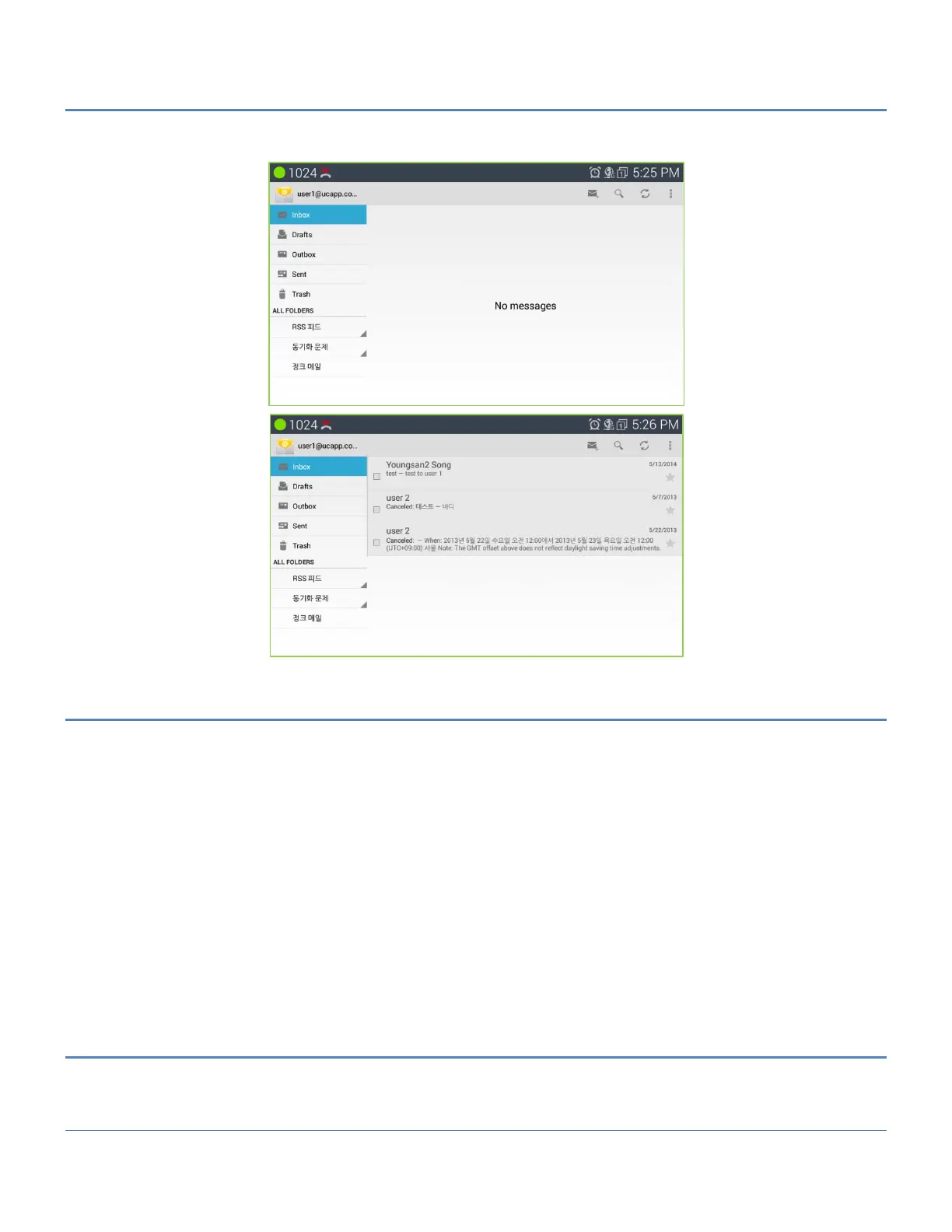
Accounts are listed in the tab on the left side, followed by a summary of folders with new messages.
Folders are listed on the left side.
You can view email messages from an individual or a combined inbox. While an email message open, the inbox is
displayed in the left tab.
1. Refresh Inbox: tap sync icon.
2. Sort Mailbox.
1) Tap “…” (menu).
2) Tap Sorting Options.
3) Select a sorting method.
3. Search Email Messages.
1) Tap “search” icon.
2) Select the type of search.
3) Enter your search query in the search bar.
14.4.3 Send Email Message
1) Tap “+” icon
2) Enter the recipient email address, enter the subject and compose the message
3) Tap “Send”



 To Next Page