LIP-9071 iPKTS User Guide
77
9.5 Favorites
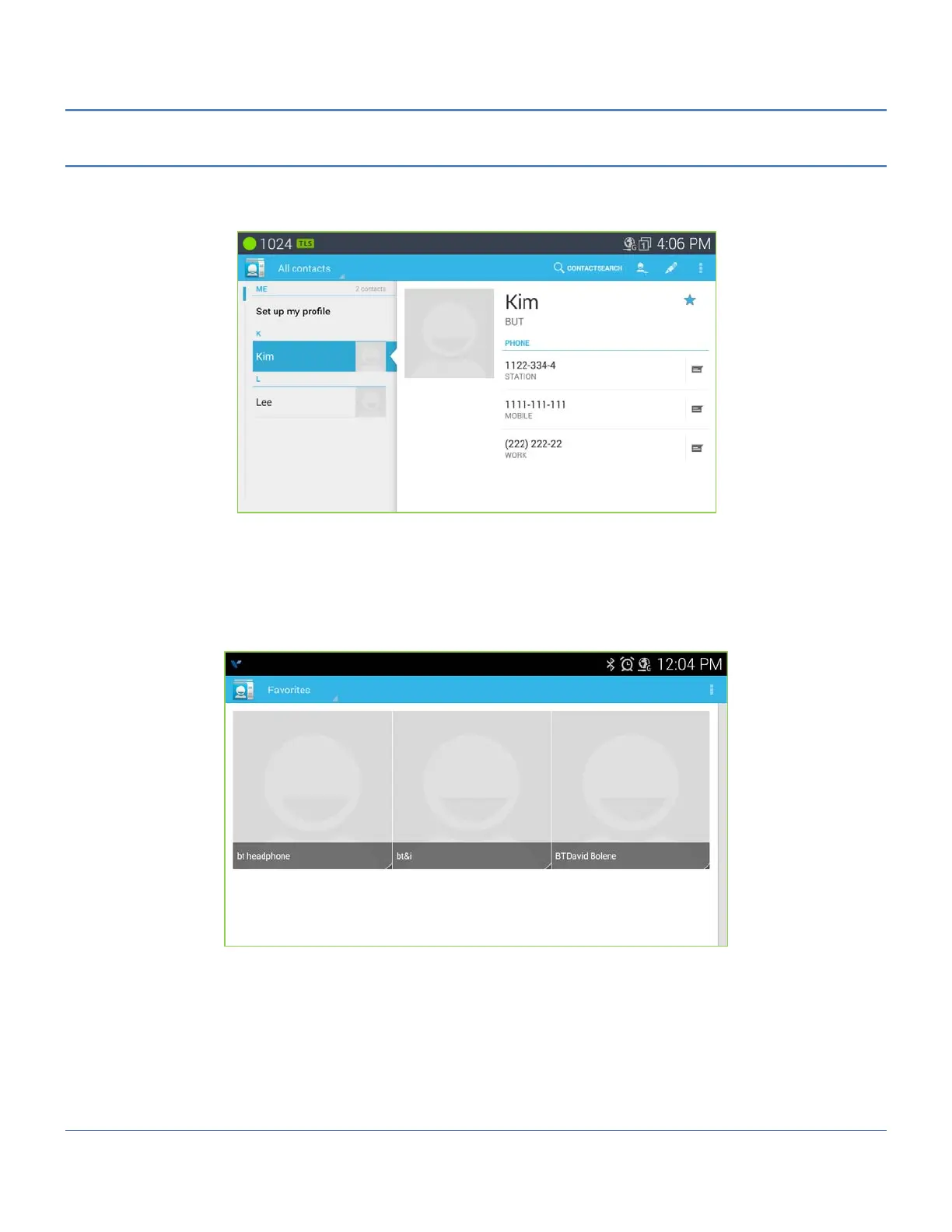
When a large number of Contacts are entered in the database, it can be helpful to have a smaller list of Favorite
contacts for quicker access. Contacts marked as a favorite, display when the Favorite tab of the Call Log/Contact
screen is selected. The list shows the Favorite Contacts sorted alphabetically followed by a listing of recent calls.
To assign a Contact to the Favorites list,
1. Open the Contacts list by touching the Contacts icon in the Apps Dock.
2. Locate and touch the desired contact.
3. Touch the star icon to the right of the Contact name to toggle the Favorite status of the contact. The star
icon is changed to blue color for a favorite.



 To Next Page