LIP-9071 iPKTS User Guide
69
8.8.3 Reposition or Delete a Screen Item
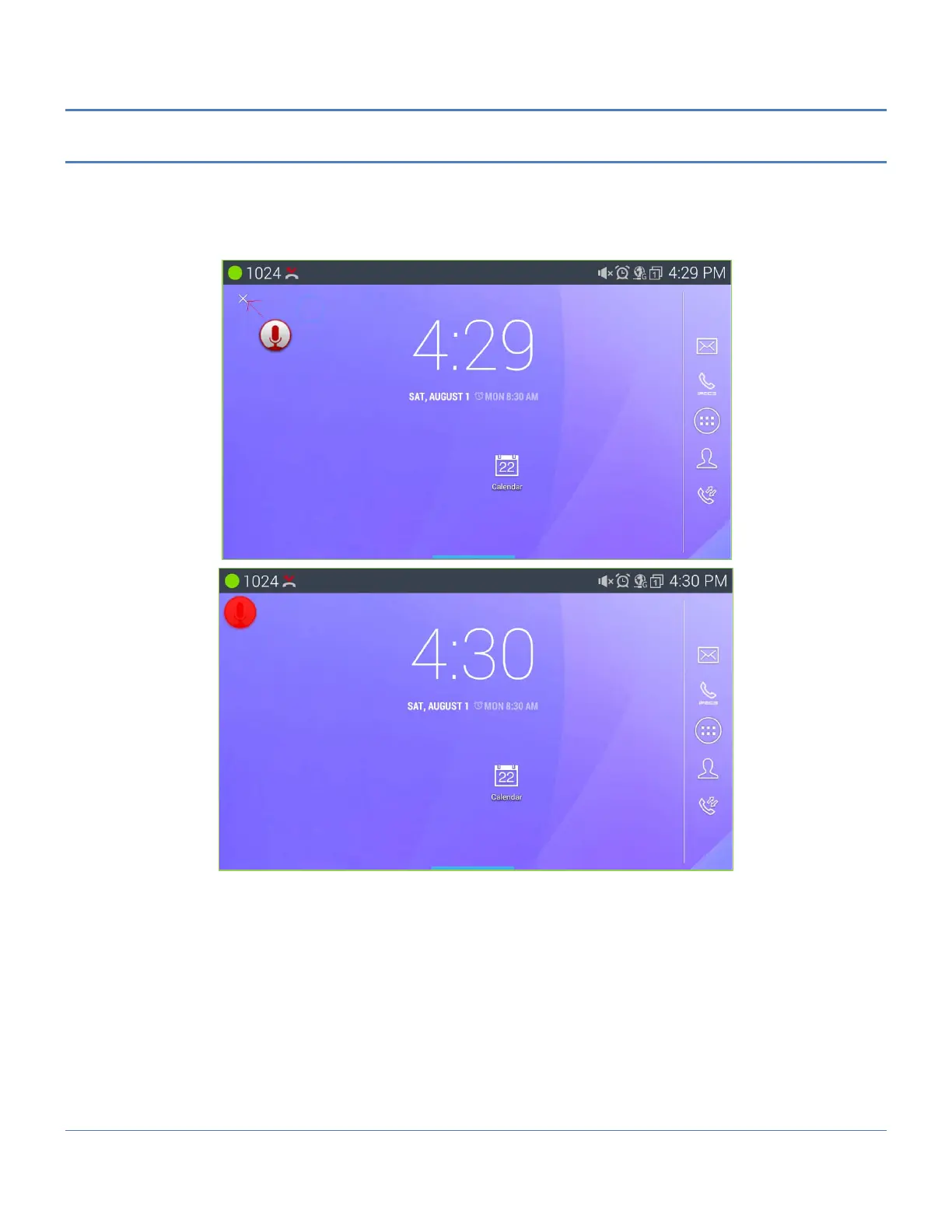
To reposition or delete an icon or widget, use the drag and drop gesture.
1. Touch and hold the application until the Waste-can appears to the left.
2. Drag the icon across the screen, releasing the item at the desired location or on Waste-can to delete.
3. Release the item to reposition or delete it.
Note
° When an item is dragged to the Waste-can ‘X’ which will change to a red color.



 To Next Page