LIP-9071 iPKTS User Guide
32
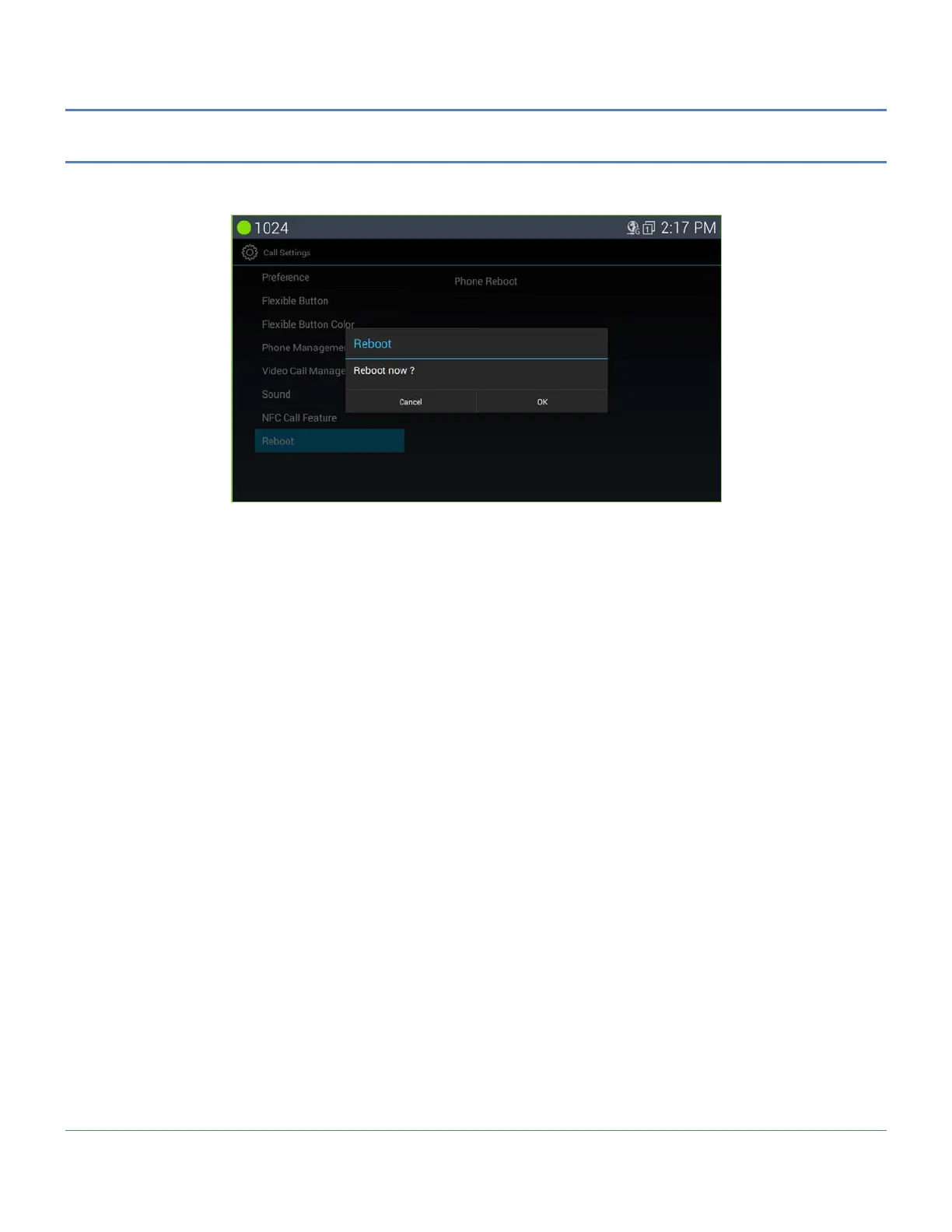
5.5.8 Reboot
After modifying the System Configuration, it is necessary to reboot LIP-9071.
To reboot, operate the following procedures:
1. With iPECS Phone screen display, select the Menu button.
2. Touch the Call Settings icon.
3. Select Reboot from the Call settings.
4. Select OK to reboot.
LIP-9071 phone will restart and register with iPECS system.



 To Next Page