LIP-9071 iPKTS User Guide
73
9.3.2 Delete all contacts
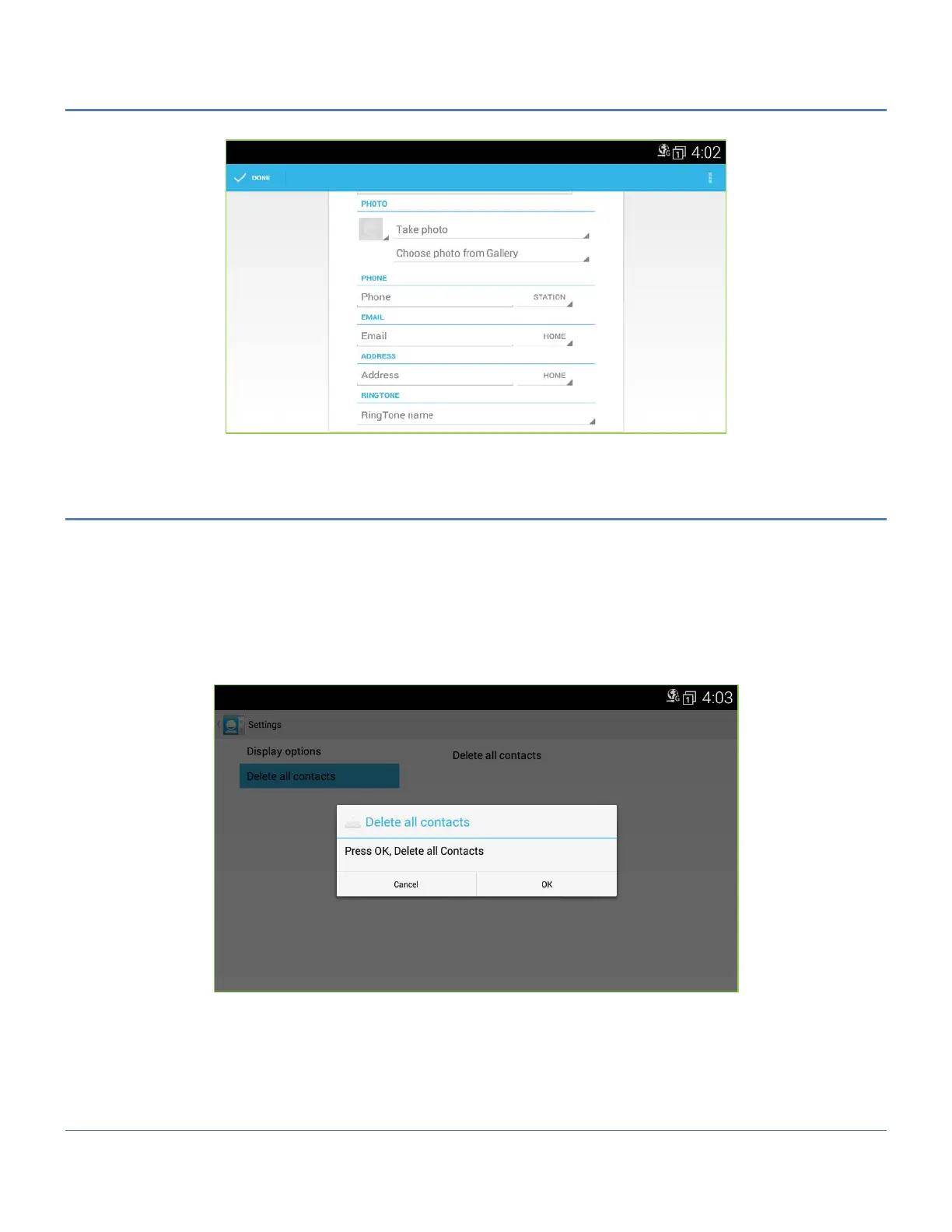
The Delete all contacts menu provides a way to delete all contact at once.
To delete all contacts,
1. Open the Contacts database by touching the Contact icon in the Apps Dock.
2. Touch the Option menu in the upper right.
3. Select ‘Settings’.
4. Touch ‘OK’ to delete all contacts.



 To Next Page