LIP-9071 iPKTS User Guide
76
9.4 Managing a Contact Record
9.4.1 Edit Contact Information
To edit the information for a Contact,
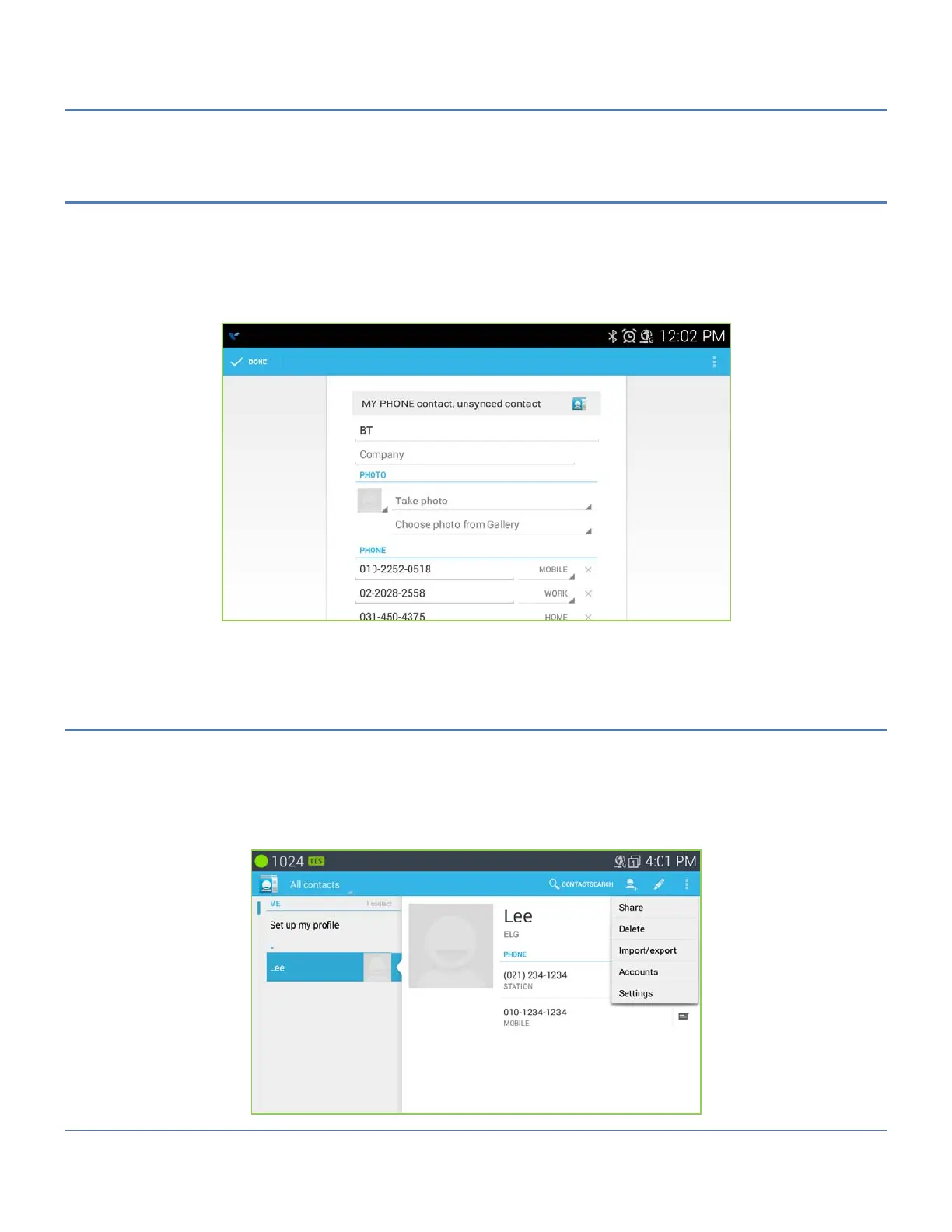
1. Open the Contacts list by touching the Contact icon in the Apps Dock.
2. Touch the desired Contact.
3. Touch the Edit icon in the upper right.
4. Modify the desired information and Touch DONE in the upper left.
Note
° Returns to the previous screen by pressing ‘Back’ button.
9.4.2 Deleting a Contact
To delete a Contact,
1. Open the Contacts list by touching the Contact icon in the Apps Dock.
2. Touch the desired Contact.
3. Touch the Option menu in the upper right.
4. Select ‘Delete’.



 To Next Page