LIP-9071 iPKTS User Guide
125
14.2.4.4 Delete a Playlist
To delete a Playlist,
1. Touch and hold the Playlist from the Music Library.
2. In the menu, touch Delete.
Note
° The ‘Recently Added’ item in the Playlist cannot be deleted.
14.2.4.5 Delete Song from Playlist
To delete a song from a Playlist,
1. Select the Playlist from the Music Library.
2. From the list, touch and hold the song to delete.
3. In the menu, select Remove from Playlist. The song is removed from the playlist but remains on the
USB stick.
14.2.5 Use as Ringtone
A song in the Music library can be assigned for use as a Ringtone. To assign a song as a Ringtone,
1. Select a music library.
2. From the library list, touch and hold the song to be used as a Ringtone.
3. In the menu, select Use as Desk Phone ringtone.
Or
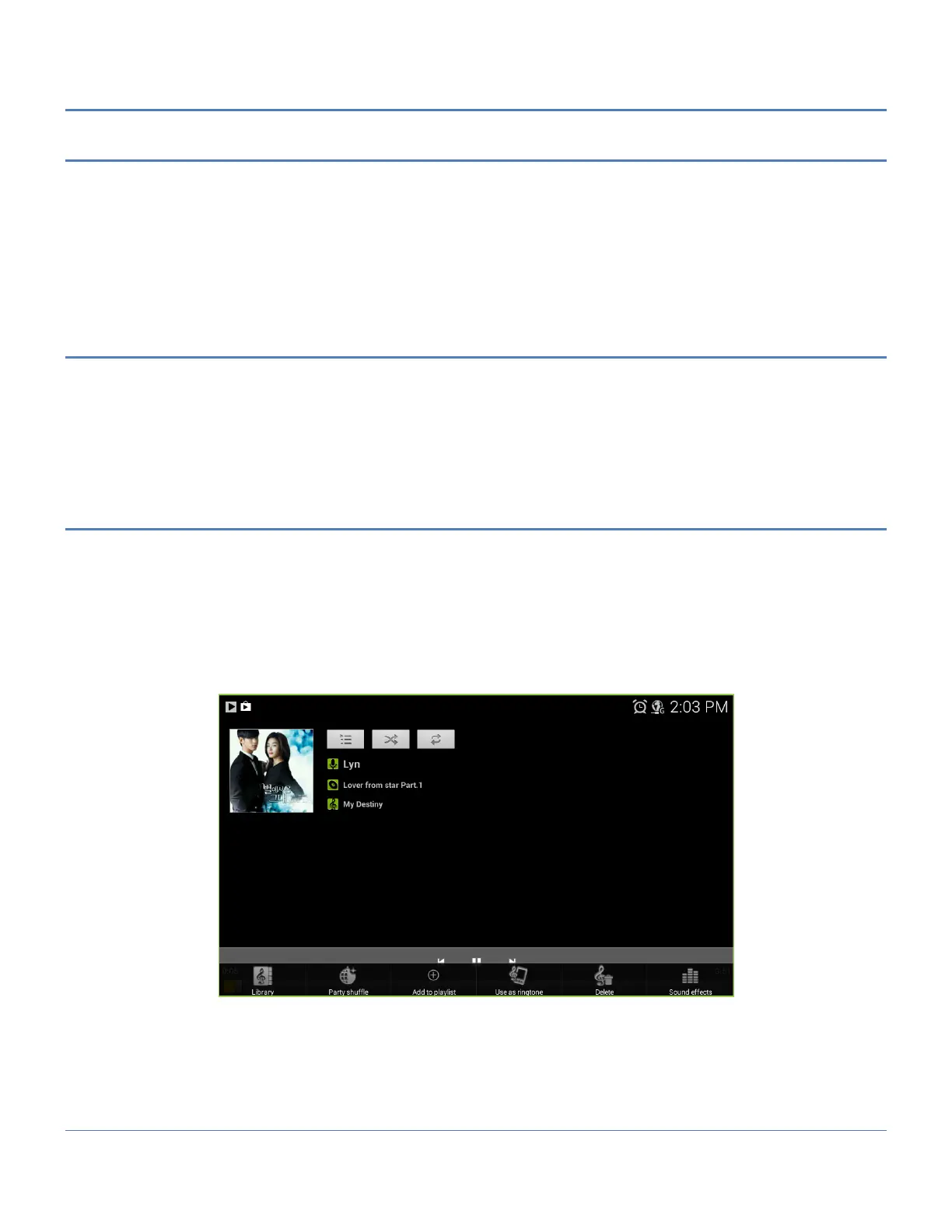
1. During playback of a song, press the Menu button.
2. In the menu, select ‘Use as Ringtone’.



 To Next Page