LIP-9071 iPKTS User Guide
72
9.3 Managing the Contact Database
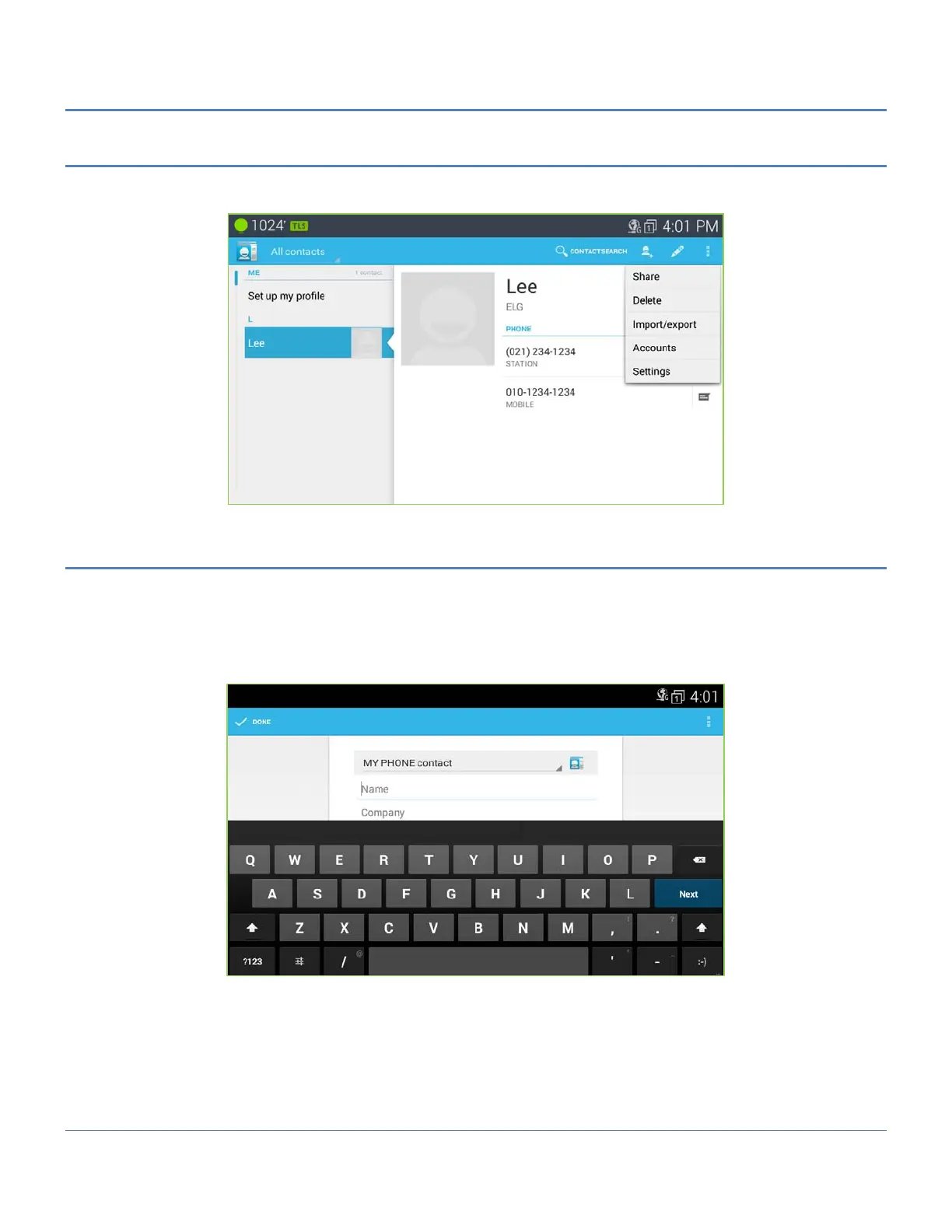
Contacts are managed through one of two menus. The Contacts list Option menu impacts the Contacts list as a
whole and permits contacts to be added, imported or exported.
9.3.1 Adding a Contact
To add a Contact,
1. Open the Contacts list by touching the Contact icon in the Apps Dock.
2. Touch the new contact icon in the upper right.
3. Touch and complete entries in the 'New' contact form and select ‘Done’. Use the flick gesture to scroll to
additional entries in the ‘New contact’ form.



 To Next Page