LIP-9071 iPKTS User Guide
66
8.7.3 Managing Status Bar
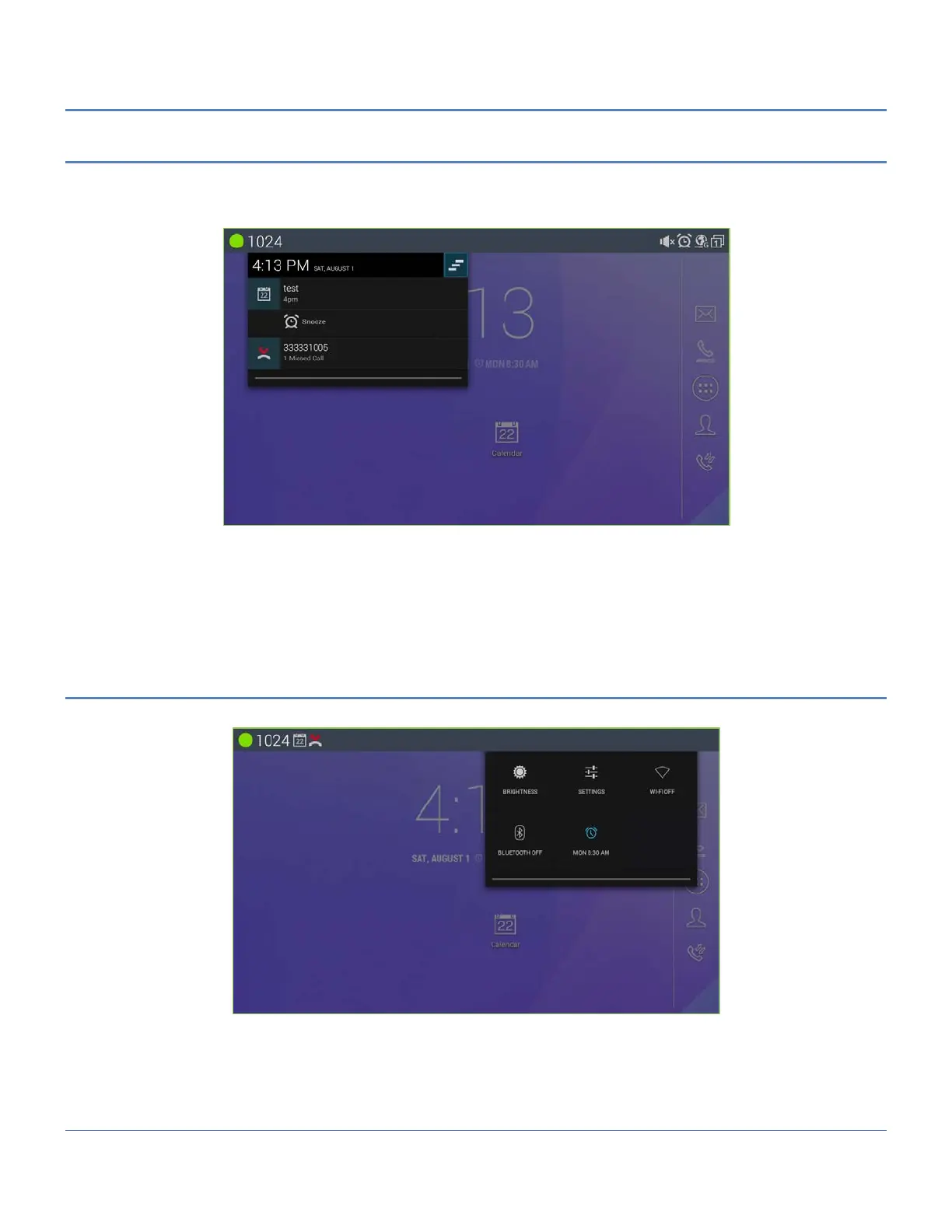
The status bar on the top of LIP-9071 screen provides visual notifications for the system settings and status, as well
as quick access for important system settings. To access it, slowly slide down from the top to the bottom of the
screen as the following figure shows.
The running process will show up in the list. For example, the following items indicate a Calendar event, Alarm
event and a Missed call.
Tap on the notification message to view the details.
Slide the notification message to left side to remove it.
8.7.4 Managing System Setting Status Bar
Slide down the top status bar and select System Settings. Users will see the following quick system settings.



 To Next Page