LIP-9071 iPKTS User Guide
80
10 Using Message (for iPECS station only)
LIP-9071 phone incorporates an iPECS station SMS application so users of the phones can send and receive short
text messages to other iPECS phone(station) users only. Each message can be a maximum of 80 characters. With
LIP-9071 phone messages are stored as a conversation or thread between two specific users and linked for display
purposes. That is, all the messages sent to or received from a user or group of users are shown as a single thread in
the Messaging screen. Up to 100 threads with up to 100 messages each can be stored.
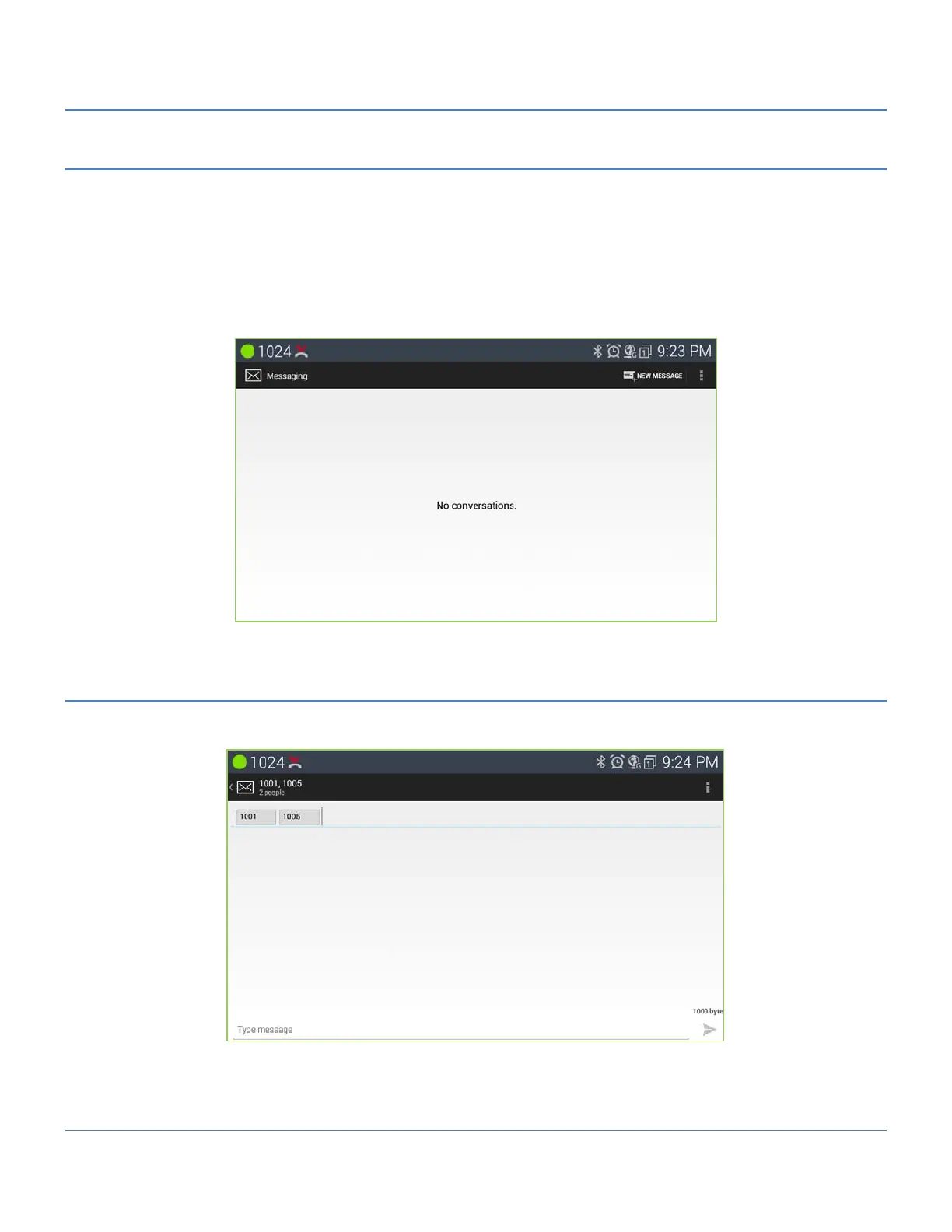
The Messaging screen is shown when the Message icon in a Launcher screen or the message button is pressed, or
when a ‘New’ message notification is selected from the Notifications screen.
10.1 Send a Message
From the Messaging screen or from the Messaging screen Option menu, see below screen shot section, a new
message can be prepared and sent to up to 4 users.
To send a message,
1. From the Messaging screen select ‘New message’ from the Option menu. The Compose screen appears.
2. Touch the ‘To’ entry box, a number pad appears.



 To Next Page