LIP-9071 iPKTS User Guide
23
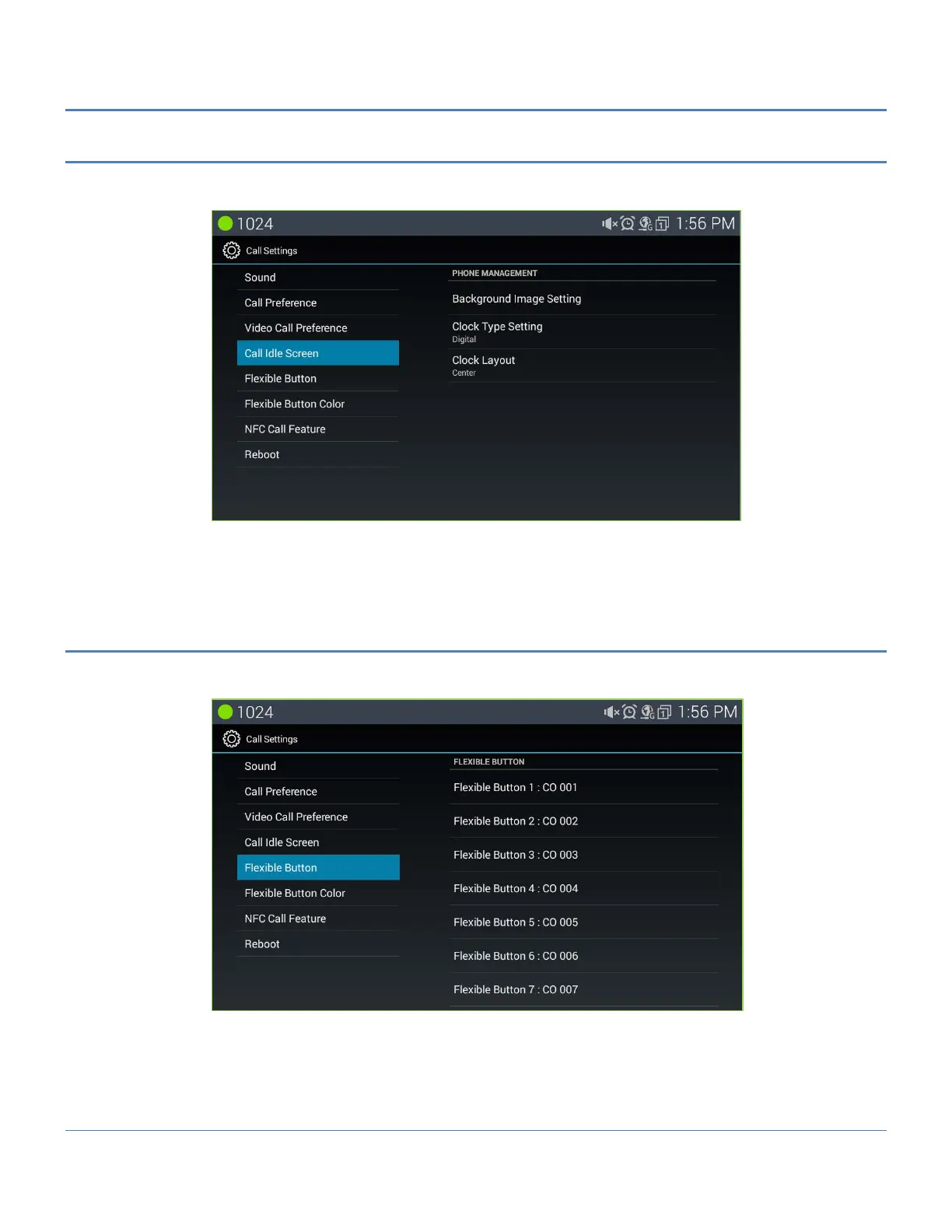
5.5.4 Call Idle Screen
The user can manage characteristics of the phone including the name, password and number as well as the
contact icon and language for the display.
Background Image Setting: User can change background image what user want to see.
Clock Type Setting: User can choose idle screen clock type as digital or analog type.
Clock Layout: User can adjust the position of clock along the left area of idle screen
5.5.5 Flexible Button (Name)
A Name field, up to 12 characters can be configured for each Flex button by the user. If a label is not configured
the default name based on the type button is used.
To configure a button label,
1. In the Call Setting screen, select Flexible Button.
2. Select the desired Flex button, scrolling to display the Flex button.
3. Enter the label, up to 16 characters.
4. Press Save to store the label.



 To Next Page