LIP-9071 iPKTS User Guide
59
8.1 Basic User Gestures
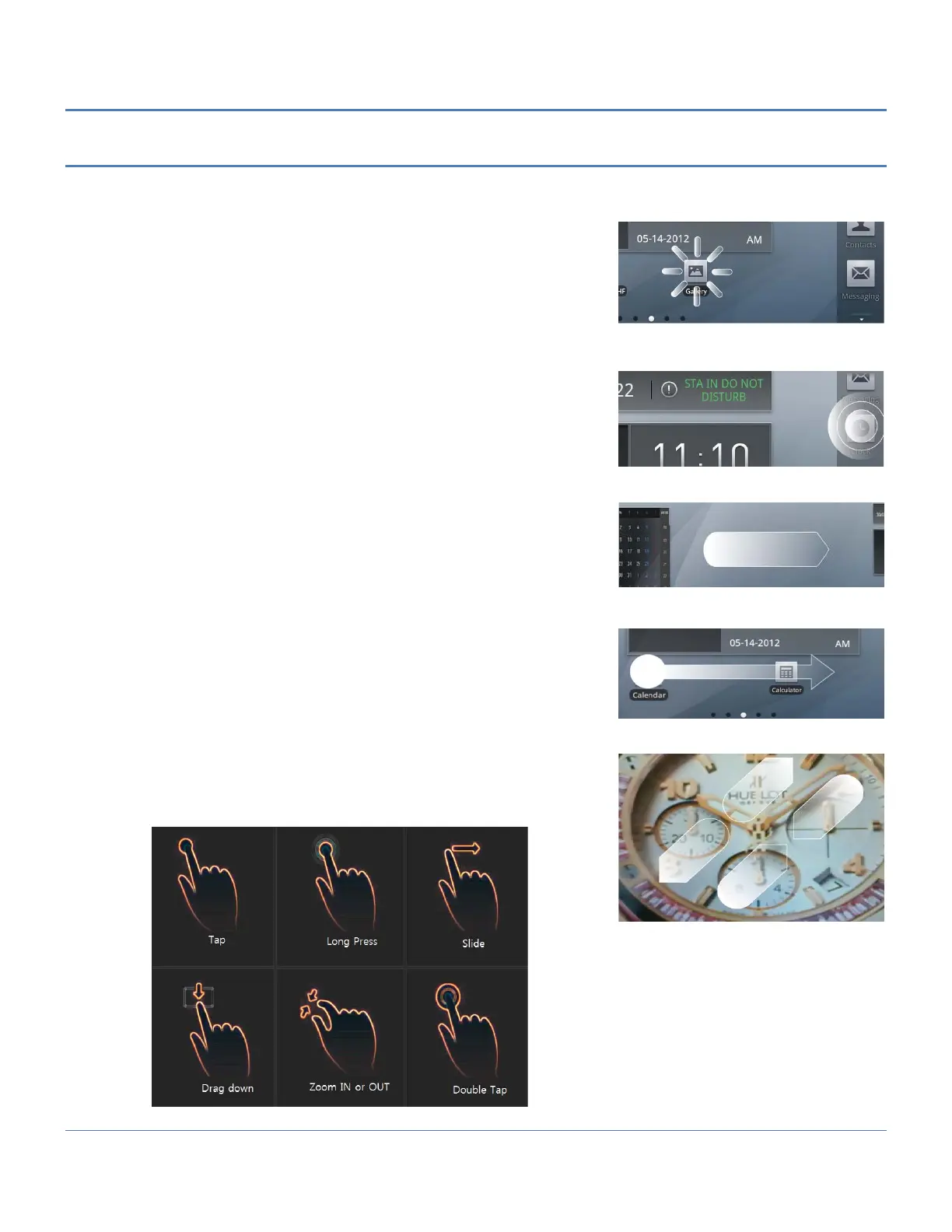
The Mini-tab uses a touchscreen as the user interface. There are several finger gestures supported by the Mini-tab
for user interaction.
Touch or Tap: To select items such as application icons, to press
onscreen buttons, or to type using the onscreen keyboard, touch or
tap the item.
Touch and Hold: To open the Context menu for an item, touch and
maintain contact with the screen until an action occurs.
Swipe or Flick: To move from one Launcher screen to another or
view the next or previous picture, touch the screen and quickly
move to the finger across the surface of the screen.
Drag and drop: To move an app or icon on the Launcher screens,
touch and hold momentarily then, while maintaining contact with
the screen, drag the item on the Launcher screen.
Pinch: To zoom in and out on a picture, touch the screen with the
thumb and forefinger and bring together or separate the fingers to
shrink or enlarge a picture.



 To Next Page